
The short answer
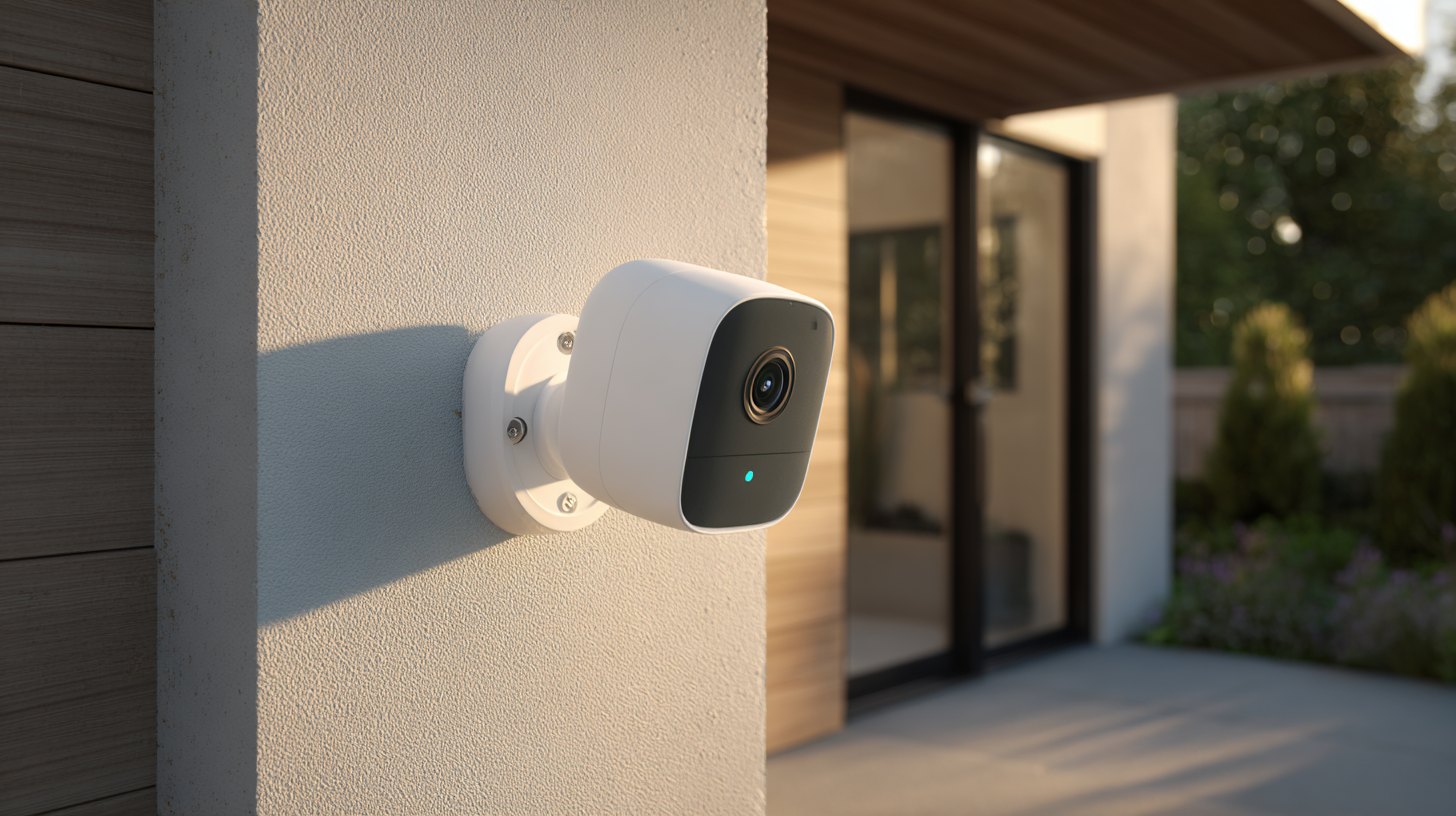
Yes - you can run a real security camera with zero monthly fees. The trick is where the footage is stored. Cameras that only save video to the cloud usually charge a monthly subscription to keep those clips. Cameras that save video locally - to a microSD card, a plug-in hub, or a base station - let you record, review, and download footage for $0 a month after you buy the hardware.
For most homeowners in 2026, the best no-subscription pick is the Reolink Argus 4 Pro (~$180): 4K video, a solar option, and person/vehicle detection that runs on the camera itself instead of behind a paywall. If you want the cheapest way in, the Wyze Cam v4 is about $36 and records to a microSD card. The rest of this guide covers the best options, how local storage actually works, and the honest trade-offs of skipping the subscription.
How no-monthly-fee cameras actually work
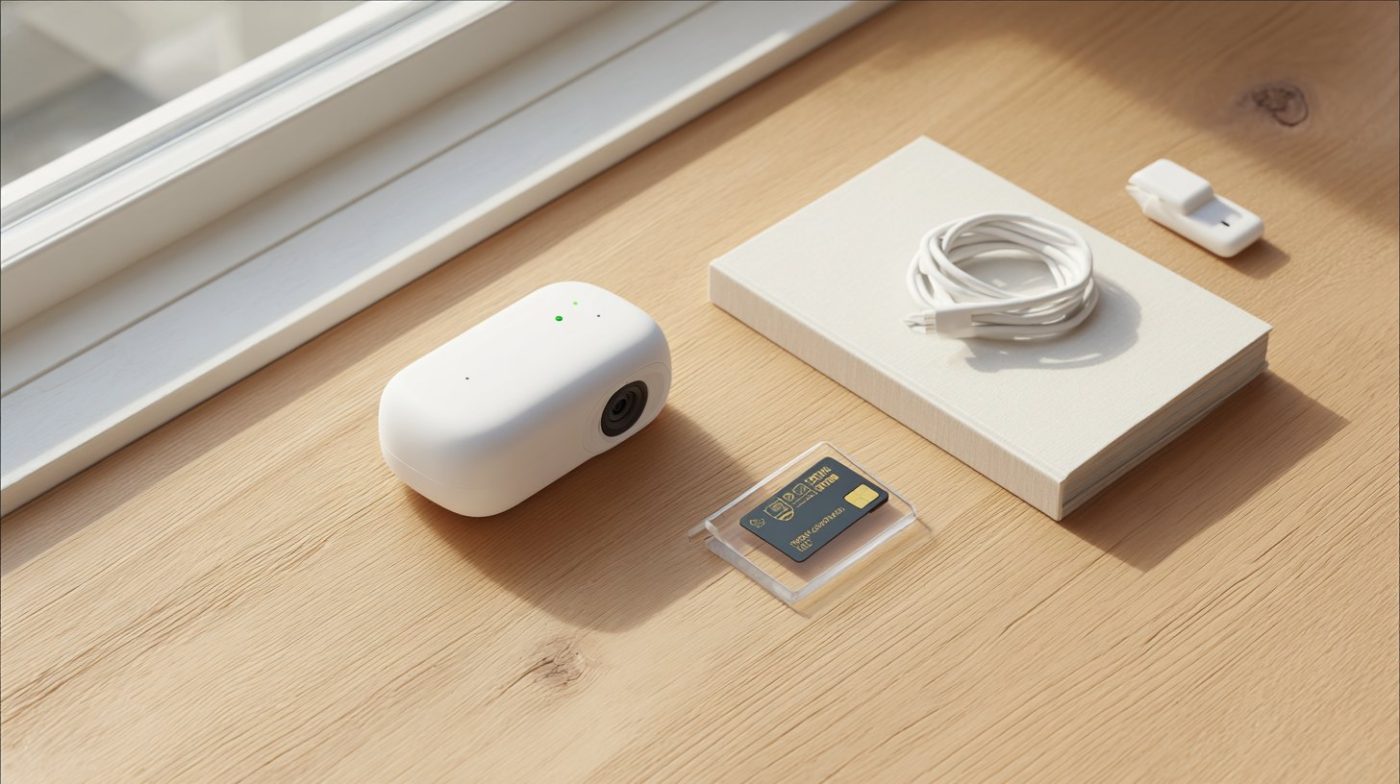
The monthly fee on most name-brand cameras isn't for the camera - it's for cloud storage of your recordings. Skip the plan on those, and you're often left with a live view and a motion alert, but no saved clip to look back at. No-subscription cameras avoid that by keeping the footage on your own property:
- microSD card: A card slots directly into the camera and records on a loop. When it fills, the oldest footage is overwritten. Cheapest and simplest - a 128GB card is around $15.
- Base station / hub: Cameras send footage to a small box you keep indoors (eufy's HomeBase, Blink's Sync Module). Storage is larger and, because the box lives inside, footage survives even if a camera is stolen.
- NVR or hard drive: Wired camera systems record to a network video recorder - the setup pros install for whole-home coverage. More storage, more setup.
The other fee people forget about is AI detection. Some brands charge a subscription just to tell a person apart from a passing car. The cameras below run that detection on-device at no cost. If you want the bigger picture on cloud-free options across whole systems - not just cameras - see our guide to home security with no monthly fee.
Not sure which system you need?
Answer a few quick questions and we'll match you with a top-rated provider for a free, no-obligation quote — or compare our top picks yourself.
The best home security cameras with no monthly fee in 2026
| Camera | Best for | Approx. price | Local storage |
|---|---|---|---|
| Reolink Argus 4 Pro | Best overall | ~$180 | microSD + optional Home Hub |
| eufyCam S3 Pro | Best hub storage | ~$220 | HomeBase (kept indoors) |
| Wyze Cam v4 | Best budget | ~$36 | microSD |
| Blink Outdoor 4 | Best wire-free battery | ~$100 | Sync Module 2 + USB drive |
| Lorex 4K Spotlight | Best wired | ~$130 | microSD or NVR |
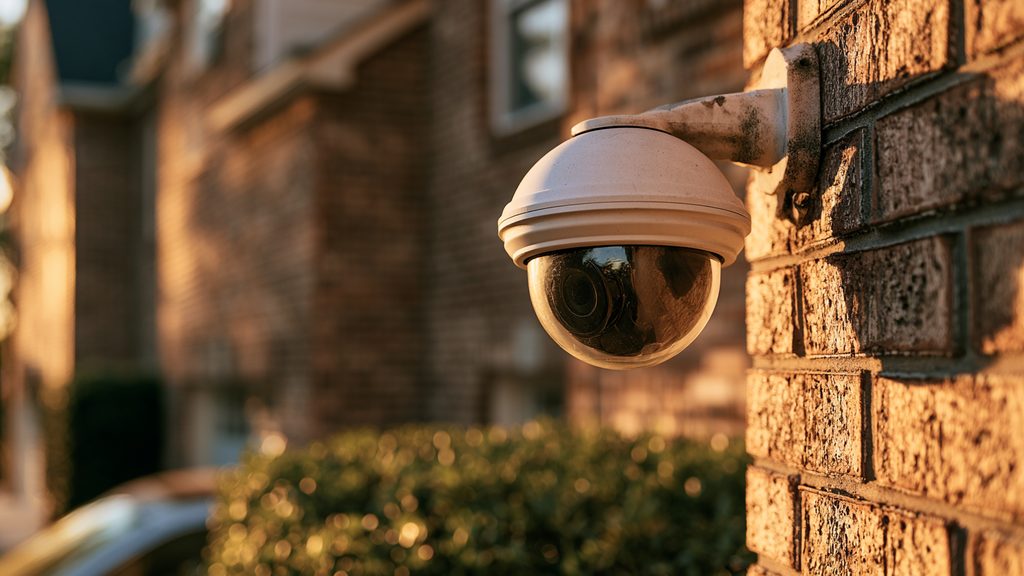
Reolink Argus 4 Pro (best overall, ~$180). A 180-degree dual-lens 4K camera with ColorX night vision that shows color in near-darkness. It's wire-free with a rechargeable battery, takes an optional solar panel, and runs person and vehicle detection on the camera - no AI subscription. Footage saves to a microSD card or Reolink's Home Hub.
eufyCam S3 Pro (best hub storage, ~$220). eufy is the pick if you want the simplest app and don't want to think about a card in each camera. Footage routes to a HomeBase you keep inside the house, so a stolen camera doesn't take the recordings with it. On-device AI, 4K, solar-ready, and no monthly fee.
Wyze Cam v4 (best budget, ~$36). The cheapest genuinely good camera in 2026. Weatherproof, color night vision, and records to a microSD card locally at no cost. Cloud features are limited without a plan, but for a $0/month setup a card is all you need.
Blink Outdoor 4 (best wire-free battery, ~$100). Two-year battery life on AA cells and, crucially, free local storage: pair it with the included Sync Module 2 and a USB drive and clips save with no subscription.
Lorex 4K Spotlight (best wired, ~$130). If you'd rather run a power cable and never touch a battery, Lorex records 4K to a microSD card or a network recorder with no ongoing fee - closest to a traditional wired setup. Getting the wiring right is where professional camera installation cost comes in.
Want a full system, not just a camera? Answer a few quick questions and we'll match you with a top-rated provider - including no-contract, low-fee options - for a free, no-obligation quote.
Get matched freeBest solar and battery cameras with no subscription
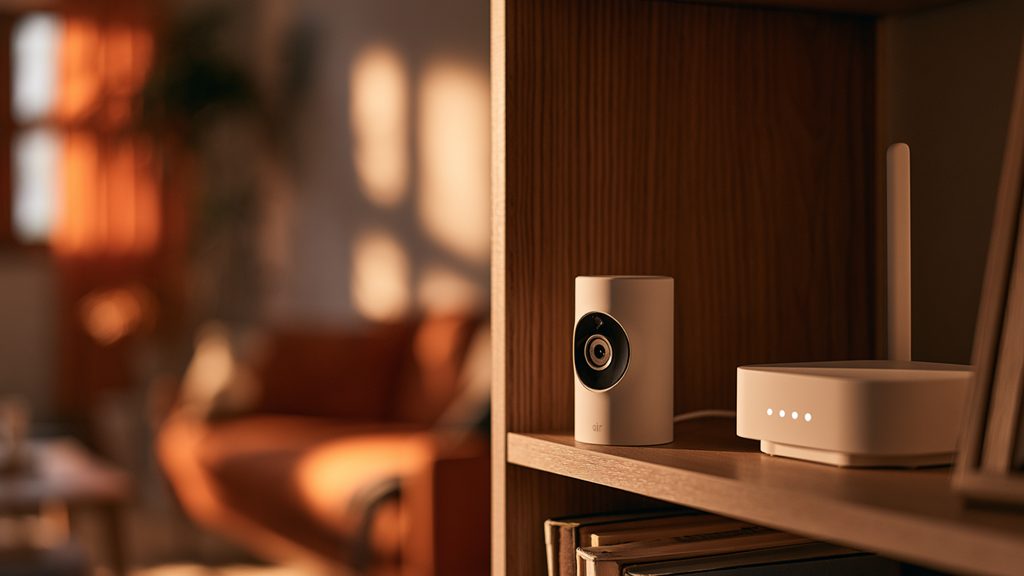
The most-searched no-subscription cameras are the wire-free ones, because they solve two problems at once: no monthly fee and no electrician. A few worth knowing:
- Reolink Argus 3 Pro: records to microSD, runs 2-4 months per charge, and takes a cheap solar panel so it effectively never needs charging. Person/vehicle detection on-device.
- eufy SoloCam series: self-contained solar cameras with built-in local storage - no hub required for the standalone models.
- Blink Outdoor 4: the battery champ for set-and-forget placement, with free local storage via the Sync Module.
Solar is the closest thing to a fit-and-forget camera: no wiring, no monthly bill, and no battery swaps. Just make sure the panel gets a few hours of direct sun. For where to actually mount these for the widest coverage, see our guide to the best places to install security cameras.
Which popular cameras require a subscription?
This is where people get caught. Some of the best-known camera brands are built around a monthly plan - the hardware is cheap, and the recording lives behind a paywall. Here's what you actually get on the free tier in 2026:
| Brand | Without a subscription | Plan starts at |
|---|---|---|
| Ring | Live view + motion alerts only - no saved recordings | $4.99/mo |
| Arlo | Live view + alerts - no cloud recordings | $7.99/mo |
| Google Nest | 3 hours of event history, then it's gone | $8/mo |
None of these are bad cameras - but if the goal is $0/month, a Ring or Arlo without a plan mostly gives you a doorbell chime, not a security record. If you already own one, a plan is the only way to keep clips. If you're buying fresh and want no fees, start with the local-storage cameras above instead. Ring vs. a DIY alarm is a different question we cover in SimpliSafe vs. Ring.
The honest trade-offs of skipping the subscription
No monthly fee is a real saving - $60 to $240 a year, depending on the brand - but it's fair to know what you give up:
- Local footage can be lost with the camera. If a thief grabs a camera that stores to its own microSD card, that clip goes with it. The fix is a model that records to an indoor hub (eufy, Blink), so the recordings stay safe inside.
- No automatic off-site backup. Cloud plans keep a copy on a server. With local storage, a fire or a wiped card means the footage is gone. Some people run a hybrid - local for free, plus a cheap cloud tier only on the one camera that matters most.
- No professional monitoring. A camera alerts you; it doesn't dispatch police. That's the job of a monitored alarm, which is a separate thing. Cameras and a monitored alarm work best together - the alarm gets help on the way, the camera shows you what happened.
- Storage is finite. A card loops and overwrites the oldest footage. Buy enough card (256GB is plenty for most single cameras) so you have days of history, not hours.
For most homeowners who mainly want to see who's at the door, check on packages, and keep an eye on the yard, none of these are dealbreakers - and the savings are real every single month.
How to choose the right no-fee camera
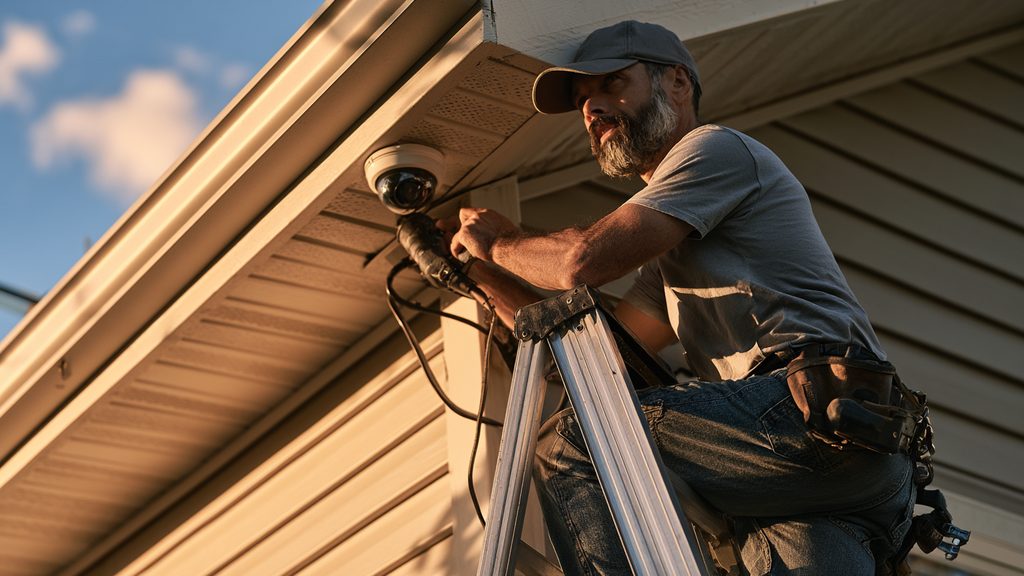
Four quick questions settle most decisions:
- Wired or wire-free? Wired (Lorex) never needs charging but needs an outlet or cable. Battery/solar (Reolink, Blink, eufy) go anywhere. If you're weighing this, our wired vs. wireless cameras guide breaks it down.
- Card or hub? A card is cheapest; a hub keeps footage safe if a camera is stolen and holds more.
- How important is night color? Reolink's ColorX and eufy's spotlight models show color at night; basic cameras show grainy black-and-white.
- One camera or whole-home? One or two cameras - go DIY with the picks above. Covering a whole house with wired cameras and a recorder is where a pro install pays off.
Not sure whether cameras alone are enough for your home? Get a free quote and we'll help you weigh cameras, a monitored alarm, or both - matched to your home and budget.
Get a free quoteNo-subscription camera FAQs
Are there home security cameras with no monthly fee at all?
Yes. Cameras that store footage locally - to a microSD card, a hub, or a base station - record and let you review video at no monthly cost. Reolink, eufy, Wyze, Blink and Lorex all offer no-fee local storage in 2026.
What's the best outdoor security camera without a subscription?
The Reolink Argus 4 Pro (~$180) is the consensus best overall for 2026: 4K, a 180-degree view, solar power, and on-camera person/vehicle detection with no AI subscription. For a budget outdoor pick, the Wyze Cam v4 (~$36) records to microSD.
Do Ring cameras work without a subscription?
Only partly. Without a Ring plan you get live view and motion alerts, but no saved recordings to look back at. To keep clips, Ring requires a subscription starting at $4.99/month. If you want $0/month, choose a local-storage camera instead.
Is local storage safe?
Footage on a microSD card can be lost if the camera is stolen. Cameras that record to an indoor hub or base station (eufy, Blink) avoid this, since the recordings stay inside the house even if a camera is taken.
Do no-fee cameras include professional monitoring?
No. A camera alerts you but doesn't dispatch police - that's what a monitored alarm does. If you want someone dispatched when an alarm trips, pair your cameras with a no-monthly-fee security system or a monitored plan.