

The short answer
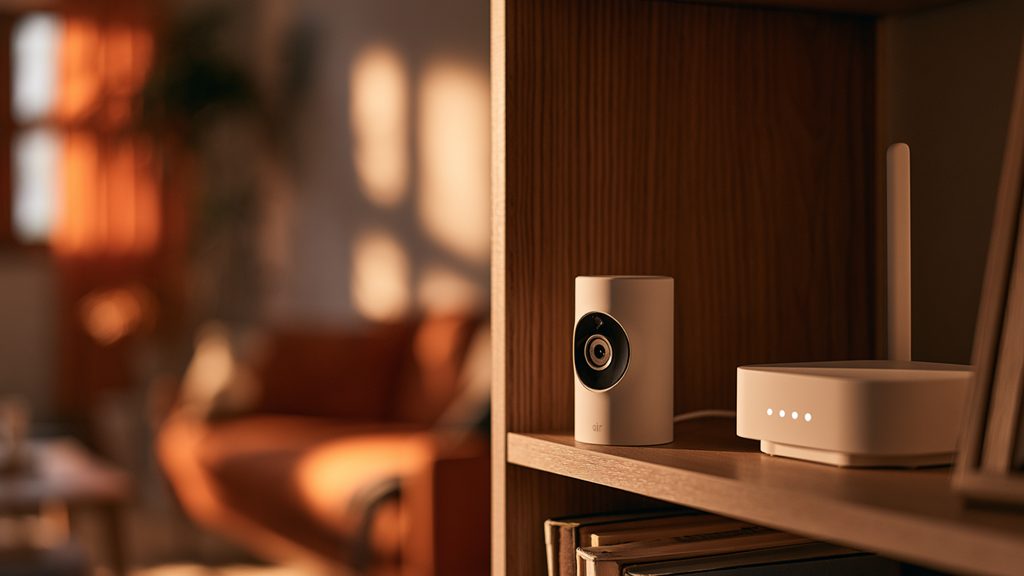
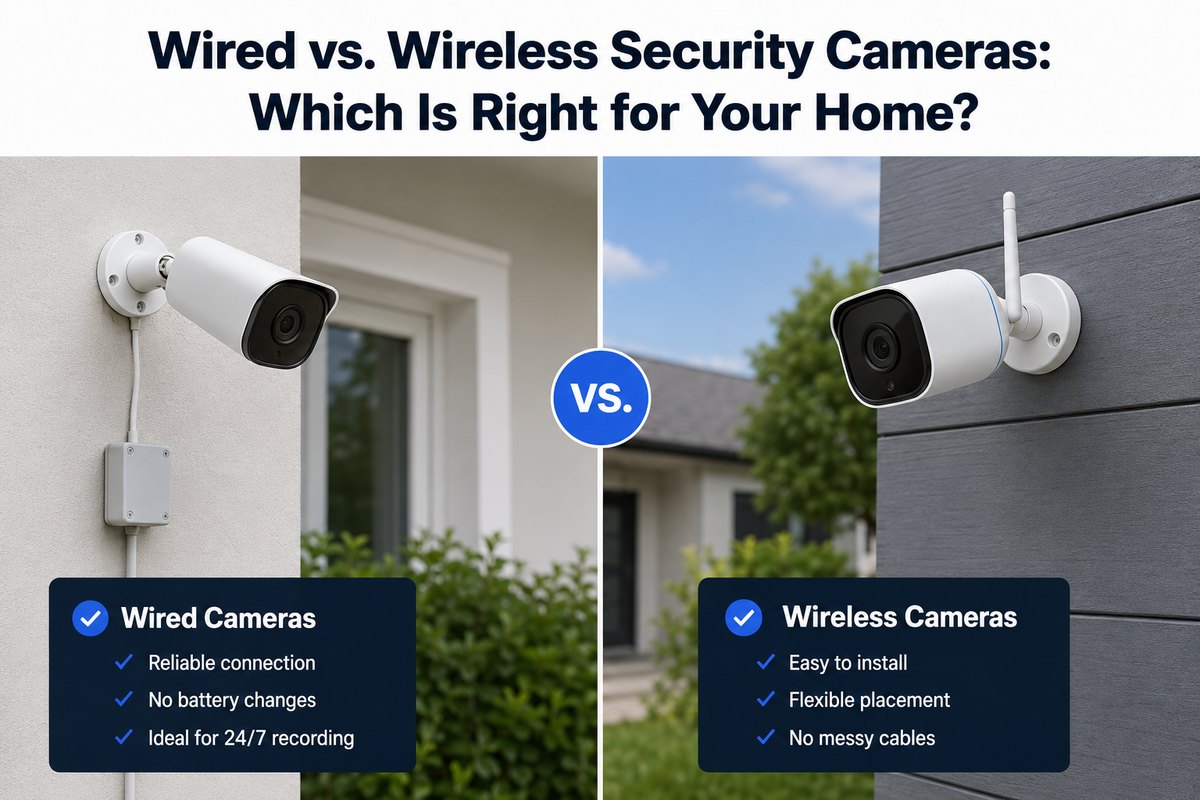
Which is better, wired or wireless security cameras? Neither is universally "better" - it depends on what you're protecting and how much setup you'll tolerate. Wired cameras win on reliability and continuous 24/7 recording; wireless cameras win on easy installation and flexible placement. If you want gap-free footage of a driveway or entrance and don't mind running cable, go wired. If you rent, want a fast DIY setup, or need cameras where no wiring reaches, go wireless. The rest of this guide shows exactly how they differ so you can pick with confidence.
The core difference: power vs. signal
"Wired" and "wireless" describe two things that don't always travel together: how a camera gets power and how it sends video. A fully wired camera draws power from a cable and sends footage over that same cable (or a separate one). A wireless camera sends video over your Wi-Fi - but many still need a power wire, so "wireless" rarely means "no wires at all."
Truly wire-free battery cameras exist too. They're the easiest to install and the most limited on continuous recording. Knowing which of the three you're actually comparing - fully wired, Wi-Fi (still plugged in for power), or battery - is the first step to a smart choice.
Not sure which system you need?
Answer a few quick questions and we'll match you with a top-rated provider for a free, no-obligation quote — or compare our top picks yourself.
Do wireless security cameras need WiFi?
Most wireless security cameras do need WiFi to stream live video, send phone alerts, and upload clips to the cloud. "Wireless" refers to the video signal, not independence from the internet. That said, there are two nuances worth knowing:
- Local recording without WiFi: some wireless cameras record to an onboard microSD card or a local hub, so they'll still capture footage if your internet drops - you just can't view it remotely until the connection returns.
- Cellular / no-WiFi options: a few systems offer cellular backup or LTE cameras that work without home WiFi entirely, though they usually require a paid data plan.
So if you have no reliable internet, look specifically for cameras with local storage or cellular support. We break this down fully in do wireless security cameras need WiFi, and for whole systems in whether SimpliSafe works without WiFi.
Reliability and video quality
Wired systems win on consistency. They don't drop when your Wi-Fi hiccups, they support continuous 24/7 recording, and they generally deliver higher, more stable resolution because they're not squeezing video through a wireless signal. For a home where you want gap-free footage - a driveway, a business, a property you leave for long stretches - wired is the safer bet.
Wireless and battery cameras trade a little reliability for enormous flexibility. Video quality on modern Wi-Fi cameras is excellent in good signal, but it can stutter or drop clips at the edge of your router's range, and most rely on motion-triggered clips rather than true 24/7 recording. Are wireless cameras as good as wired? For most homeowners covering entrances and common areas, yes - the gap has narrowed a lot. For mission-critical, always-on coverage, wired still has the edge.
Installation effort and cost
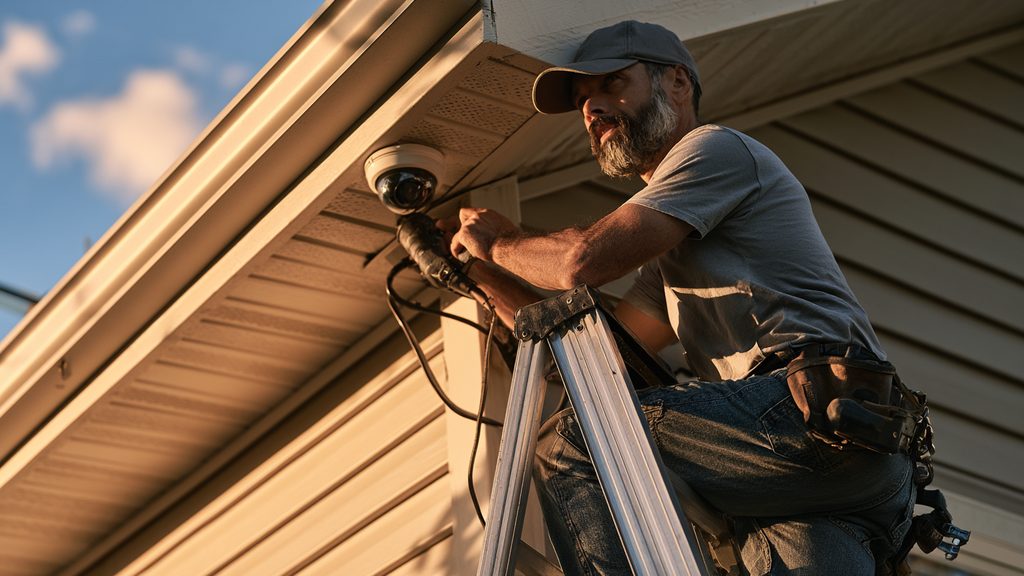
This is where wireless pulls ahead. A Wi-Fi or battery camera can be up in minutes - mount it, connect it to your network, done - which makes wireless ideal for renters and DIYers. Wired cameras, especially PoE (Power over Ethernet) systems, mean running cable through walls or ceilings; many people pay for professional installation, which adds to the total cost even though the cameras themselves can be affordable.
Rule of thumb: wireless usually costs less to install, wired often costs less to run over years (no battery swaps, no cloud-storage fees if you record locally). Factor both the upfront and the ongoing cost. For real installation numbers, see how much security camera installation costs.
Wired vs. wireless: side-by-side comparison
| Wired (incl. PoE) | Wireless (Wi-Fi) | Battery (wire-free) | |
|---|---|---|---|
| Needs WiFi | No (LAN cable) | Yes | Yes (for remote view) |
| Continuous 24/7 recording | Yes | Sometimes | Rarely |
| Reliability | Highest | Good | Good |
| Ease of install | Hardest | Easy | Easiest |
| Placement flexibility | Limited by cabling | Flexible | Anywhere |
| Best for | Always-on coverage, owned homes | Most homeowners | Renters, hard-to-wire spots |
Not sure which cameras fit your home? Answer a few quick questions and we'll match you with a top-rated provider for a free, no-obligation quote.
Get matched freeHow to decide for your home
Match the camera to the job, not the other way around:
- You own your home and want the most reliable, always-recording coverage - wired / PoE.
- You rent, want a fast setup, or plan to move - wireless Wi-Fi.
- You need a camera where no power or cable reaches - battery / wire-free.
- Your internet is unreliable - choose a camera with local storage or cellular backup (see the WiFi section above).
Most homes end up mixing types - a wired camera on the main entrance, wireless cameras elsewhere. There's no wrong answer as long as it fits how you actually live. Want cameras with no monthly fee? See our best no-subscription cameras.
Wired vs. wireless security cameras: FAQ
Which is better, wired or wireless security cameras?
Wired cameras are better for reliability and continuous 24/7 recording; wireless cameras are better for easy installation and flexible placement. For always-on coverage of a home you own, choose wired. For a fast, flexible DIY setup - especially if you rent - choose wireless.
Is a wireless security camera better than wired?
Not universally. A wireless camera is better if you value quick installation and the freedom to place it anywhere. A wired camera is better if you want the most stable connection and gap-free recording. The right choice depends on the location and how critical constant footage is.
Are wireless security cameras as good as wired?
For most homeowners covering entrances and common areas, modern wireless cameras are just as good - the quality gap has narrowed significantly. Wired still leads for mission-critical, always-recording coverage where a dropped connection isn't acceptable.
Do wireless security cameras work without internet?
They can record locally to a microSD card or hub without internet, but you won't get live viewing, phone alerts, or cloud backup until the connection returns. For fully internet-free operation, look for cameras with cellular/LTE support.
What's the difference between wired and WiFi security cameras?
A wired camera sends video over a physical cable and doesn't rely on your WiFi; a WiFi camera sends video wirelessly over your home network. Wired is more reliable and supports 24/7 recording; WiFi is far easier to install and place.
Should I get wired or wireless security cameras?
Get wired if you own your home and want the most reliable, continuous coverage. Get wireless if you rent, want a quick setup, or need cameras in spots your cabling can't reach. Many homes use both.
Details reflect general 2026 product behavior; features vary by model - confirm specifics with the manufacturer before you buy.