

The short answer
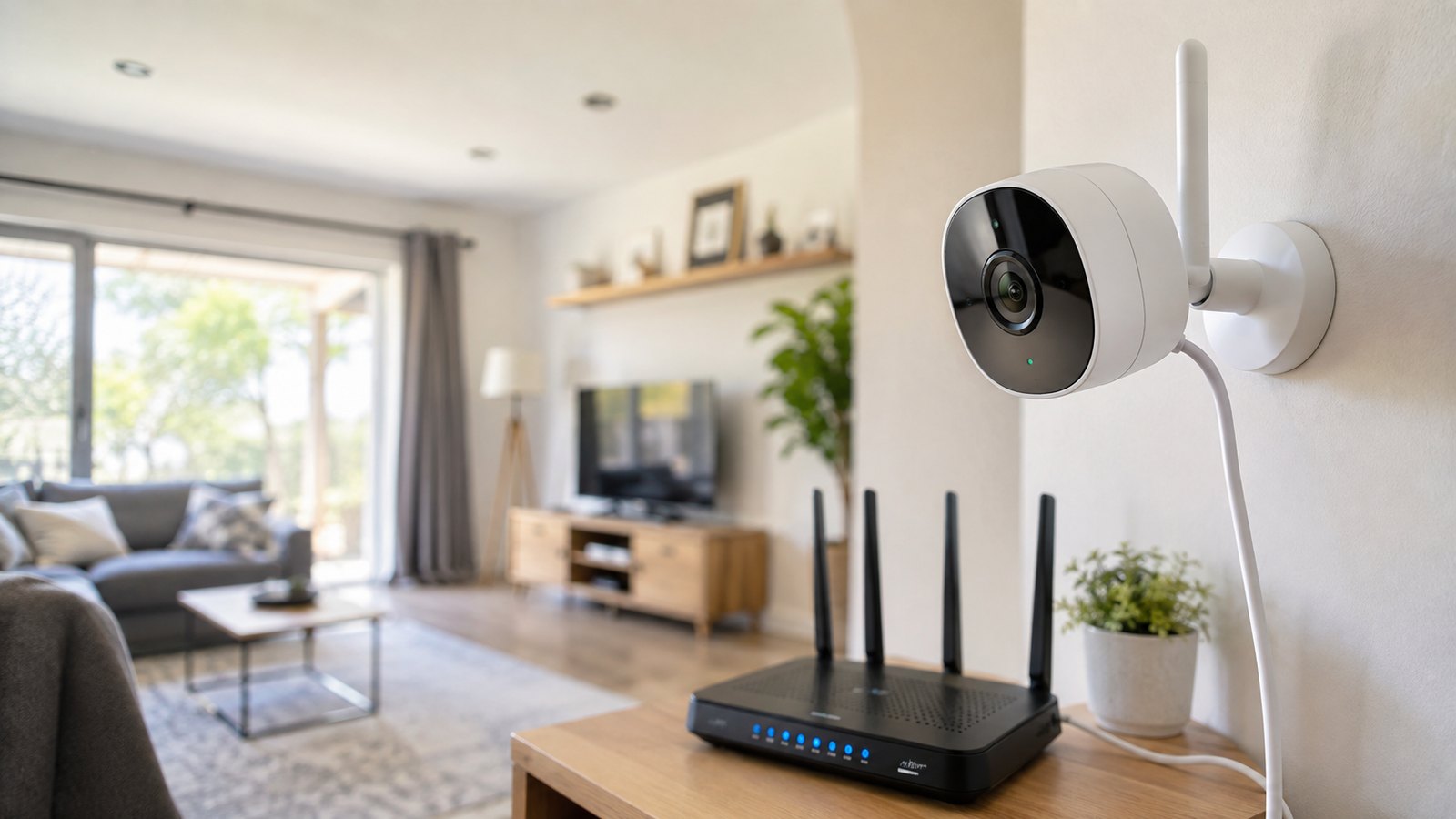
Do wireless security cameras need WiFi? For most people, yes. A "wireless" camera sends its video over your home WiFi, so it needs an internet connection to stream live footage, send phone alerts, and back up clips to the cloud. But that's not the whole story: some wireless cameras record locally without internet, and a few run on cellular data with no home WiFi at all. Here's exactly what needs a connection, what doesn't, and how to pick the right setup.
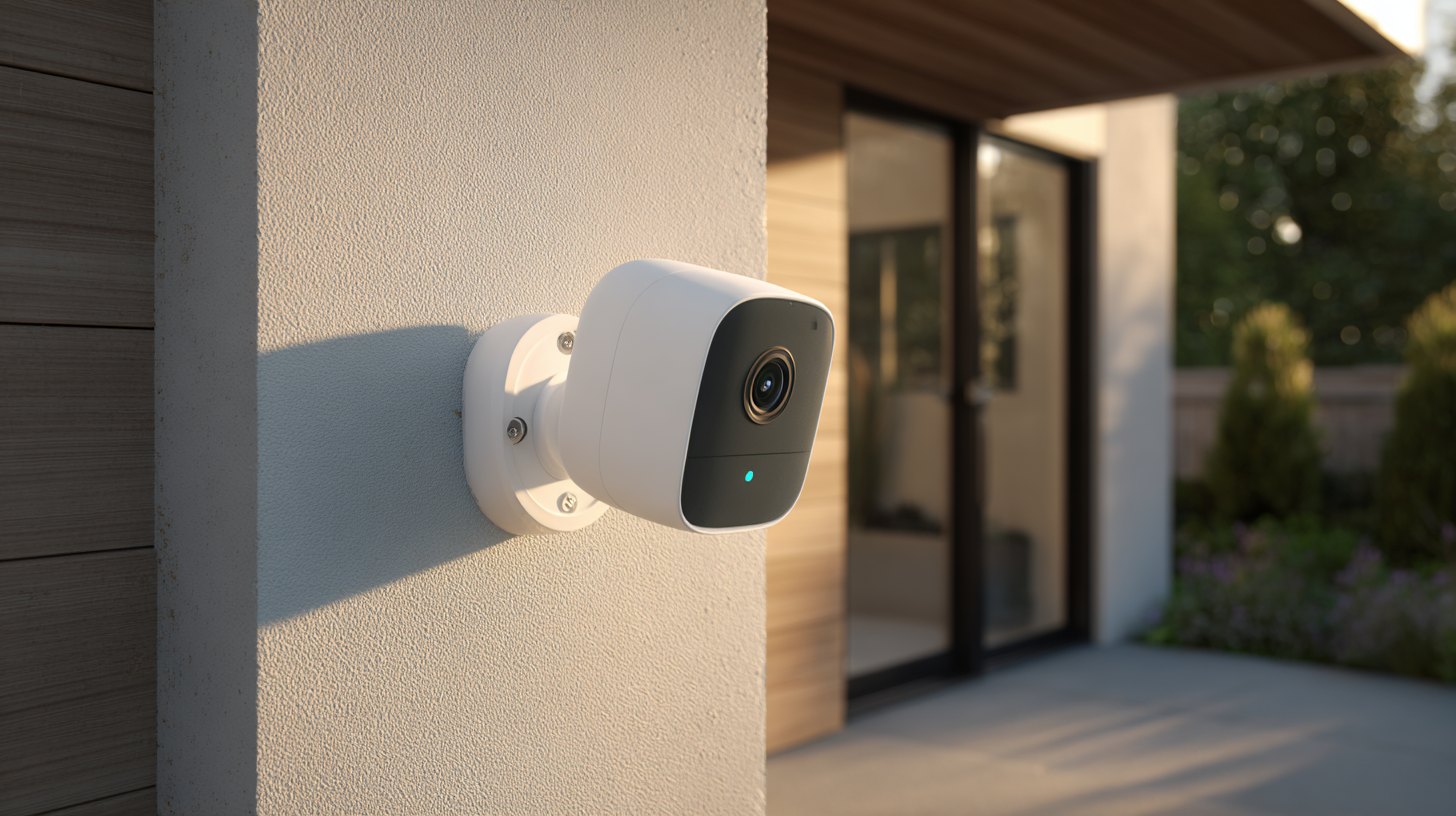
"Wireless" describes how the camera sends video - not whether it needs the internet. The vast majority of wireless home security cameras rely on WiFi for their core features. Without WiFi you typically lose live viewing, mobile notifications, cloud storage, and voice-assistant control. What you can often keep - depending on the camera - is local recording to a microSD card or a hub. So the honest answer is: most wireless cameras need WiFi to be useful, but a subset can still record on their own.
What actually needs WiFi
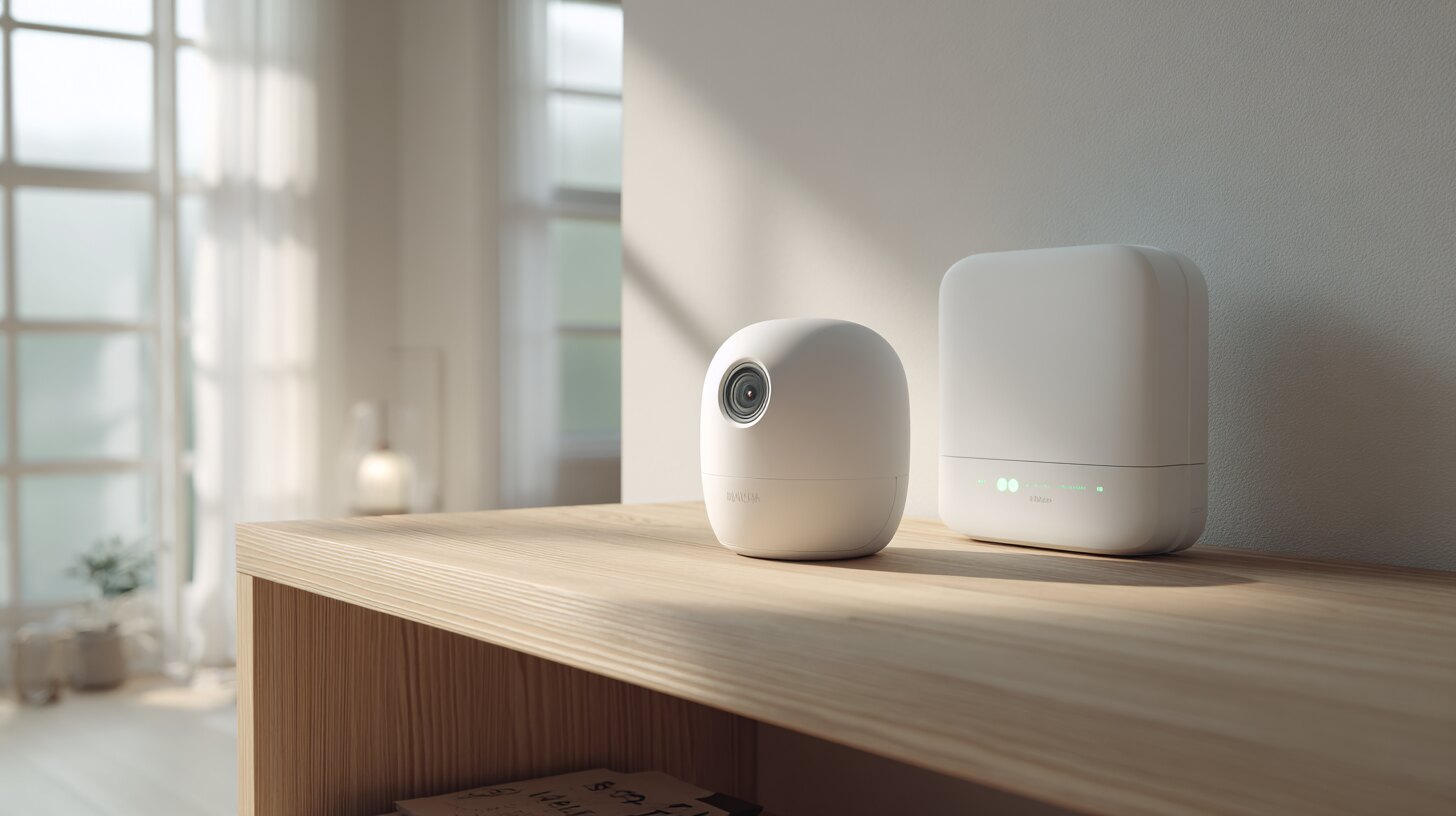
These features stop working the moment your WiFi (or internet) goes down on a typical wireless camera:
- Live view from your phone away from home
- Push/motion alerts to your phone or email
- Cloud storage and remote clip playback
- Two-way talk and voice-assistant integrations (Alexa, Google)
- Firmware updates and remote settings changes
If those are must-haves for you, plan on a reliable WiFi connection at the camera's location - which, at the edge of your router's range, may mean a mesh node or WiFi extender.
Not sure which system you need?
Answer a few quick questions and we'll match you with a top-rated provider for a free, no-obligation quote — or compare our top picks yourself.
Cameras that work without WiFi
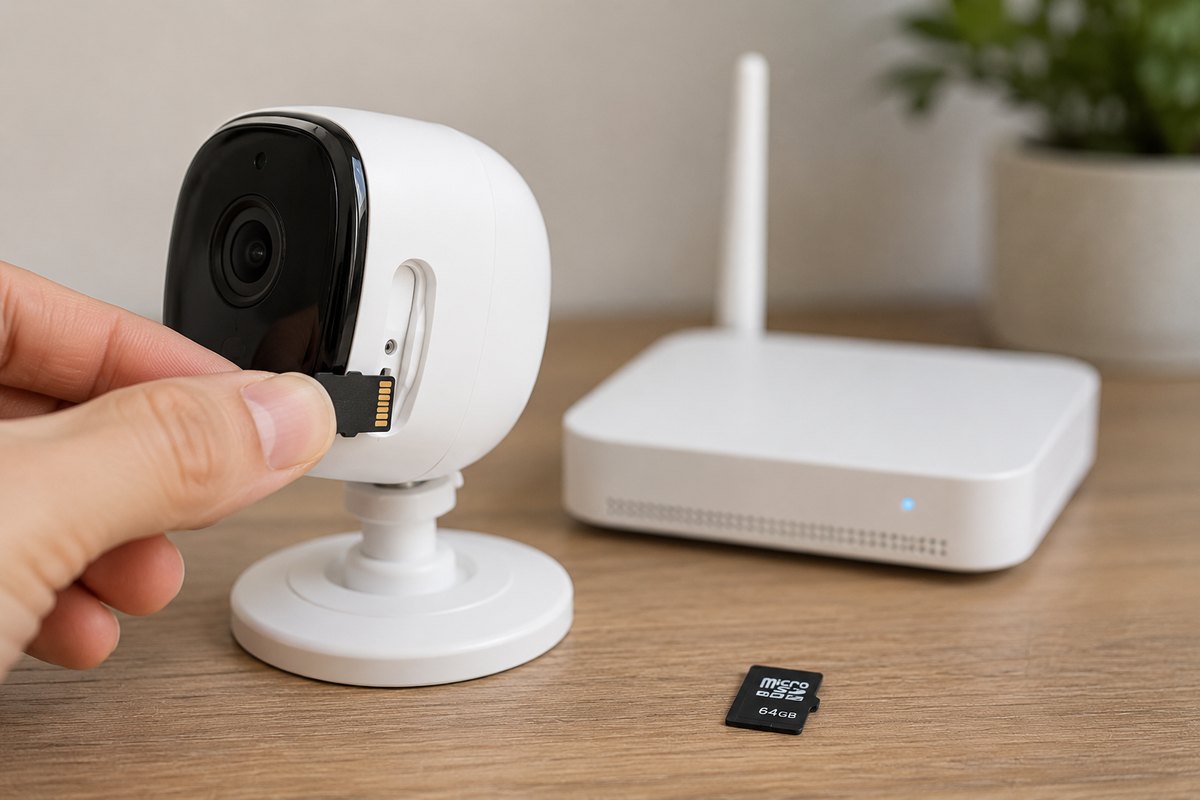
Some wireless cameras keep recording even with no internet, because they store footage locally:
- microSD-card cameras: record onto an onboard card. You review footage by pulling the card or connecting on the local network - no cloud needed.
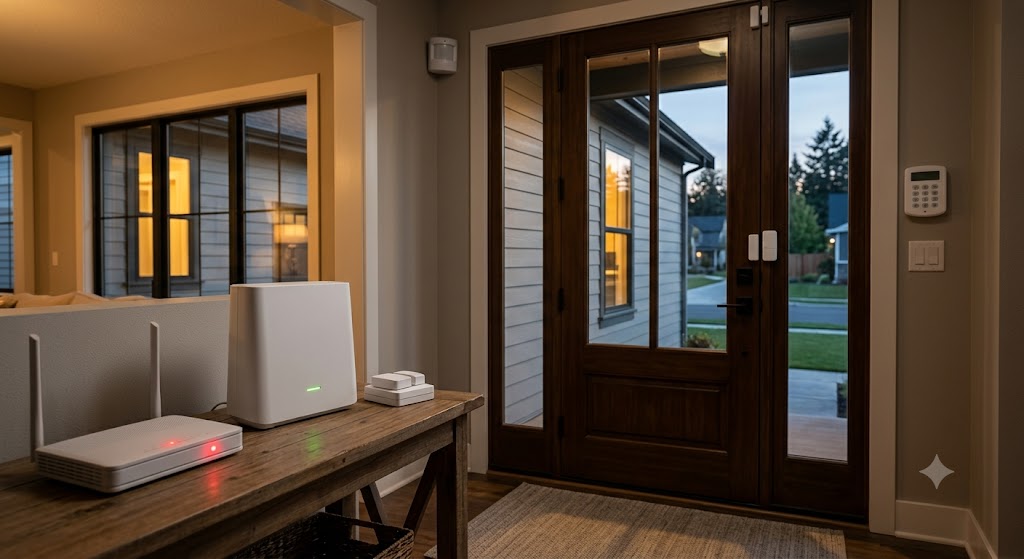
- Local hub / NVR systems: cameras save to a base station or network video recorder in your home. Great for continuous recording without monthly fees.
The trade-off: with no internet you won't get remote alerts or live viewing while you're away - the footage is simply waiting for you when you get back or reconnect. This is the same principle behind systems that keep working during outages; see whether SimpliSafe works without WiFi for a full example, and our best no-subscription cameras for local-storage picks.
No internet at all? Cellular cameras
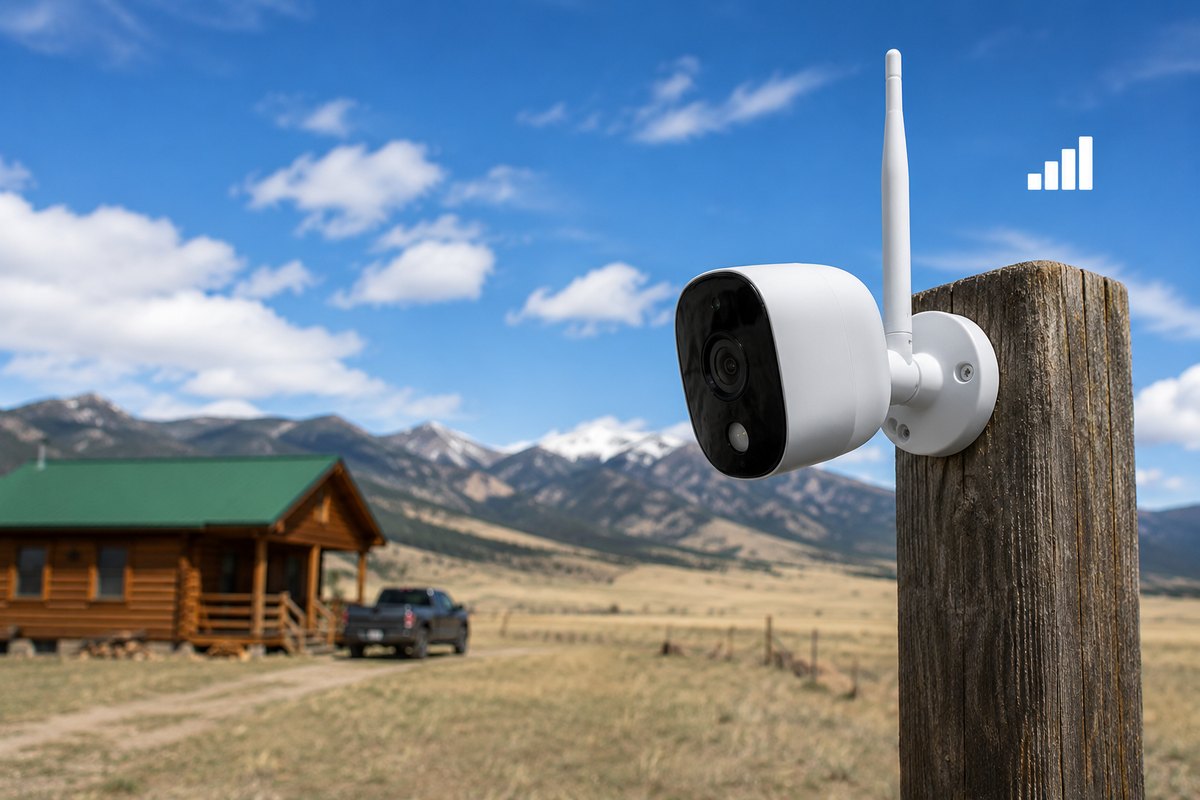
If you have no home WiFi - a cabin, a job site, a rural property - look specifically for cellular (LTE) security cameras. These use a SIM and mobile data instead of WiFi, so they deliver live view and alerts anywhere with cell signal. The catch is a monthly data plan and, usually, higher upfront cost. For most homes with WiFi, they're overkill; for genuinely off-grid spots, they're the only option that keeps remote features alive.
Do Arlo, Ring, and SimpliSafe cameras need WiFi?
Short version - most popular wireless cameras do need WiFi for full functionality:
- Arlo: yes, Arlo cameras need WiFi (via your router or an Arlo SmartHub) for live view, alerts, and cloud clips. Some models record locally to a hub, but remote features need internet.
- Ring: yes, Ring cameras and doorbells require WiFi to function - there's no offline mode for live view or alerts.
- SimpliSafe: the cameras need WiFi, but the alarm base station has cellular backup, so core alarm monitoring continues if WiFi drops.
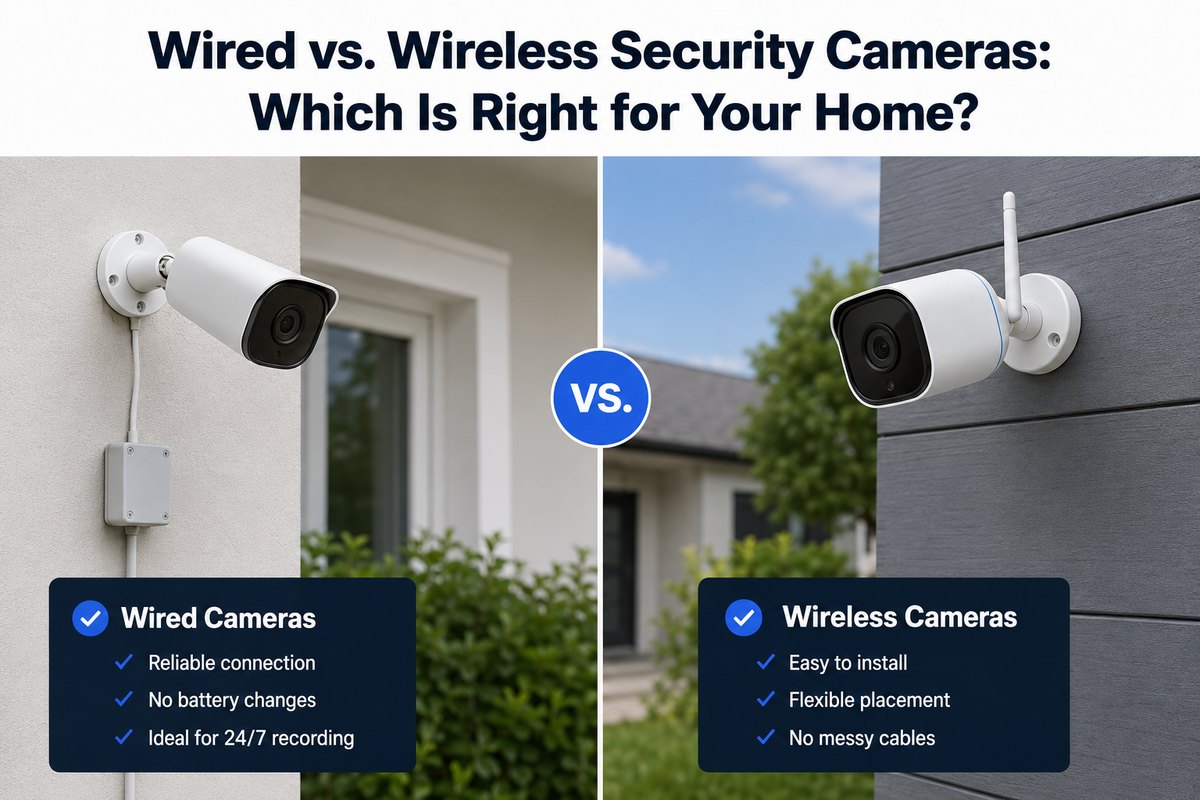
Always check the specific model - features vary even within a brand. For the bigger wired-vs-wireless picture, see our wired vs. wireless cameras guide.
How to choose if your WiFi is weak
- Good WiFi everywhere: any standard wireless camera is fine.
- Weak signal at the camera spot: add a mesh node or extender, or choose a camera with local recording as a backup.
- No reliable internet: pick microSD/local-hub cameras (for on-site review) or cellular cameras (for remote access).
- Want zero monthly fees: local-storage cameras avoid cloud subscriptions entirely.
Not sure which camera setup fits your home and internet? Answer a few quick questions and we'll match you with a top-rated provider for a free, no-obligation quote.
Get matched freeWireless camera WiFi FAQs
Do wireless security cameras need WiFi?
Most do. A wireless camera sends video over your home WiFi, so it needs internet for live view, phone alerts, and cloud storage. However, some wireless cameras record locally to a microSD card or hub without internet, and a few run on cellular data with no home WiFi at all.
Do all security cameras need WiFi?
No. Wired and PoE cameras use a cable instead of WiFi, and some wireless cameras record locally to a microSD card or hub without internet. But most wireless cameras need WiFi for live view, alerts, and cloud storage.
Do wireless security cameras work without internet?
They can record locally without internet, but you lose live viewing, phone alerts, and cloud backup until the connection returns. For remote access with no home internet, you need a cellular (LTE) camera.
Does an Arlo camera work without WiFi?
Arlo cameras need WiFi (through your router or an Arlo SmartHub) for live view, notifications, and cloud clips. Certain models can store footage locally to a hub, but remote features still require an internet connection.
How much WiFi speed do security cameras need?
A rough guide is 1-2 Mbps upload per HD camera. Several cameras streaming at once can strain a slow connection, so check your upload speed and consider local recording if bandwidth is tight.
Can I use a wireless camera with just a phone hotspot?
Usually yes for setup and short-term use, but hotspots burn mobile data quickly with continuous streaming and may disconnect when your phone leaves. For anything permanent, a fixed WiFi or cellular camera is better.
Details reflect general 2026 product behavior; features vary by model - confirm specifics with the manufacturer before you buy.