

The short answer
For most homes in 2026, the best wireless home security system is SimpliSafe - fully wireless, contract-free, easy to self-install, with optional 24/7 professional monitoring from roughly $20-$30/month. Cove is the best budget alternative, Ring is the pick if cameras and video doorbells matter most, and Vivint is the premium choice if you want a wireless smart home professionally installed for you.
Below are all six picks ranked, a side-by-side comparison table, and an honest explanation of what "wireless" actually means before you buy - because it doesn't always mean what the marketing implies.
The 6 best wireless systems, ranked
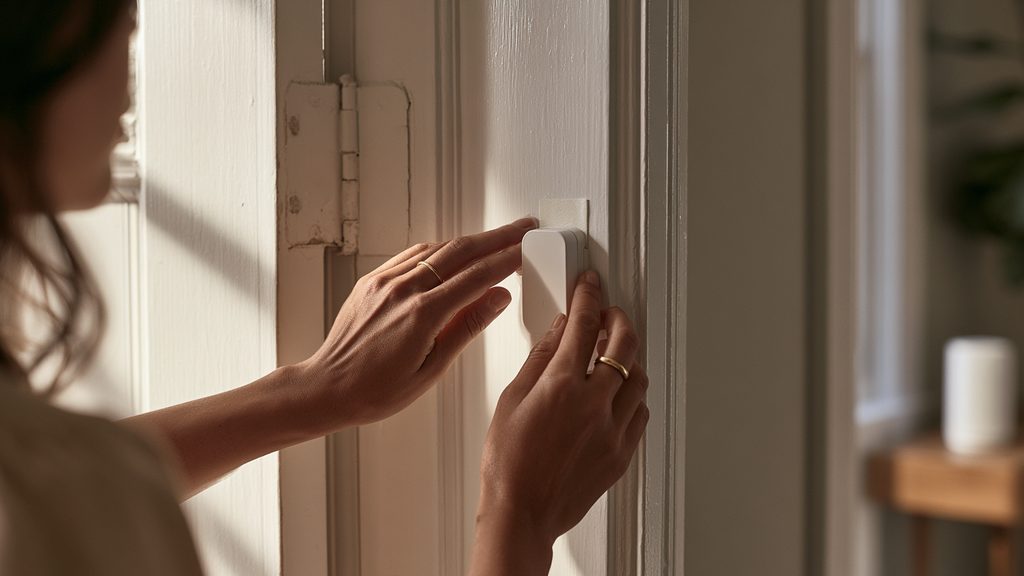
1. SimpliSafe - best wireless system overall (4.6/5). The DIY benchmark: fully wireless, affordable and contract-free, with optional low-cost professional monitoring you can start or stop anytime. Kits start around $250, monitoring runs ~$22.99-$32.99/month for most homes, and every plan is month-to-month. The trade-offs: you place the sensors yourself, and the camera lineup is narrower than camera-first rivals. Full breakdown in our SimpliSafe review and plan-by-plan cost guide.
2. Vivint - best premium wireless smart home (4.8/5). If you want wireless sensors and cameras but zero DIY, Vivint installs everything professionally and ties it into best-in-class automation with a polished app. It costs more - equipment is typically financed over a term and monitoring runs higher than budget brands - but nothing else feels as complete. See the Vivint review and what Vivint really costs.
3. Cove - best budget wireless alarm (4.4/5). A no-nonsense DIY wireless alarm with US-based 24/7 professional monitoring and no long-term contract, at one of the lowest running costs in the category. It's alarm-first, so the camera lineup is lighter - pair it with standalone cameras if you need video. Details in our Cove review.
4. Ring - best wireless cameras & doorbells (4.2/5). The widest, easiest wireless camera and video-doorbell lineup, all in one app, with an optional alarm kit to match. Saved video and professional dispatch require a low-cost subscription, and the ecosystem leans toward Amazon. See how it stacks up against the DIY benchmark in SimpliSafe vs. Ring.
5. Arlo - best truly wire-free cameras (4.3/5). Premium battery-powered cameras with excellent image quality and color night vision - no cords at all, anywhere. Batteries need recharging on a schedule, and cloud features require a subscription. Best as a camera layer on top of an alarm system rather than whole-home security by itself.
6. Wyze - cheapest way to start (4.0/5). Some of the lowest camera and sensor prices anywhere. Support and advanced features are more basic than pricier rivals, but if the alternative is no security at all, Wyze's value is hard to beat.
Not sure which system you need?
Answer a few quick questions and we'll match you with a top-rated provider for a free, no-obligation quote — or compare our top picks yourself.
Side-by-side comparison
| System | Best for | Install | Monitoring | Contract |
|---|---|---|---|---|
| SimpliSafe | Most homes, renters & DIYers | Self-install | Optional, ~$20-$30/mo | None |
| Vivint | Premium smart-home automation | Professional | Professional, 24/7 | Equipment financing |
| Cove | Budget buyers | Self-install | Professional, US-based | None |
| Ring | Doorbells & cameras | Self-install | Optional subscription | None |
| Arlo | Image quality, wire-free cameras | Self-install | Optional subscription | None |
| Wyze | Lowest cost | Self-install | Optional / app | None |
Ratings and details for every brand, including pro-install options like ADT, live in our full 2026 home security rankings and our dedicated best wireless security systems comparison.
What "wireless" actually means (read before buying)
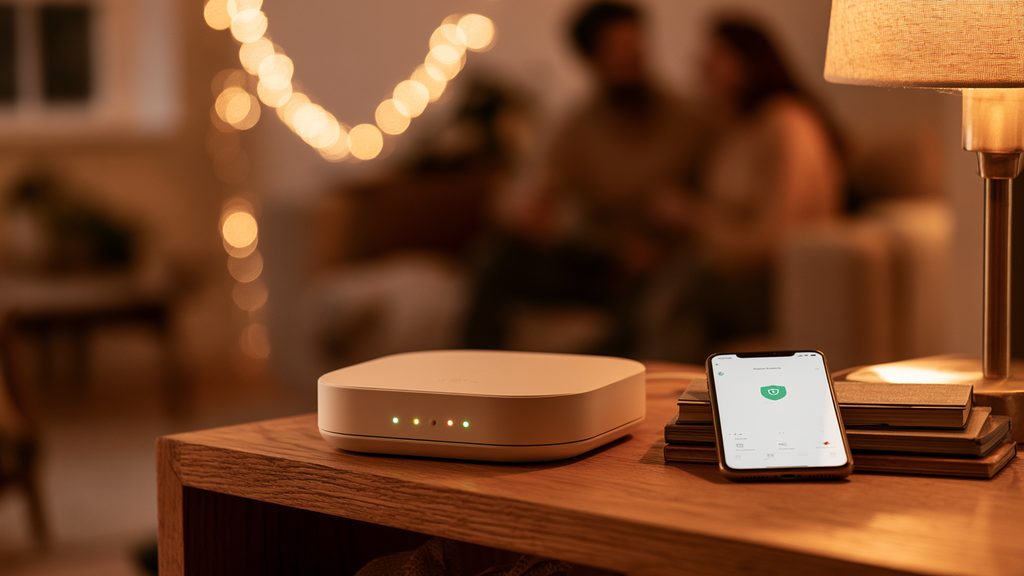
Three different things get called "wireless," and mixing them up leads to bad purchases:
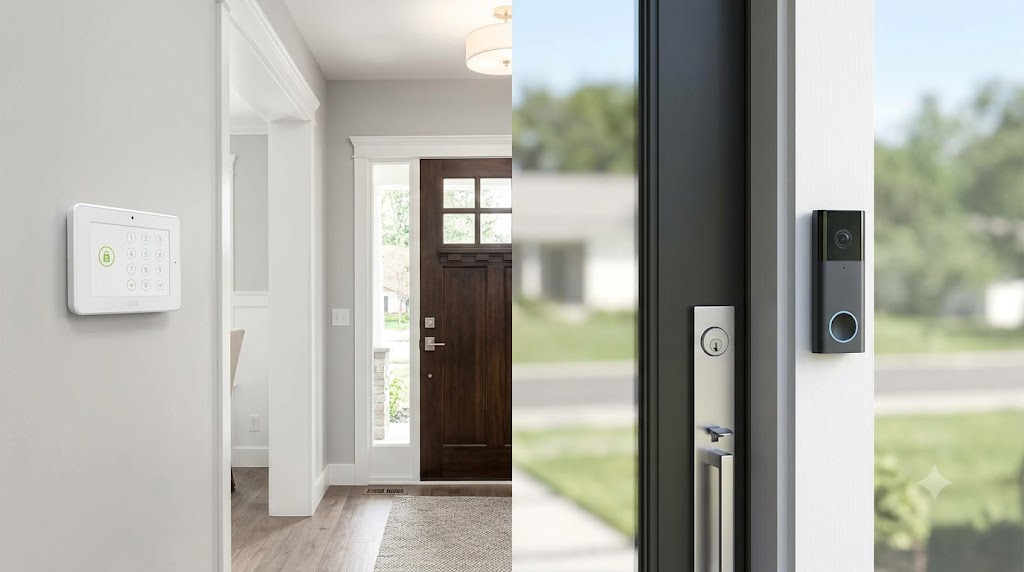
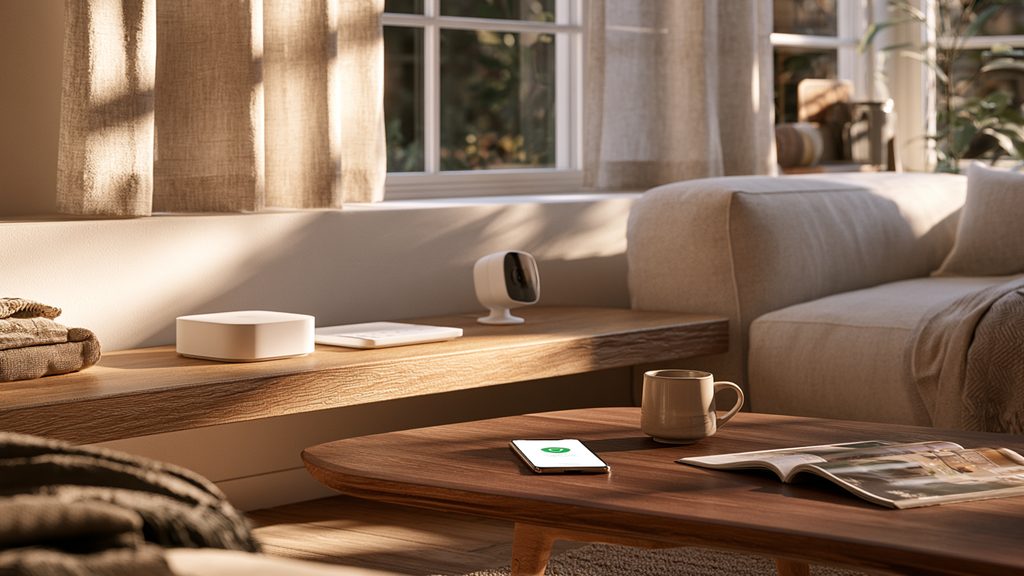
- Wireless sensors: door/window sensors and motion detectors that talk to the base station by radio instead of in-wall wiring. All six picks above work this way - this is what makes them renter-friendly and drill-free.
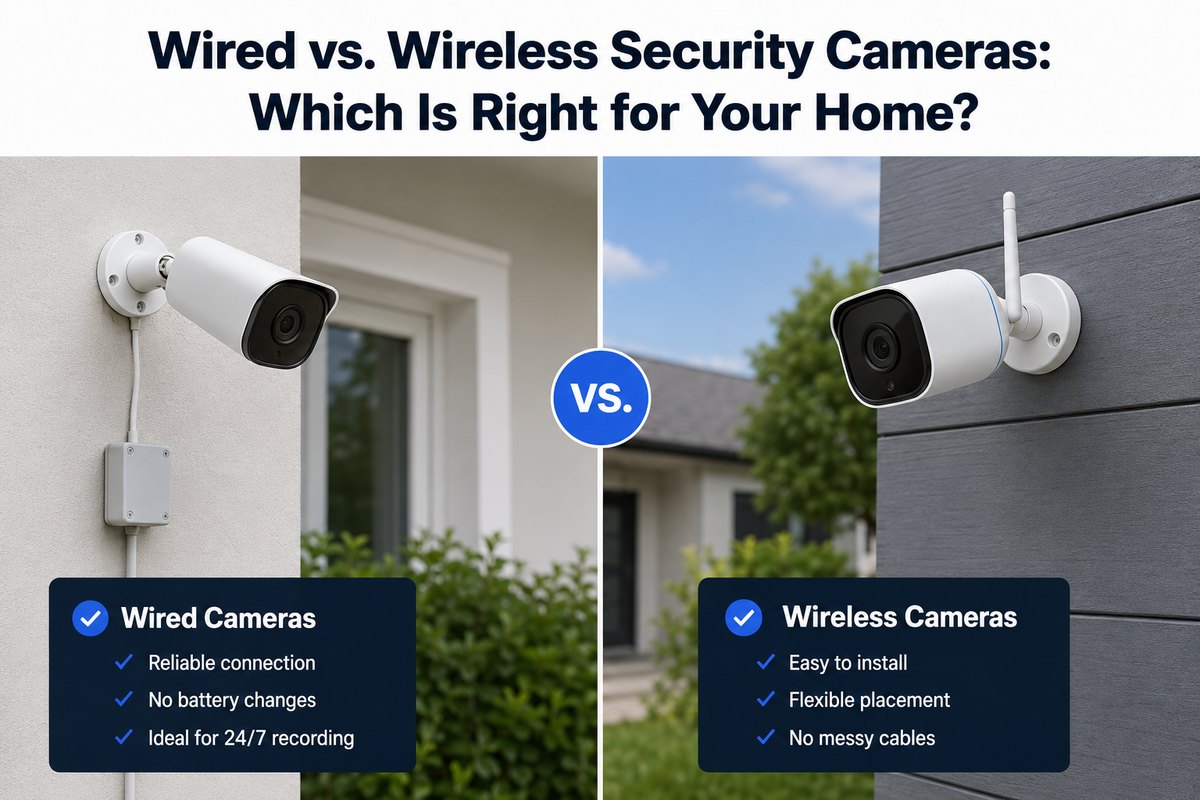
- Wire-free cameras: battery-powered cameras with no power cord at all (Arlo's specialty, plus parts of the Ring and Wyze lineups). Everything else still needs a power outlet even if the footage travels over WiFi. Our wired vs. wireless camera guide covers when each wins.
- Cellular backup: the system's ability to reach the monitoring center over a cellular connection when your WiFi or power goes out. This is the one that matters in a real break-in - check it's included in the monitoring plan you pick, not just available. (See what SimpliSafe does without WiFi for how this works in practice.)
One honest counterpoint: if you want high-resolution cameras with no monthly fees at all and don't mind running cables, a wired system like Lorex still beats wireless on recording quality and running cost - our Lorex review explains that trade-off.
How to choose the right one for your home
Renting, or moving soon? SimpliSafe or Cove - peel-and-stick sensors come with you, and there's no contract to break.
Watching a budget? Cove for the alarm, or Wyze if even entry-level kits stretch it. Both beat having nothing.
Care most about the front door and packages? Ring - the doorbell-and-camera experience is the best in the category at its price.
Want it done for you, with real smart-home automation? Vivint - it's the premium option for a reason.
Not sure what your home actually needs? Run the numbers in our 2026 cost guide, or take the free quiz to get matched with a system based on your home, budget and whether you rent or own.
Wireless home security FAQs
Are wireless security systems reliable?
Modern wireless systems are the industry standard - the overwhelming majority of new installs are wireless. The reliability question that matters is cellular backup: a system that can't reach the monitoring center when WiFi drops is a local siren, not monitored security.
Do wireless systems work during a power outage?
Base stations from the major brands include backup batteries that keep the alarm running for hours, and cellular backup keeps them connected to monitoring. Wire-free cameras keep running on their own batteries; plug-in cameras go down with the power.
Can wireless systems be jammed or hacked?
Jamming is technically possible but rare in real burglaries, and major systems detect interference and alert you. Basic account hygiene - a strong unique password and two-factor authentication - closes off the far more common risk.
What does a wireless system cost per month?
Self-monitored setups can run $0/month. Professional monitoring runs roughly $20-$35/month on no-contract DIY brands, and more for premium pro-installed service - full numbers in our cost guide.
Ratings reflect our published brand assessments; pricing reflects publicly reported 2026 figures. Verify current plans and pricing with each provider before you buy.