
The short answer
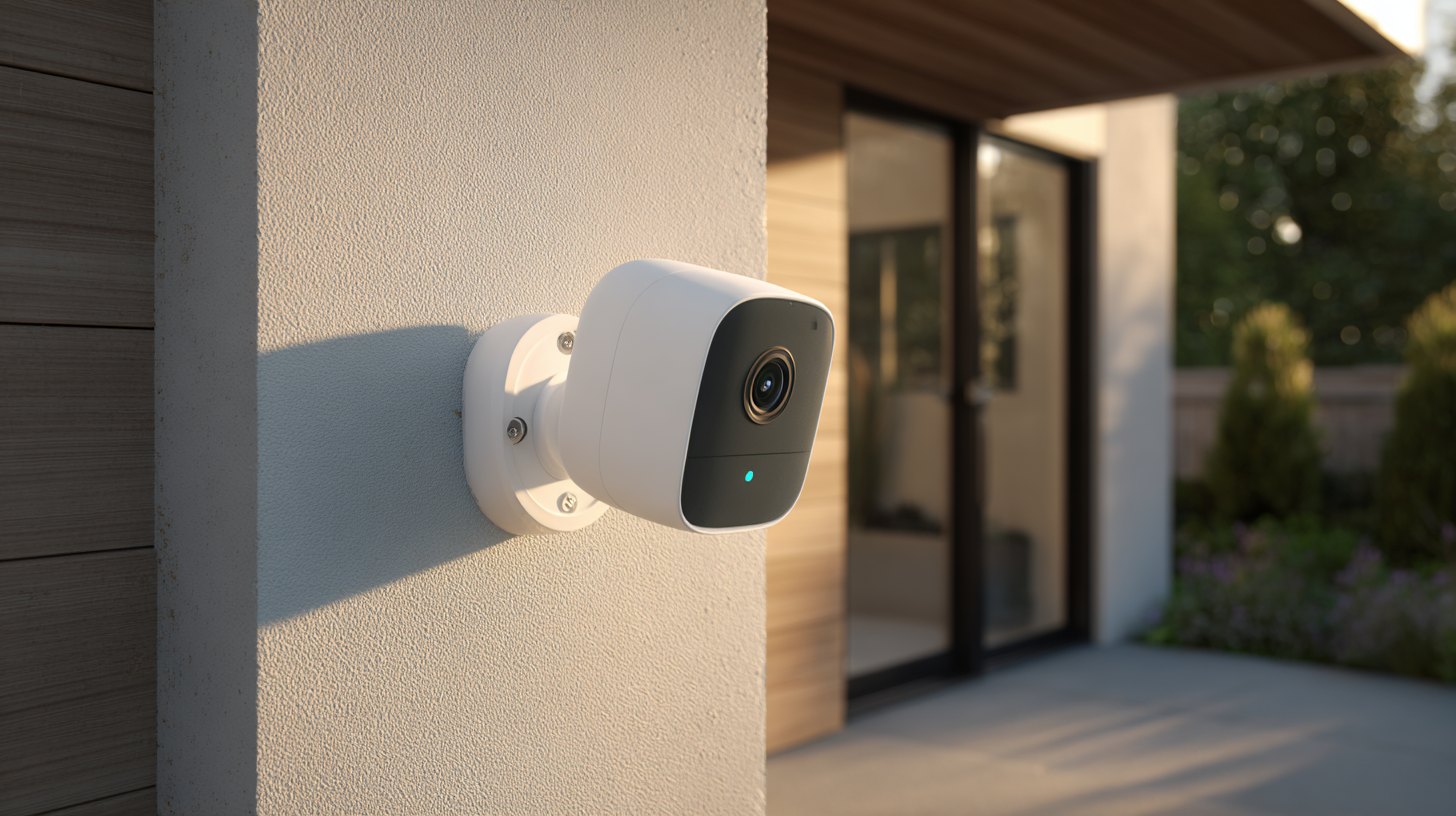
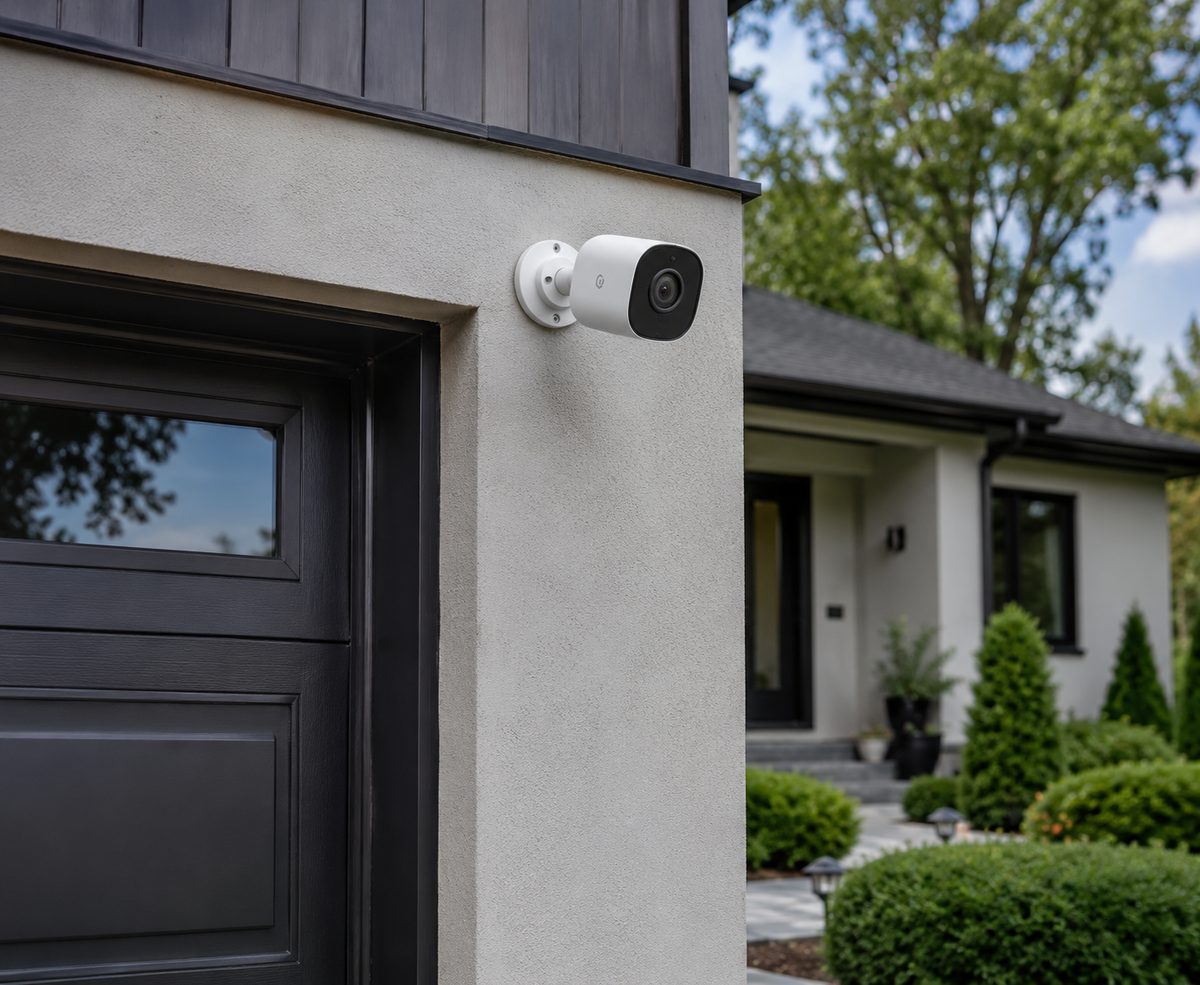
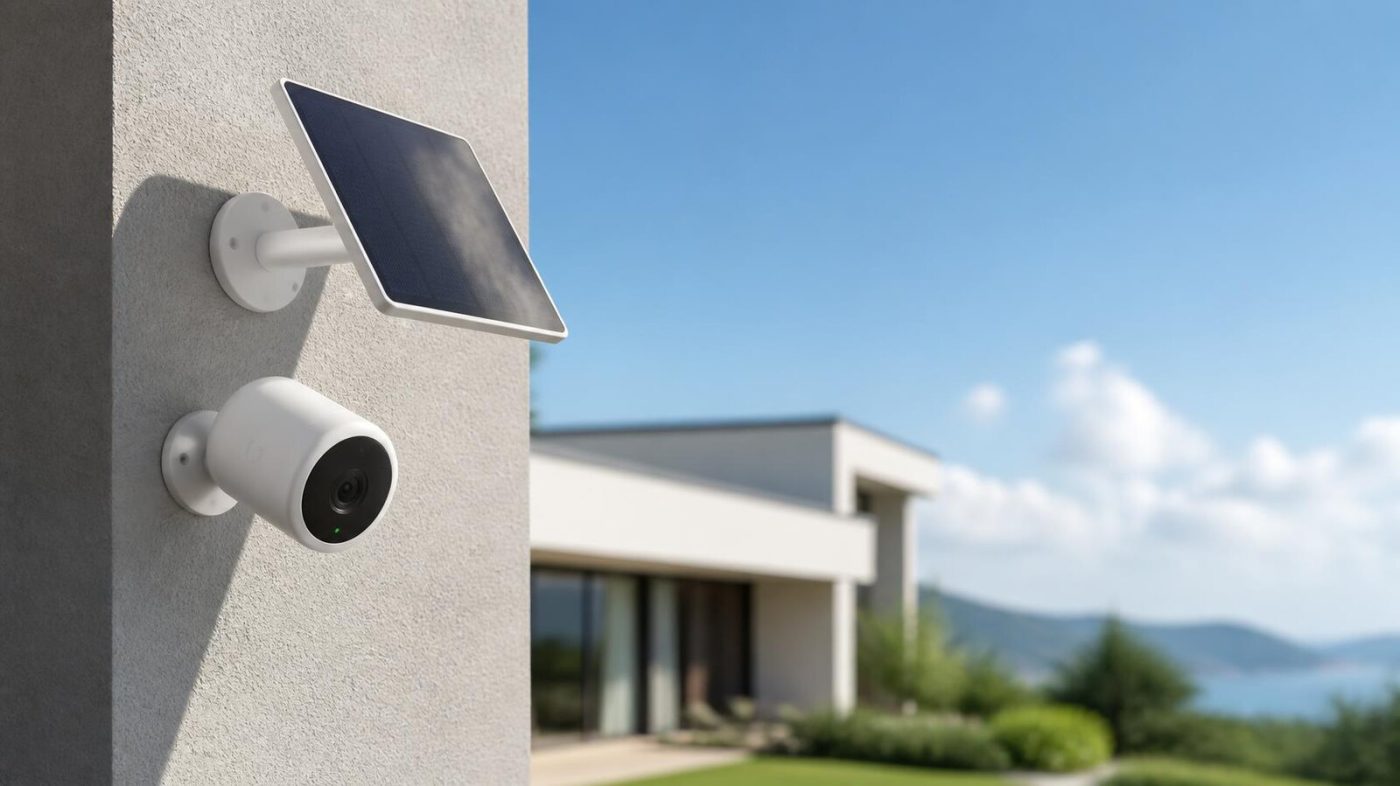
A solar security camera is a battery camera with a small solar panel that keeps it charged from daylight - so there's no wiring, no outlet, and no dead battery to swap. Pair one with a microSD card instead of a cloud plan and it costs $0 a month to run.
For most homeowners in 2026 the best pick is the Reolink Argus 4 Pro (around $153 with the panel): 4K video, color night vision, on-camera person and vehicle detection, and local recording with no subscription. On a budget, the Arlo Pro 5S and Wyze Battery Cam Pro come in under $100. The rest of this guide covers the best models, how solar actually works, whether you need WiFi, and how to pick the right one.
How solar security cameras work
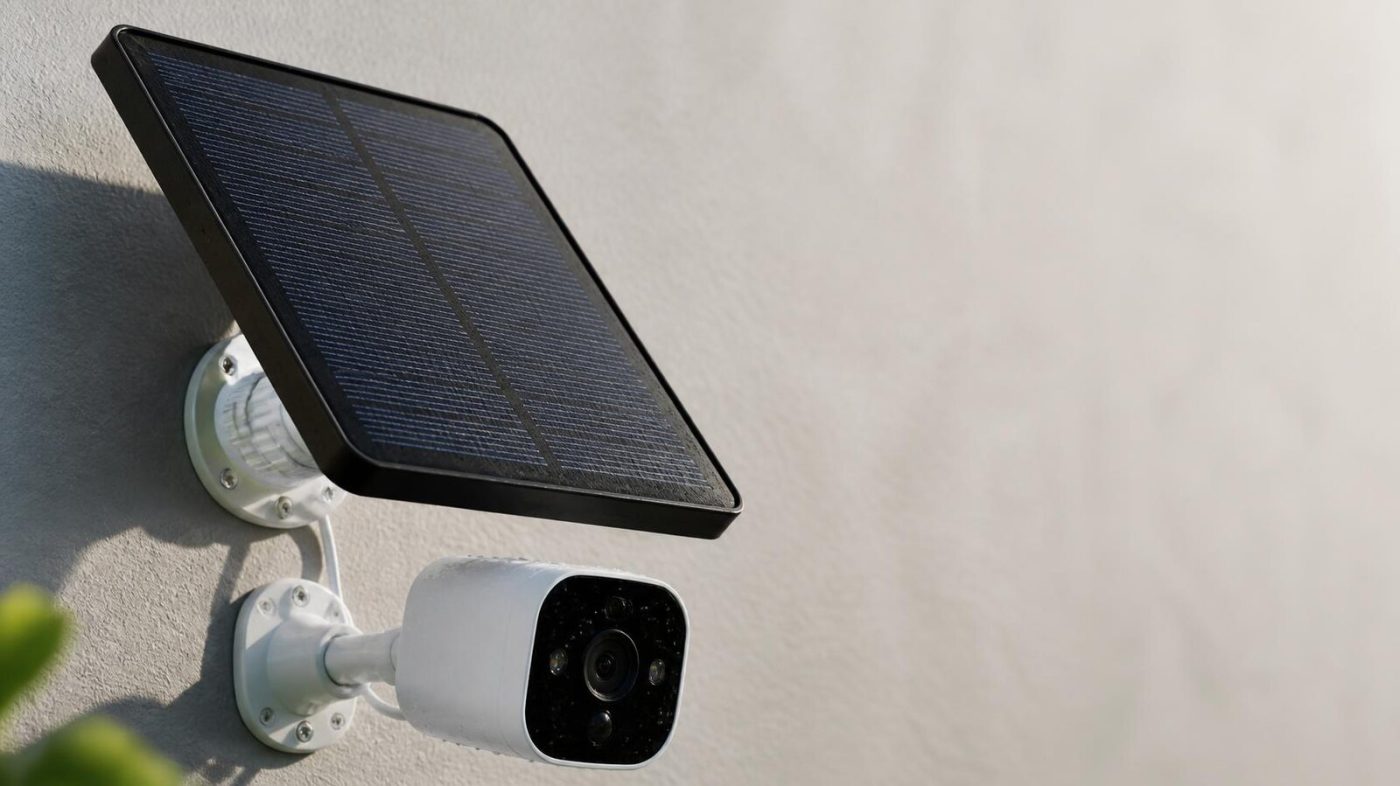
Inside every solar camera is a rechargeable battery. The camera runs off that battery; the small solar panel just trickle-charges it whenever the sun is out. The result is a camera that, in a spot with decent light, effectively never needs charging and never needs a wire.
- Battery backup: a full charge alone lasts anywhere from 1-6 weeks depending on how much the camera records; high-capacity models like the TP-Link Tapo MagCam claim up to 200 days per charge.
- Solar top-up: most panels only need about 4 hours of direct sun a day to stay ahead of normal use. Cloudy and rainy days still generate some power - just less.
- Panel size: a 2.5W panel is fine in sunny regions; go 5-6W in cloudier climates. Panels are cheap - Reolink's is about $30, Ring's $50, Arlo's $80.
The catch is placement: if the only mounting spot is deep shade or a north-facing wall that never sees direct sun, no panel can keep up with the camera's draw. In that one case, run a wired or PoE camera instead. For where to mount for the best coverage, see our guide to the best places to install security cameras.
Not sure which system you need?
Answer a few quick questions and we'll match you with a top-rated provider for a free, no-obligation quote — or compare our top picks yourself.
The best solar security cameras in 2026
| Camera | Best for | Approx. price | Resolution |
|---|---|---|---|
| Reolink Argus 4 Pro | Best overall | ~$153 | 4K |
| Reolink Argus 3 Pro | Best value | ~$100 | 2K |
| eufy SoloCam S340 | Best pan & zoom | ~$200 | 3K |
| Arlo Pro 5S | Best budget | ~$80 | 2K |
| Reolink Go Series | Best no-WiFi (4G) | ~$150+ | 2K-4K |
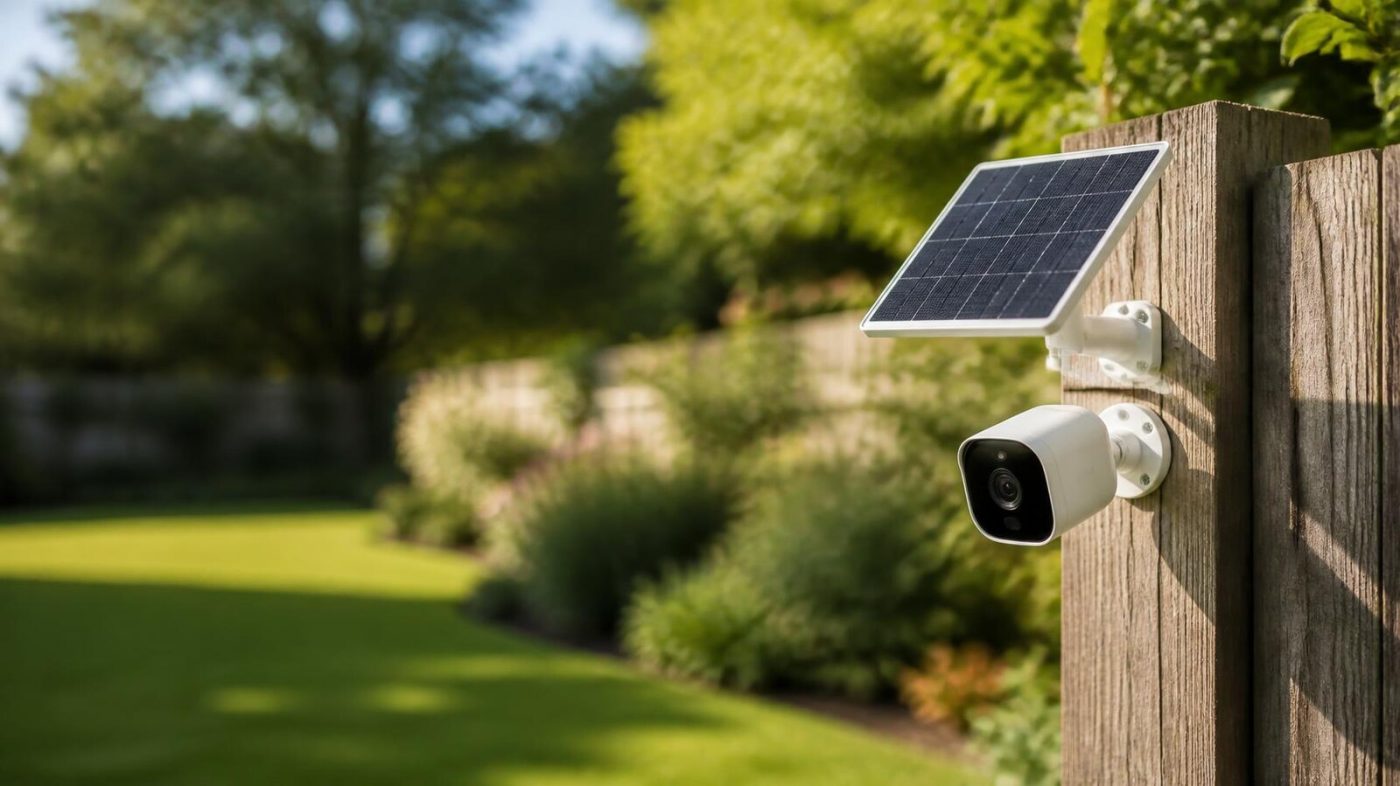
Reolink Argus 4 Pro (best overall, ~$153 with panel). 4K, a wide 180-degree view, and ColorX night vision that shows color in near-darkness. Person and vehicle detection run on the camera, and footage saves to a microSD card - so there's no AI fee and no storage fee.
Reolink Argus 3 Pro (best value, ~$100). The long-time favorite: 2K, records to microSD, a rechargeable battery that lasts weeks, and a cheap clip-on solar panel. Person/vehicle detection on the camera, no subscription.
eufy SoloCam S340 (best pan & zoom, ~$200). A dual-lens camera that pans 360 degrees and tracks motion, with 8GB of built-in local storage and on-device AI. Pricier, but the most capable single solar camera for a wide yard.
Arlo Pro 5S (best budget, ~$80). Frequently the cheapest name-brand solar-ready camera, 2K with color night vision. Note Arlo leans hardest on its cloud plans, so lean on local options if you want $0/month (more on that below).
Reolink Go series (best without WiFi, ~$150+). These use a 4G/LTE SIM instead of WiFi, so they work in a detached garage, barn, cabin, or anywhere with no internet - powered entirely by solar. You'll need a small cellular data plan for the SIM.
Want a full system, not just a camera? Answer a few quick questions and we'll match you with a top-rated provider - including no-contract, low-fee options - for a free, no-obligation quote.
Get matched freeDo solar security cameras need WiFi?
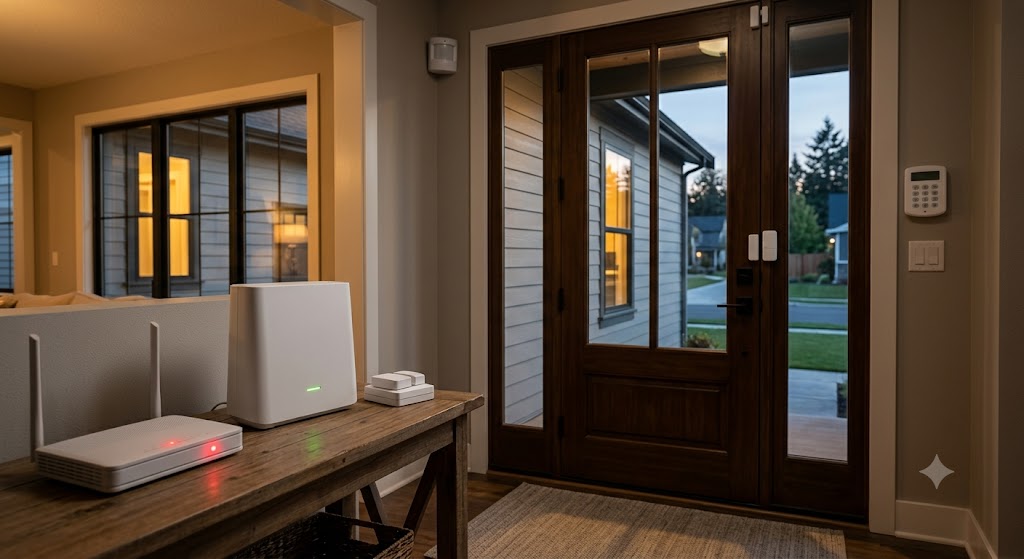
This trips people up, so it's worth being clear: solar handles power, not connection. The solar panel keeps the battery charged, but the camera still needs a way to send you live video and alerts. There are two options:
- WiFi solar cameras (most models): they connect to your home WiFi to stream and store clips. Great for a yard, porch, driveway, or anywhere within range of your router.
- Cellular (4G/LTE) solar cameras: models like the Reolink Go use a SIM card and a mobile network instead of WiFi, so they work with no internet at all - ideal for a shed, gate, cabin, or rural property. They need a small data plan.
So a standard solar camera does need WiFi within range; a 4G solar camera doesn't need any. This is the same WiFi-vs-cellular question we cover for whole systems in does SimpliSafe work without WiFi.
Do solar cameras have a monthly fee?
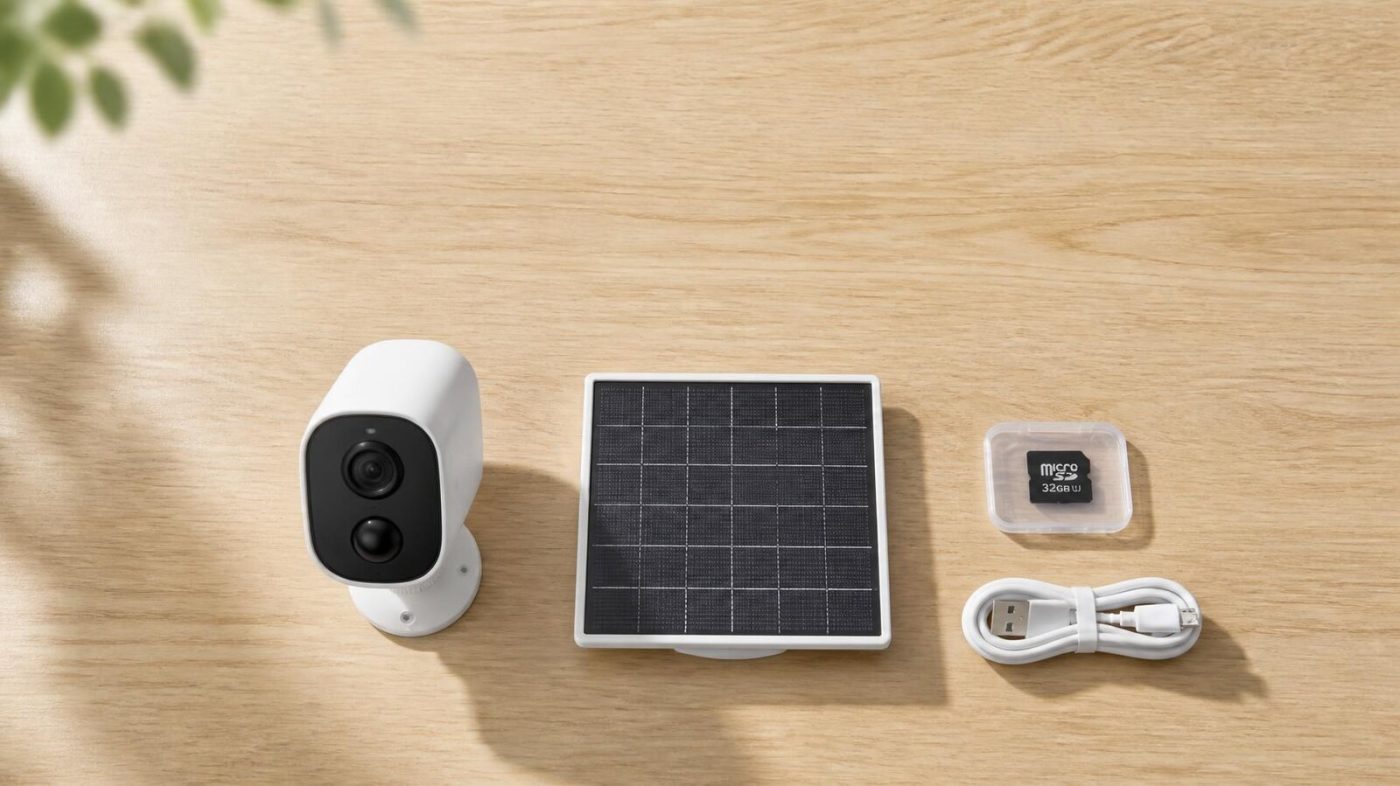
Only if you choose to pay one. Solar cameras with local storage record to a microSD card at no ongoing cost - Reolink and eufy both let you run entirely fee-free this way. Cloud storage is optional:
- Reolink: $0/month on local storage; optional cloud is roughly $3-5/month per camera.
- Ring / Arlo: lean harder on cloud plans ($3-10 and $3-30/month respectively) - and without a plan you often lose saved recordings entirely.
Over a few years, that difference is real money: a fee-free 4-camera setup can save well over a thousand dollars versus a subscription camera. If avoiding monthly fees is the goal, see our full roundup of the best home security cameras with no subscription.
What to look for in a solar camera
Five things separate a solar camera you'll be happy with from one you'll return:
- Sun exposure first. Before anything else, check the mounting spot gets 4+ hours of direct sun. Deep shade kills solar - use a wired camera there instead.
- Resolution: 2K is the sensible minimum; 4K if you want to read a license plate or face at distance.
- Color night vision: a spotlight or starlight sensor turns grainy black-and-white into usable color footage after dark.
- Local storage: a microSD slot (or a hub) is what lets you skip the subscription. Confirm it's included, not cloud-only.
- On-camera AI: person/vehicle detection that runs on the device - not behind a paywall - cuts false alerts without a monthly fee.
Not sure whether one camera is enough for your home? Get a free quote and we'll help you weigh cameras, a monitored alarm, or both - matched to your home and budget.
Get a free quoteSolar security camera FAQs
Do solar security cameras work at night?
Yes. The camera runs off its rechargeable battery around the clock; the solar panel simply recharges that battery during the day. A full charge alone lasts one to several weeks, so the camera keeps recording through the night and through cloudy stretches.
What's the best solar security camera in 2026?
The Reolink Argus 4 Pro (~$153 with the panel) is the consensus best overall - 4K, color night vision, on-camera AI, and local recording with no monthly fee. The Arlo Pro 5S and Wyze Battery Cam Pro are strong picks under $100.
Do solar cameras need WiFi?
Most do - they use your home WiFi to send video and alerts, while solar only powers them. If you have no internet where the camera goes, a 4G/LTE model like the Reolink Go works over a cellular SIM with no WiFi at all.
Do solar cameras have a monthly fee?
Not if you use local storage. A microSD card records footage at no ongoing cost. Cloud storage is optional (about $3-5/month per camera on Reolink), and only needed if you want off-site backup.
How much sun does a solar camera need?
Roughly 4 hours of direct sunlight a day keeps most cameras topped up. Use a larger 5-6W panel in cloudy climates, and avoid deep-shade or north-facing spots that never get direct sun.