
The short answer
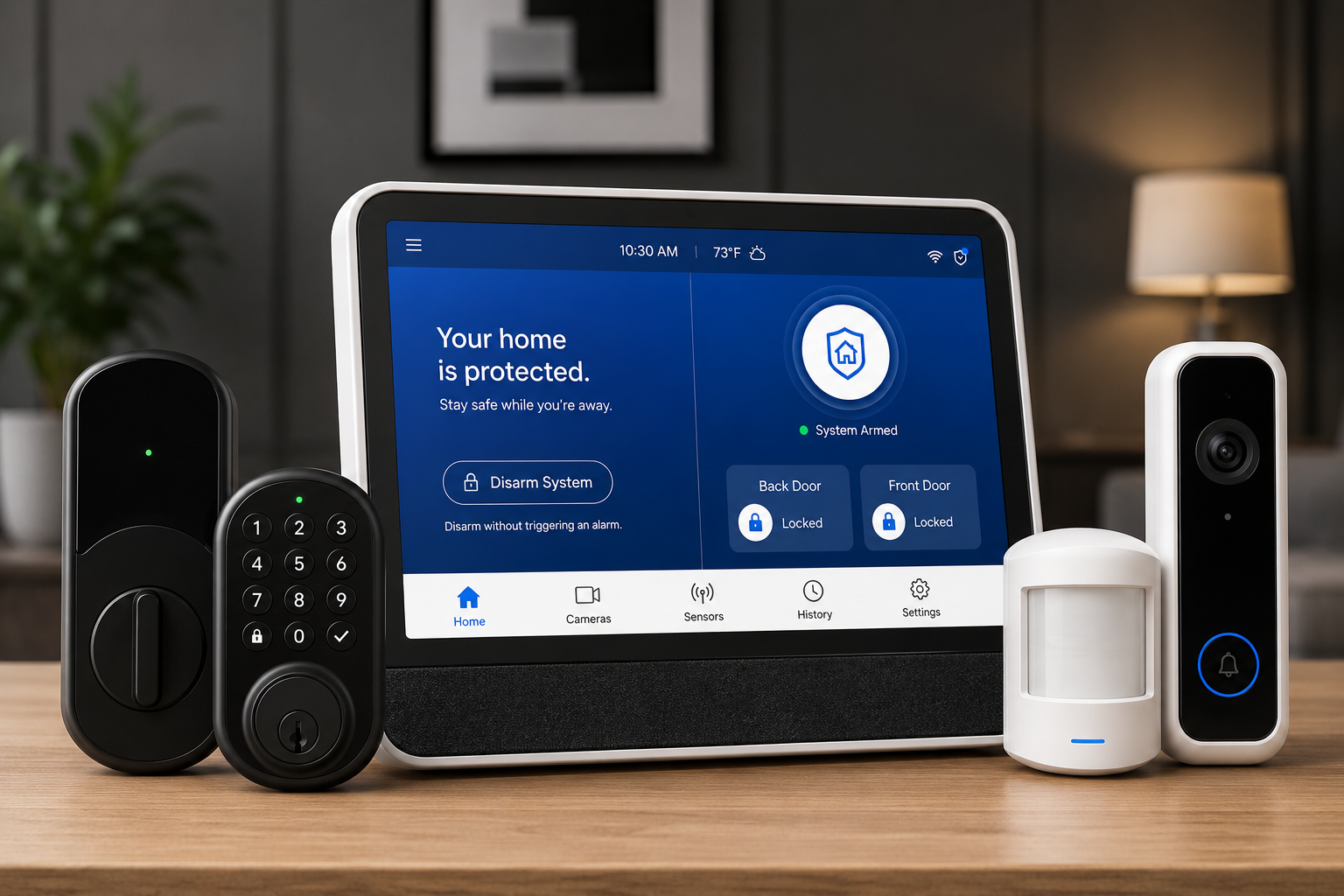
Most Vivint problems come down to four things: a device that needs a reboot or power cycle, a battery that needs changing, a Wi-Fi signal that doesn't reach, or a thermostat wiring/battery issue. Below are the exact fixes, in the order to try them, for the Smart Hub panel, cameras and doorbells, the Vivint thermostat, every sensor type, the app, and - if you've had enough - how to cancel Vivint without paying more than you owe.
Safety first: in a real emergency call 911, not Vivint. For account or warranty service, Vivint's own line is 1-800-216-5232 (available 24/7). This guide is written by an independent reviews site - we are not Vivint, and we don't charge for any of the steps below.
If your Vivint system keeps breaking and you're wondering whether it's worth it, you're not alone - we cover your options at the end. Want an unbiased second opinion now? Call ☎ (888) 207-7106 or get a free assessment.
How to reboot or reset the Vivint panel (Smart Hub & SkyControl)
Stuck after these steps? Independent help (not Vivint): ☎ (888) 207-7106
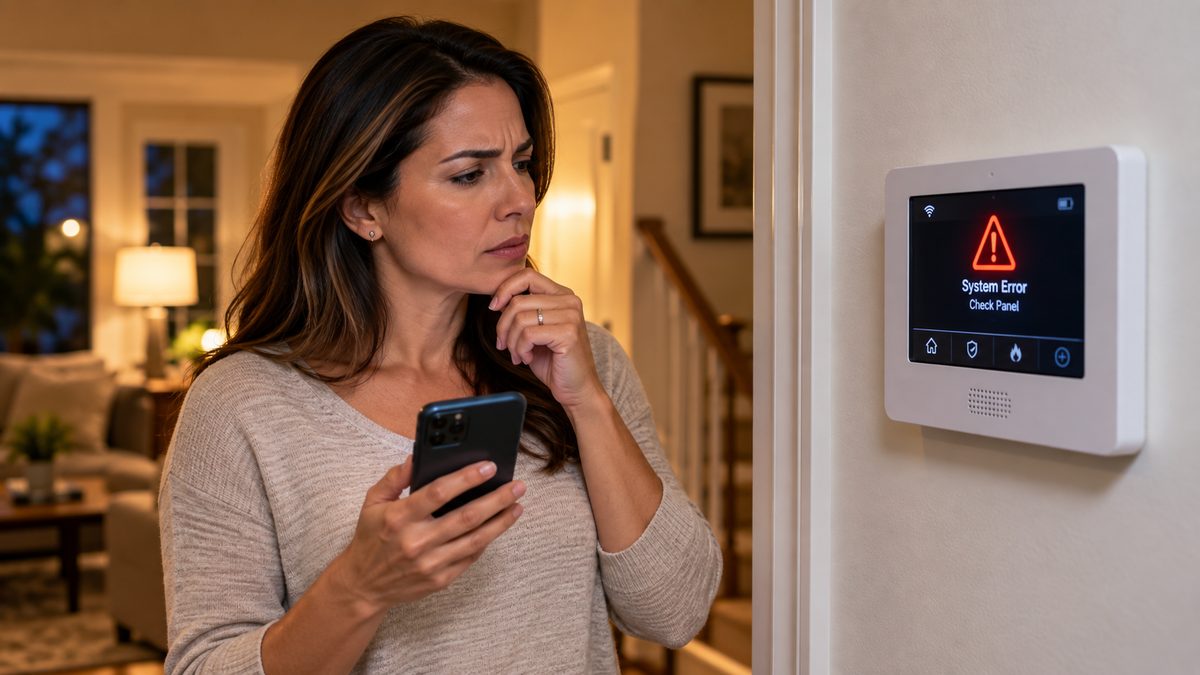
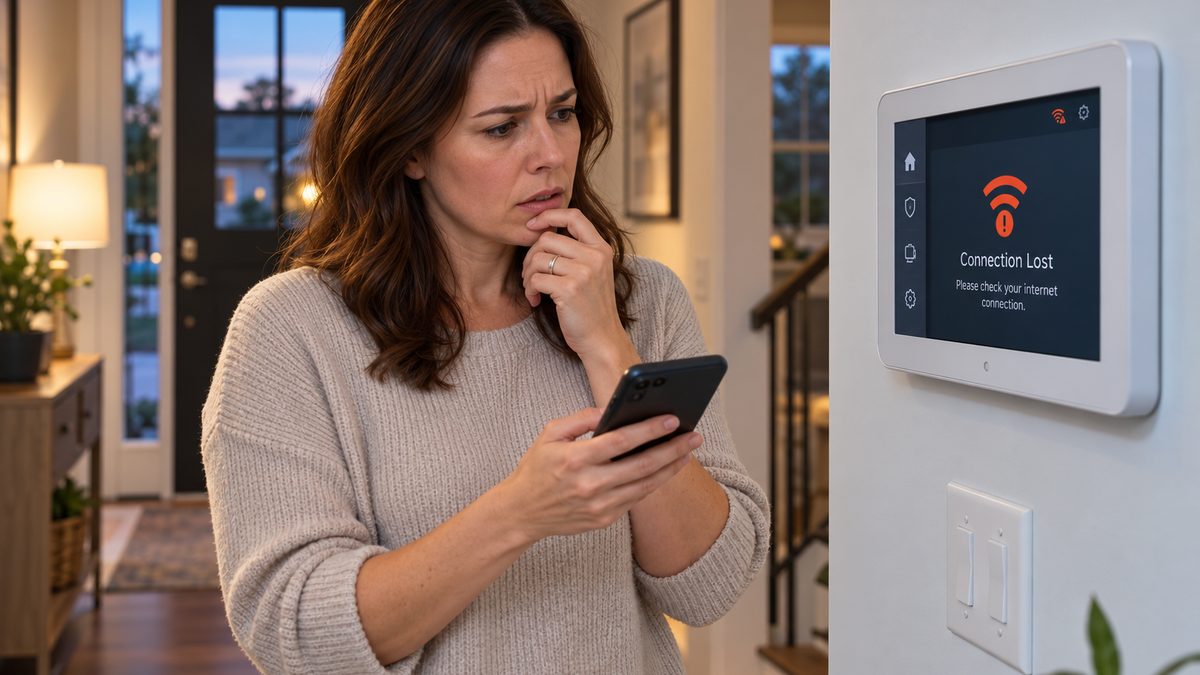
A frozen screen, a panel that won't respond to touch, or a "connection lost" banner that won't clear is usually fixed by a soft reboot. Try this first:
- On the panel home screen tap the Menu icon (bottom right).
- Tap Devices under Smart Home Settings and enter your PIN.
- Tap Smart Hub (or Panel), then Reboot, then Yes.
The panel takes 2-3 minutes to come back. If the screen is frozen and you can't reach the menu, do a hard reboot: disarm the system, unplug the power cable from the panel, slide the panel off its wall bracket, unclip the black backup battery on the back, wait 30 seconds, then reconnect the battery and power.
How to reset the Vivint panel without a code. You can't factory-reset a monitored Vivint panel without the master code or Vivint's help - that's a deliberate security feature. If you've forgotten your code, the panel's installer code (widely reported as 2203 on many Vivint systems) opens the installer toolbox, but Vivint can and does change it. The reliable route is to call Vivint, verify your identity, and have them push a reset remotely.
Vivint panel battery. If the panel shows a low-battery warning while plugged in, the internal backup battery (the removable black pack on the back) is near end of life - they last about 3-5 years. Vivint will replace it under the Premium Service plan; otherwise a compatible replacement pack runs roughly $25-$40. How to charge the Vivint panel battery: it charges automatically whenever the panel has AC power - leave it plugged in for 24 hours after a replacement.
Green light on the panel? The green LED means the system is disarmed and healthy. It can be dimmed or turned off under Menu → Display settings on most panels.
Panel on its third reboot this month? Older SkyControl panels are no longer manufactured, and a replacement Smart Hub from Vivint typically means a new contract. Before you sign one, see what a current system costs - call ☎ (888) 207-7106 or get a free assessment.
Not sure which system you need?
Answer a few quick questions and we'll match you with a top-rated provider for a free, no-obligation quote — or compare our top picks yourself.
Vivint camera offline, "requires power cycle," or doorbell not working
Stuck after these steps? Independent help (not Vivint): ☎ (888) 207-7106
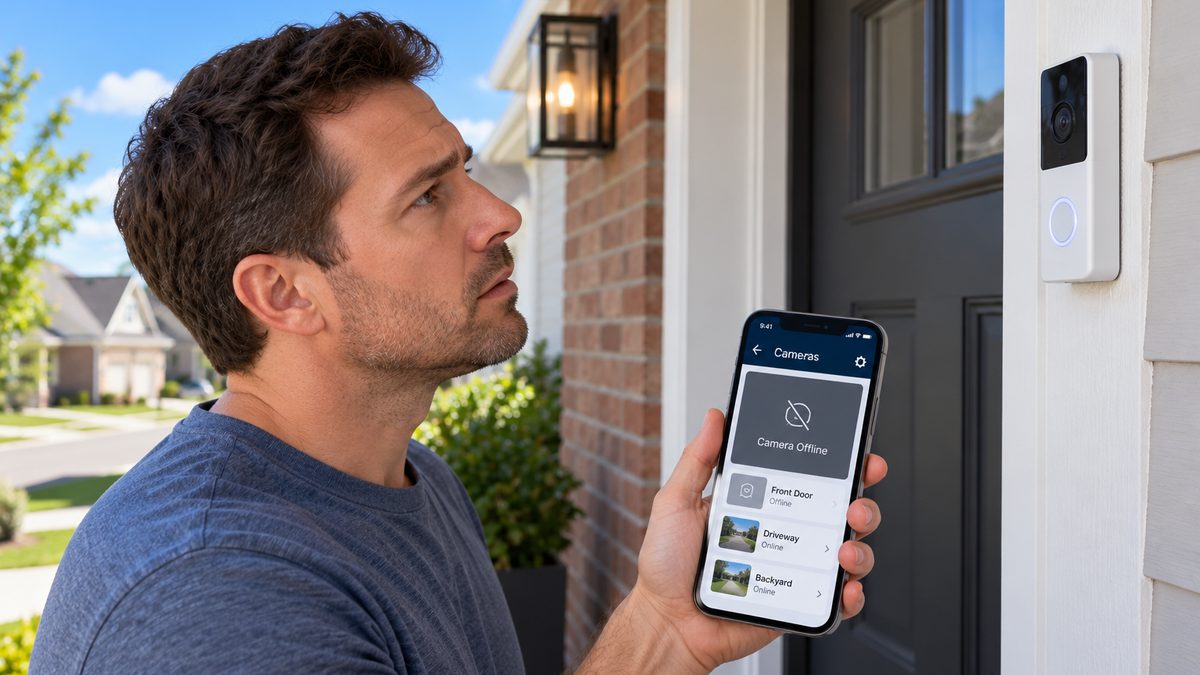
Vivint cameras and doorbells talk to the panel over Wi-Fi, so almost every camera problem is either power or signal. Work through these in order:
- Power cycle the camera. For an outdoor or indoor camera, unplug its power adapter from the outlet, wait 30-45 seconds, plug it back in. For the Doorbell Camera, it's wired to your doorbell transformer - flip the breaker for the doorbell circuit (or unplug the transformer) for 30 seconds, then restore it. Give the camera 3-5 minutes to reconnect.
- Reboot the panel (steps above). Cameras often show "offline" in the app when it's actually the panel that lost its link.
- Check Wi-Fi strength. In the app go to the camera → Settings → look for the signal indicator. Anything under two bars will drop constantly. Move the router closer, or ask Vivint about an AirBridge / Wi-Fi Bridge - a 5 GHz mesh node that builds a dedicated network for Vivint devices (usually $100-$150 if you're not under a service plan).
- Doorbell keeps saying "requires power cycle" every few days? That's an electrical symptom, not a Wi-Fi one: a weak or old doorbell transformer (needs 16-24 V AC), a loose wire at the chime box, or a missing chime extender. Vivint can test the transformer; an electrician can swap one for about $100-$200.
- Outdoor camera reset button: on the Outdoor Camera Pro, hold the small button on the back/bottom of the camera for 10-15 seconds until the LED flashes - then re-add it from the panel.
What is Deter mode on Vivint cameras? Smart Deter is Vivint's AI feature on the Outdoor Camera Pro and Doorbell Camera Pro: when it detects a person lingering (or approaching a package the doorbell has detected), it lights up the red LED ring, plays a whistle/deter tone, and on the Spotlight Pro it follows the person with a light. You turn Deter on, off, or schedule it in the app under the camera's settings; "Deter Off" in the camera feed just means the mode is currently disabled.
How long does Vivint keep recordings? Clips are stored in the cloud for 14-30 days depending on plan. For 24/7 continuous recording you need the Vivint Smart Drive (a 1 TB local drive for up to four cameras, 30 days). If the Smart Drive isn't working, power cycle it and the panel together - it's plugged into the panel over Ethernet - then check it shows "connected" under Devices. To delete Vivint video clips: open the clip in the app → tap the three dots → Delete; clips can't be bulk-deleted from the panel.
How to turn off a Vivint camera: in the app, open the camera → Settings → toggle Camera off (or set a Privacy schedule). How to remove a Vivint doorbell camera: loosen the security screw at the bottom with the supplied Torx key, lift the doorbell off the bracket, then disconnect the two wires - turn off the doorbell breaker first.
Cameras that drop offline every week? Several newer systems run cameras on their own battery or PoE and don't depend on the panel. Compare what's available in your area - call ☎ (888) 207-7106 or get a free assessment.
Vivint thermostat problems: cycle delay, not heating, battery, reset
Stuck after these steps? Independent help (not Vivint): ☎ (888) 207-7106
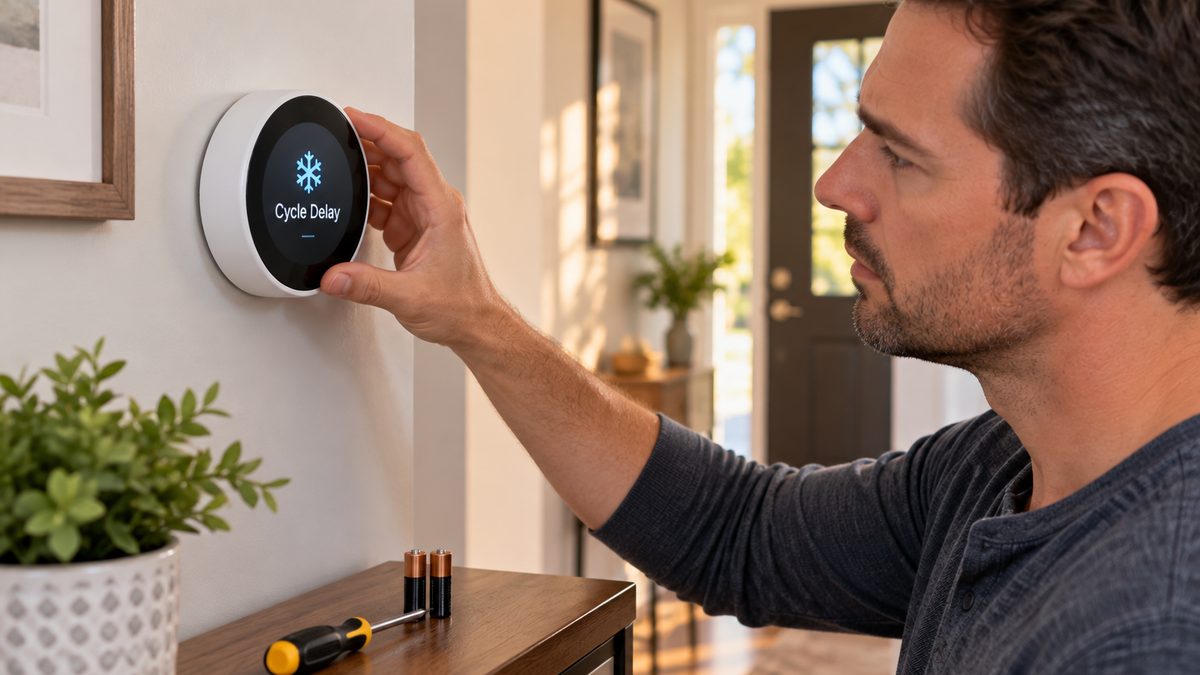
The Vivint Element thermostat (and the older CT100) generates more support searches than any other Vivint device. Here's what the common messages mean:
"Cycle delay" on a Vivint thermostat is a built-in compressor-protection pause - it stops your furnace or AC from short-cycling. A delay of 2-5 minutes after each run is normal. If the thermostat is stuck on cycle delay or cycles every few minutes, it's almost always one of two things:
- Low thermostat battery. The Element has a rechargeable battery that is topped up by the furnace's C-wire. If the C-wire is missing or loose, the battery drains, and the thermostat runs the system for a minute or two, stops for 4-5 minutes, and repeats. Fix: confirm a C-wire is connected (the "C" terminal on the backplate), or have one added.
- Thermostat needs a charge. Set the system to Off for an hour or two with the C-wire connected so the battery recovers, then try again.
Vivint heater not heating up / furnace running but thermostat only blows cold: check the heat/cool wiring hasn't been reversed (W = heat, Y = cool), and that the system mode is set to Heat not Cool. On heat pumps, a reversed O/B setting does exactly this - it's a 30-second fix in the thermostat's installer settings.
How to change the battery in a Vivint thermostat: the Element's battery is internal and not user-replaceable - it charges from the C-wire. The older CT100 uses 4 AA batteries: pull the thermostat straight off its base, swap the batteries, and press it back on.
How to reset the Vivint thermostat: pull it off the wall plate, wait 30 seconds, and reseat it (soft reset). For a full reset: Menu → Settings → Reset/Restore defaults - you'll need to re-pair it to the panel afterwards under Devices → Add device. Thermostat not turning on the AC: confirm the Y wire is seated and the outdoor unit's breaker is on before assuming the thermostat is at fault.
Vivint thermostat manual: Vivint publishes the Element and CT100 guides at support.vivint.com (search "thermostat"). Vivint thermostats are Z-Wave, so a standard Z-Wave thermostat (Honeywell T6 Pro Z-Wave, GoControl) will also pair with the panel if you want to replace it.
Tired of babysitting the thermostat? If the HVAC side is sound but Vivint's gear keeps acting up, a second opinion is free - call ☎ (888) 207-7106 or get a free assessment.
Vivint sensor battery replacement: door, window, motion, glass break, smoke & CO
Stuck after these steps? Independent help (not Vivint): ☎ (888) 207-7106
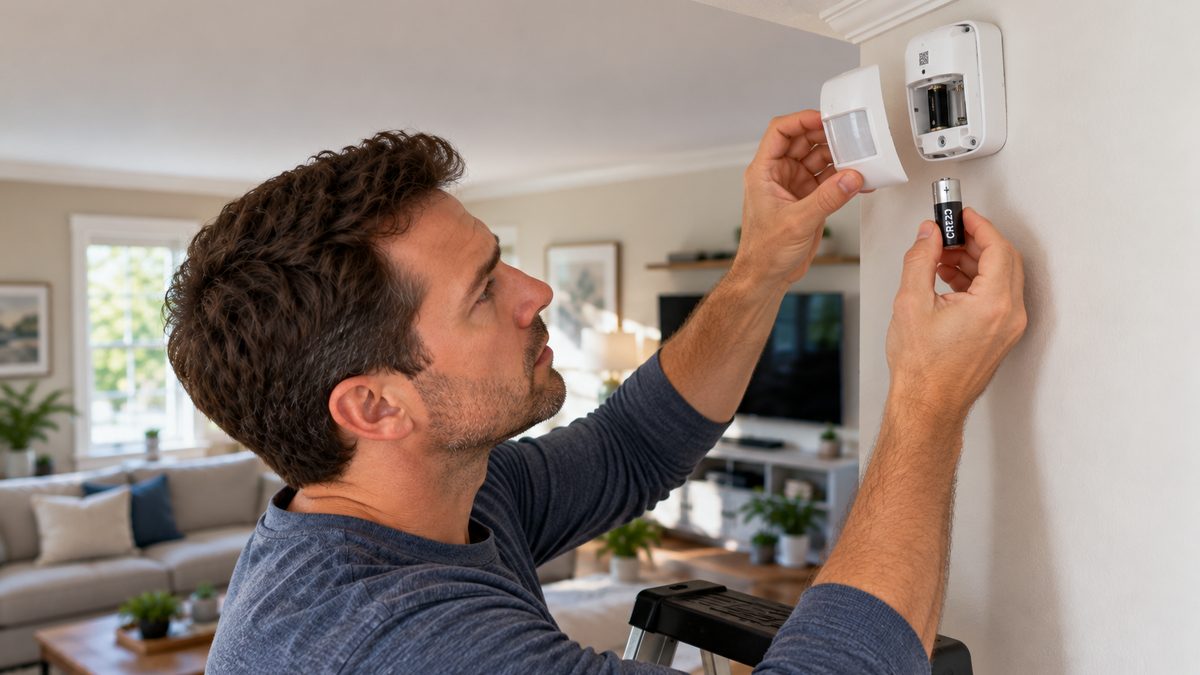
A "low battery" message on the panel tells you which sensor needs attention. Vivint sensors use ordinary batteries you can buy anywhere - here's the list:
| Sensor | Model | Battery |
|---|---|---|
| Door / window sensor | DW11, DW21 | 1 × CR2032 coin cell |
| Motion sensor | PIR1 / PIR2 | 1 × CR123A (PIR1) or 2 × CR123A (PIR2) |
| Glass break detector | GB1 / GB2 | 2 × CR123A |
| Smoke / fire alert sensor | FA1 / smoke detector | 3 × AA (older) or CR123A - check the label |
| CO detector | CO1 | 3 × AA (sealed 10-year models aren't replaceable) |
| Door lock (Kwikset) | Kwikset 888/910 | 4 × AA |
| Garage / tilt sensor | GD / tilt sensor | 1 × CR123A |
Door/window sensor (DW11): slide the sensor cover up and off, pop the CR2032 out with a coin, slide the new one in with the + side up, close the cover. The panel clears the warning within a minute. Motion detector (PIR2): unclip it from the mount, open the back, replace both CR123As together. Glass break (GB1): after removing the old batteries wait a full 30 seconds before inserting new ones, or the sensor won't re-register.
Two things that trip people up: some CR123A/CR2032 batteries now ship with a bitter "child-safe" coating that stops contact - buy plain ones. And the panel may show a tamper alert while the cover is off; it clears when you close it. If a sensor still reports low battery after a fresh set, the sensor itself is failing - DW11 replacements are around $20-$30, and you can add a new one yourself under Devices → Add.
Changing batteries every few months? Newer sensor designs run 5-10 years on a cell. If your Vivint hardware is aging out, it may be cheaper to replace the system than keep feeding it - call ☎ (888) 207-7106 or get a free assessment.
Vivint app not working, login & password reset, Wi-Fi bridge
Stuck after these steps? Independent help (not Vivint): ☎ (888) 207-7106
Vivint app not working or stuck loading: (1) force-close and reopen; (2) check the App Store / Play Store for an update - Vivint retired the Vivint Classic app, so the old one will simply stop working; (3) reboot the panel; (4) check support.vivint.com or Downdetector for an outage - "is Vivint down right now" spikes a few times a year and it's usually resolved within hours.
Vivint password reset / can't log in: use Forgot password on the app login screen - the reset email goes to the address on your account, and the password is case-sensitive. Five failed attempts locks the account for 15 minutes. If the email never arrives, your account may be under a different address (common after a move or a spouse set it up) - Vivint can confirm it over the phone after verifying you.
Does Vivint work without Wi-Fi? The panel uses an LTE cellular connection for monitoring, so arming, sensors, and the monitoring center keep working if your internet drops. Cameras, doorbells, the app's live view, and smart-home controls all need Wi-Fi.
What is the Vivint Wi-Fi Bridge / AirBridge? It's a mesh node that creates a private 5 GHz network just for your Vivint cameras and devices, so they don't fight with your household Wi-Fi. If cameras drop whenever the kids stream, the bridge (or simply a better router placed centrally) is the fix. A Vivint repeater is the older Z-Wave range extender for sensors and locks - different problem, different box.
Vivint internet: Vivint briefly sold wireless home internet in a few cities (Utah, Texas) and discontinued it in 2018 - if you're searching for it, it no longer exists; your Vivint security system works with any ISP.
More time in the app than enjoying the house? We can point you to systems with simpler apps and no contract - call ☎ (888) 207-7106 or get a free assessment.
Vivint door lock & garage door problems
Stuck after these steps? Independent help (not Vivint): ☎ (888) 207-7106
How to change the code on a Vivint door lock: in the app, go to Devices → the lock → Manage codes - you can add, rename, or delete user codes without touching the lock. On the lock itself (Kwikset): press the Program button inside the back cover, enter the new code, press the lock button. Lock not working / unresponsive: replace all four AA batteries (a weak set makes the motor stall), then re-calibrate from the app. If the lock is more than 30 feet from the panel with walls in between, a Z-Wave repeater fixes drop-outs.
Garage door controller offline: the Vivint garage controller pairs to the panel over Z-Wave and has a tilt sensor on the door. Power cycle the controller at the outlet, check the tilt sensor battery (CR123A), and confirm the opener's safety sensors are aligned - the controller won't close the door if the opener itself refuses.
Lock or garage gear failing out of warranty? Replacement units from Vivint usually come with a service plan upsell. Know your alternatives first - call ☎ (888) 207-7106 or get a free assessment.
How to cancel Vivint (contract, fees, 3-day rule, moving)
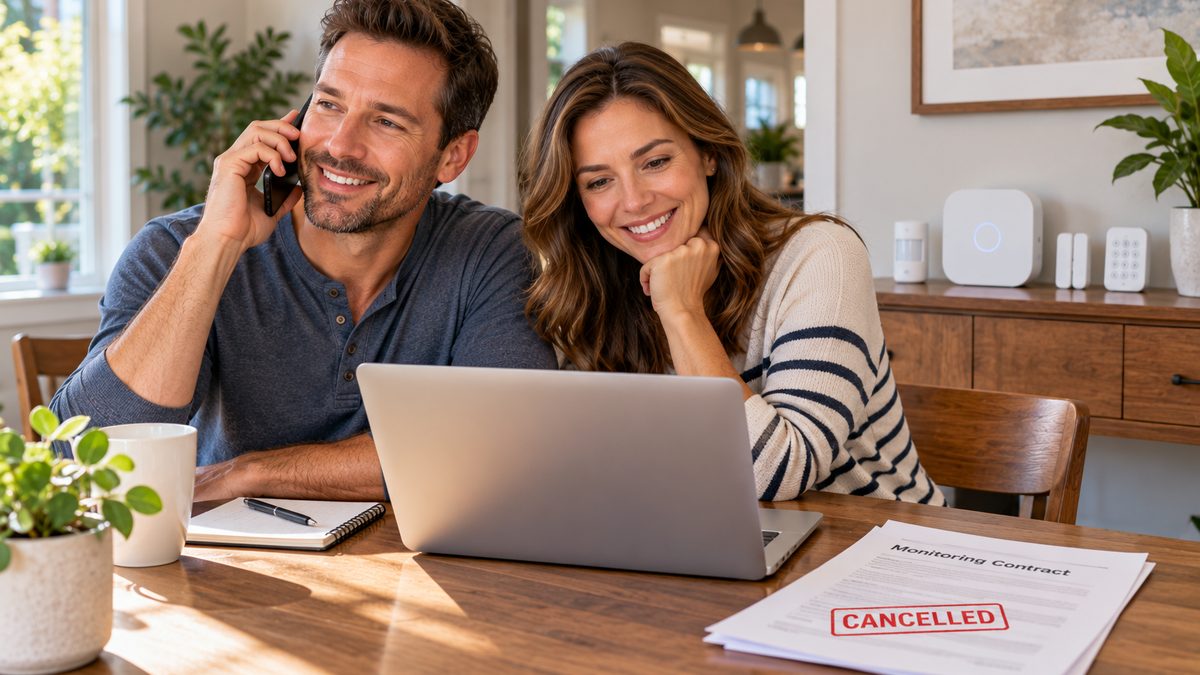
Here's the honest version. Vivint contracts run 42 or 60 months, and since the equipment is usually financed separately, "canceling Vivint" means two things: ending monitoring, and paying off the gear.
- Call 1-800-216-5232 (choose the cancellation option, often ext. 5020) and say you want to cancel. You'll be routed to retention - expect a discount offer. Be polite, be firm.
- Vivint emails or mails a Notice of Cancellation. Sign and return it - nothing happens until they receive it. Keep a copy and the date.
- Give 30 days' notice; monitoring stops at the end of that period and billing stops after the final cycle.
- If you're still inside the term, you'll owe the remaining contract balance and any remaining equipment balance. Vivint doesn't label this an "early termination fee," but it works like one - ask for the exact payoff figure in writing.
How to cancel Vivint within 3 days: federal and state cooling-off rules give you 3 business days after signing (at your home) to cancel in writing for a full refund - use the cancellation form that came with your contract and send it by a trackable method. Can you cancel Vivint before paying off the equipment? Yes, but the equipment balance is due at cancellation. Can I return my Vivint equipment? Only within the 3-day window; after that it's yours.
Moving? Vivint will move the system for a fee (typically $99-$199) or let you transfer the contract to the new homeowner. Military customers with deployment or PCS orders of 90+ days can cancel without penalty under Vivint's military policy. We cover every option in detail in our full guide to canceling Vivint.
Vivint lawsuit / complaints: Vivint has faced class actions over door-to-door sales practices and auto-renewals, and it's one of the most complained-about brands on the BBB. If your contract was misrepresented, file with your state attorney general and the FTC - and keep every document.
Leaving Vivint and need a replacement? We'll help you compare no-contract and pro-monitored alternatives before you cancel, so there's no gap in coverage - call ☎ (888) 207-7106 or get a free assessment.
How to pay your Vivint bill (online, by phone, one-time payment)
Online: log in at account.vivint.com → Make a Payment → enter the amount and method. The same screen lets you turn AutoPay on or off and change your card. By phone: call 1-800-216-5232 and use the automated payment line. One-time payment without logging in: Vivint doesn't offer a guest-pay page - you'll need the account login or the phone line. In the app: Menu → Account → Billing.
Check your statement for two line items people often don't realize they're paying: the equipment financing installment (separate from monitoring) and the Premium Service / protection plan (~$5-$10/mo) that covers repairs and battery changes. If you're paying for the plan but changing your own batteries, that's worth a call to Vivint. Compare against the full breakdown in how much Vivint really costs per month.
Bill higher than you expected? Find out what comparable monitoring costs elsewhere - call ☎ (888) 207-7106 or get a free assessment.
Fed up with Vivint? Your options
Vivint makes good hardware - the Doorbell Camera Pro and Smart Deter are among the best in the industry - but the long contract, financed equipment, and a system that depends on one panel are the reasons people search for a way out. Where Vivint owners usually land:
- Want pro monitoring without a 5-year contract: SimpliSafe, Cove, or Ring - month-to-month, you own the gear from day one.
- Want the same pro-install experience with a shorter term: ADT or Brinks - still contracts, but 36 months and more flexible on moves. (See our ADT troubleshooting guide before you assume the grass is greener.)
- Thinking Frontpoint, Cove, or Xfinity vs Vivint: Frontpoint and Cove are DIY with pro monitoring and no long contract; Xfinity Home bundles with internet but ties you to Comcast. For most Vivint refugees, Cove or SimpliSafe is the cleanest switch.
- Keep the Vivint gear, drop the service: Vivint cameras and the panel are proprietary - they do not work with other monitoring companies, and cameras lose cloud recording without service. Z-Wave sensors and locks can be re-paired to another Z-Wave hub.
Not sure which way to go? Take the free 60-second assessment or call a specialist at ☎ (888) 207-7106. We'll match you with a system that fits - and we'll never push a contract you can't get out of.
Frequently asked questions
How do I reboot my Vivint panel?
Menu → Devices → enter PIN → Smart Hub → Reboot → Yes. If the screen is frozen, unplug power, remove the backup battery for 30 seconds, and reconnect.
How do I reset my Vivint panel without the code?
You can't factory-reset a monitored panel without the master or installer code - call Vivint, verify your identity, and they'll reset it remotely.
What does "cycle delay" mean on a Vivint thermostat?
It's a short compressor-protection pause after each heating or cooling run. If it's constant, the thermostat battery is low - usually because the C-wire is missing or loose.
Why does my Vivint camera say "requires power cycle"?
The camera lost power or its connection. Unplug it (or flip the doorbell breaker) for 30 seconds. If a doorbell shows it every few days, the transformer is weak and needs replacing.
What is Deter mode on Vivint?
Smart Deter is the AI feature on Vivint's Outdoor Camera Pro and Doorbell Camera Pro that lights the red LED ring and plays a tone when someone lingers or approaches a package. Turn it on, off, or schedule it in the app.
What battery does a Vivint door sensor use?
The DW11/DW21 door and window sensor uses one CR2032 coin cell. Motion and glass break sensors use CR123A batteries.
Does Vivint work without Wi-Fi?
Monitoring and sensors keep working over LTE cellular. Cameras, live view, and smart-home controls need Wi-Fi.
How long is a Vivint contract?
Monitoring agreements are typically 42 or 60 months, with equipment financed separately over the same period.
How do I cancel Vivint without penalty?
Within 3 business days of signing, at the end of your term, or under the military clause with deployment/PCS orders. Otherwise you owe the remaining contract and equipment balance.
What is the Vivint cancellation number?
1-800-216-5232. Ask for the cancellation department, then sign and return the Notice of Cancellation they send you.
Can I use Vivint cameras without service?
Not really - Vivint cameras are proprietary and need an active account for cloud recording and app access. Z-Wave sensors and locks can be moved to another hub.
CompareYourSecurity.com is an independent reviews site and is not affiliated with Vivint. Model numbers and policies change - confirm specifics with your Vivint manual or support.vivint.com, and confirm any cancellation terms with Vivint in writing. In an emergency, call 911.
Still have questions about your options? Our independent specialists are at ☎ (888) 207-7106, or start with the free assessment. For Vivint account or service issues, contact Vivint directly at 1-800-216-5232.