
The short answer
Most ADT problems trace back to one of five things: a beeping panel (usually a low backup battery), a cellular failure message, a dead sensor or backup battery, a panel that needs resetting, or a contract you want out of. Below are clear, step-by-step fixes for each, using ADT's own documented methods.
First, a safety note: if you're in a real emergency, call 911 - not ADT. For system help, ADT's support and monitoring line is 1-800-ADT-ASAP (1-800-238-2727). And if your ADT system keeps giving you trouble and you're wondering whether it's worth it, you're not alone - we'll cover your options (and how to leave) at the end. Want an unbiased second opinion now? Get a free assessment or call ☎ (888) 207-7106.
ADT alarm beeping: how to stop it
Stuck after these steps? Independent help (not ADT): ☎ (888) 207-7106
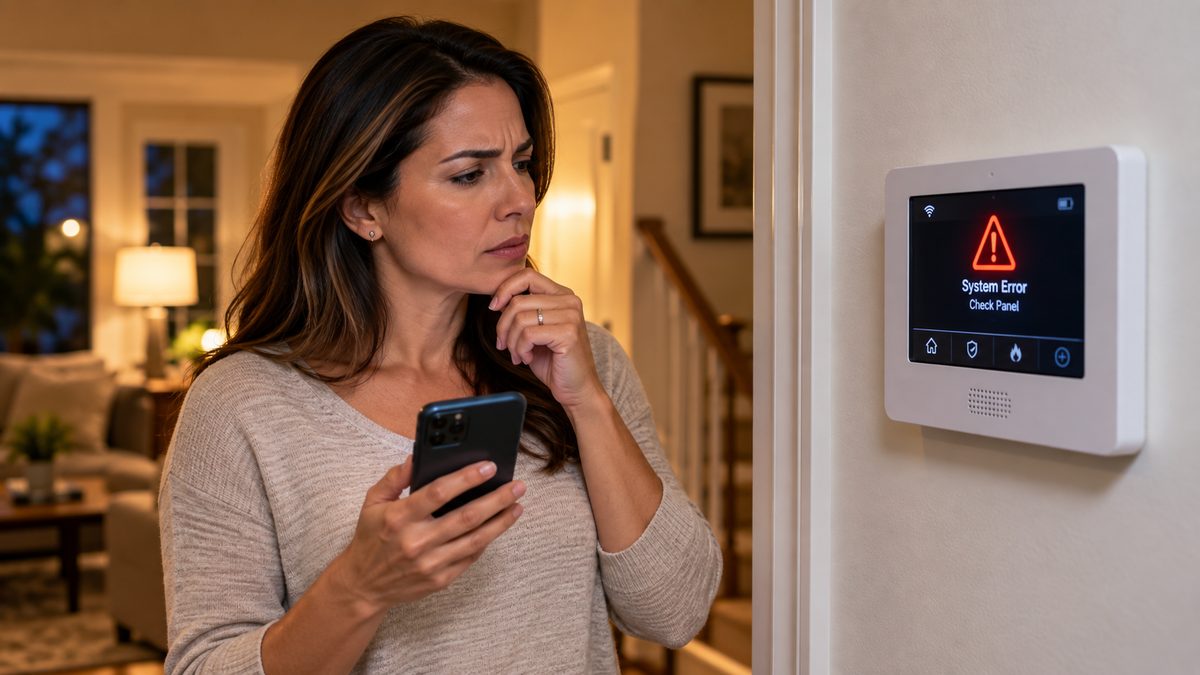
A beeping or chirping ADT panel almost always means a low backup battery - usually after a power outage, or because the backup battery is aging and no longer holds a charge. Less often it signals a trouble condition like cellular failure (covered next).
To silence the beeping right now:
- Press [OFF] or [#] on your keypad to temporarily silence the chirp. On some panels you enter your code, then [OFF].
- If it started right after a power outage, the panel is just recharging - the beep should stop within a few hours to 48 hours once power is fully restored.
- If the beeping continues more than 48 hours after power is back - or you haven't lost power at all - the backup battery likely needs replacing (see the battery section below).
If your panel keeps beeping "when nothing is wrong," it's the panel telling you a battery or trouble condition needs clearing - it won't stop on its own until the underlying issue is fixed or the battery is replaced.
Sick of the beeping? If your ADT system keeps acting up, get an independent second opinion on your options - call ☎ (888) 207-7106 or request a free assessment.
Not sure which system you need?
Answer a few quick questions and we'll match you with a top-rated provider for a free, no-obligation quote — or compare our top picks yourself.
What does cellular failure mean on ADT? (and how to fix it)
Stuck after these steps? Independent help (not ADT): ☎ (888) 207-7106
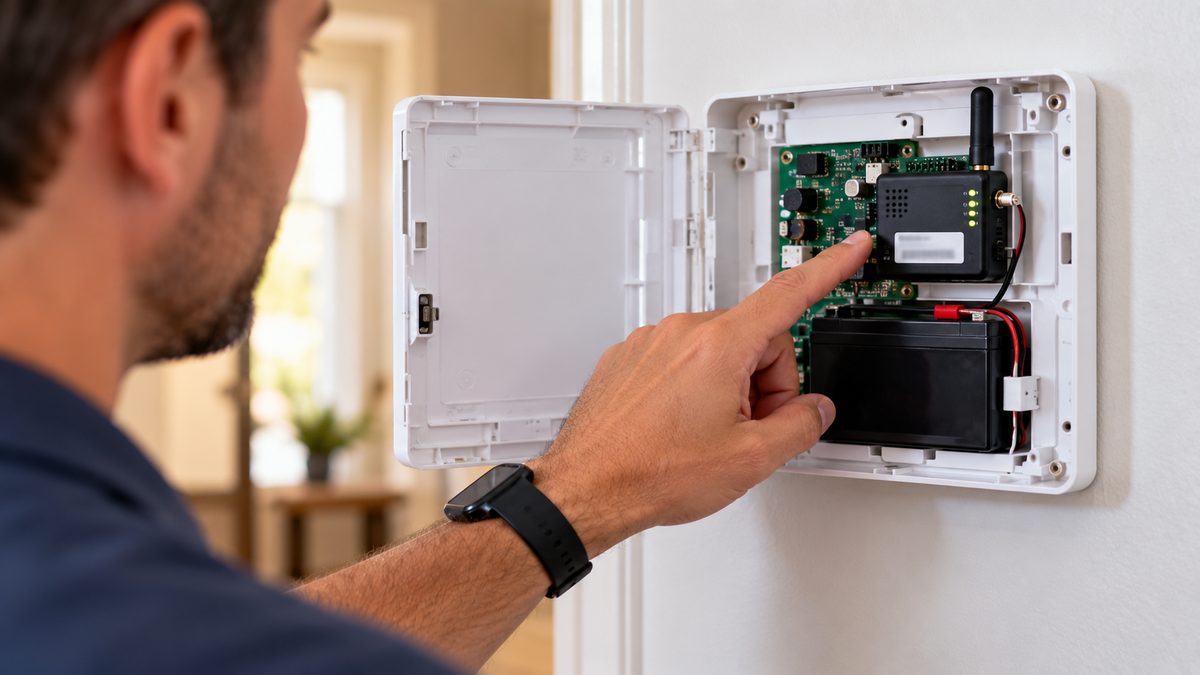
A "cellular failure" message means your ADT panel has lost its cellular connection to ADT's monitoring center - the link that lets it call for help if the alarm trips. It's usually a weak cell signal, a SIM/antenna issue, or a temporary local cellular outage. (If you recently cancelled ADT, the panel loses both cellular and Wi-Fi and may beep for the same reason.)
How to fix ADT cellular failure:
- Press [OFF] or [#] to silence the alert, then disarm normally.
- Restart the panel/hub - power it down and back up (or pull and reseat the backup battery briefly).
- Relocate the hub if you can - closer to a window, away from large metal objects and thick walls that block the cell signal.
- Check the SIM card and cellular antenna are seated and undamaged.
- If it still fails, there may be a local cellular outage, or your backup battery may be too weak to hold the connection.
Because a cellular failure means your monitored system may not be able to call for help, don't ignore it - if a restart doesn't clear it, call ADT at 1-800-238-2727 so they can check the signal on their end. (A repeatedly failing cellular module is also one of the most common reasons people start shopping for a new system.)
Have a Safewatch Pro 3000 showing "Check 103 LngRng Radio" or "bF"? That's the Honeywell Vista-20P inside it - see our Vista-20P owner's guide for the codes, the radio fix and the honest replace-or-repair call.
Cellular failure keeps coming back? Talk to an independent specialist about systems with modern LTE and Wi-Fi backup - call ☎ (888) 207-7106 or get a free assessment.
ADT low battery: how to replace the backup battery
Stuck after these steps? Independent help (not ADT): ☎ (888) 207-7106
ADT systems have a backup battery that keeps the panel running during a power outage, plus small batteries in wireless sensors. A low-battery alert means one of these needs replacing.
Before you swap the panel's backup battery, put the system in Test Mode so it doesn't trigger a real alarm or dispatch:
- Log into MyADT.com and choose "System Test" (or "Test Mode") under the alarm/security tab, or call 1-800-ADT-ASAP and ask them to place your system on test.
- Open the panel or battery compartment, disconnect the old backup battery, and connect the new one (match the exact voltage/type - many older ADT panels use a sealed 12V lead-acid backup battery).
- Close it up, take the system off test, and let it recharge - a little beeping for up to 48 hours while it charges is normal.
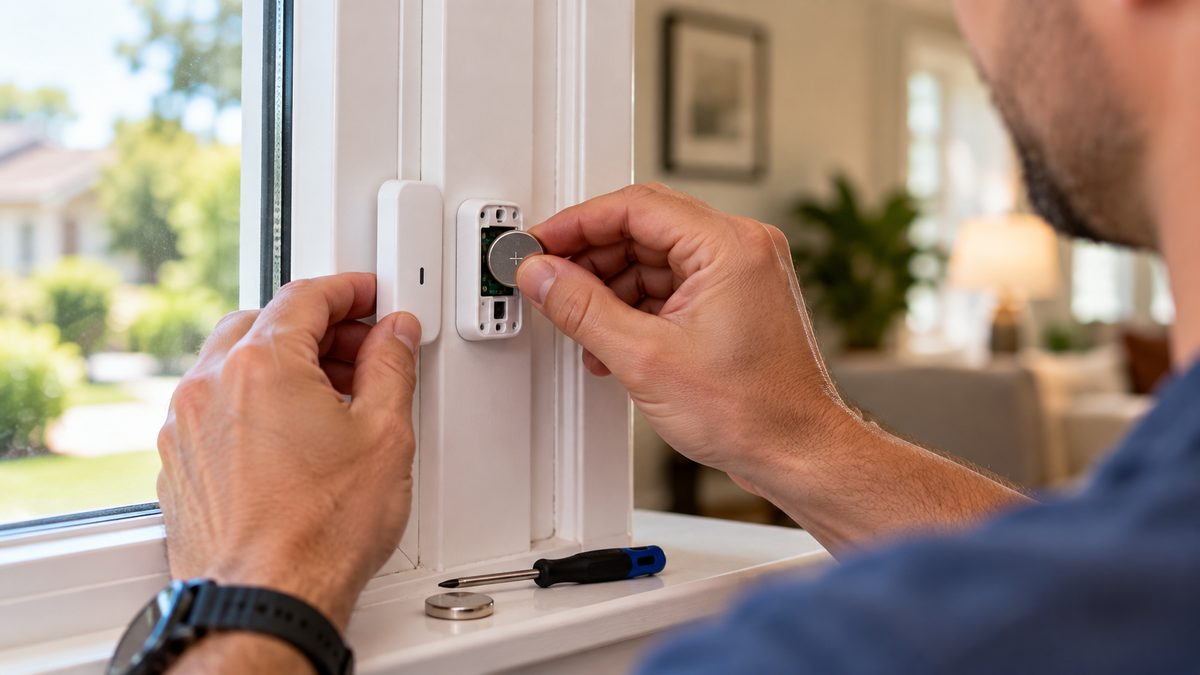
For sensor batteries (door, window, motion, glass-break, smoke): open the sensor, note the battery type (often a coin cell or AA/AAA), and replace like-for-like. ADT can also replace batteries for you, and battery replacement is usually inexpensive.
Need the exact battery for your panel or sensor? See our full ADT battery replacement guide - every model, every battery, and how to clear the warning afterwards.
Tired of chasing batteries and service calls? Compare newer systems with longer-life sensors - call ☎ (888) 207-7106 or request a free assessment.
ADT alarm beeping after a power outage (AC loss, low battery, system offline)
Stuck after these steps? Independent help (not ADT): ☎ (888) 207-7106
After a power cut, ADT panels do three things that worry people: they beep, they show AC LOSS (or No AC / AC Power Failure), and once power returns they may show LOW BATT or System Low Battery for up to a day. All of that is normal. Here's what to do:
- Silence the beep: enter your 4-digit code + [1] (OFF). On Vista / Safewatch Pro 3000 panels do it twice - once to silence, once to clear the memory. On ADT Command, tap the banner and Acknowledge.
- Confirm power is really back: the panel's transformer sits on an outlet near the control box (closet, utility room, garage). If that outlet is on a tripped breaker or a GFCI that popped, the panel stays on battery and keeps beeping. Reset the breaker/GFCI.
- Give the battery 24 hours. The backup battery carried the system during the outage and needs a day on AC to recharge. If LOW BATT is still showing after 24-48 hours, the battery is finished - see ADT battery replacement (12 V 4-7 Ah on most panels, $18-$35).
- "System offline" in the app after an outage: your router and the ADT panel reboot at different speeds. Power-cycle the router, wait five minutes, then reboot the panel from the app or by disconnecting power and battery for 30 seconds.
- Cameras and doorbell offline: they come back when Wi-Fi does - usually 5-10 minutes after the router. If one stays offline, unplug it for 30 seconds.
Old ADT alarm beeping after a power outage with no monitoring? If you're no longer an ADT customer, the panel is still running as a local alarm and complaining about its dead battery. Either replace the battery to keep it as a siren, or disconnect both the transformer and the backup battery to shut it down for good.
Still beeping or offline a day later? That's a battery or communicator problem, not the outage - call ☎ (888) 207-7106 or get a free assessment for an unbiased read on whether it's worth repairing.
How to reset your ADT alarm panel (with or without the code)
Stuck after these steps? Independent help (not ADT): ☎ (888) 207-7106
Resetting clears a trouble light or a tripped-alarm memory after you've handled the cause. The exact steps vary by panel model, but the most common methods are:
- Enter your code, then press [OFF] twice - the most common reset. On some panels it's your code then [OFF] or [1] once.
- After a battery replacement: once the new battery is in and power is on, enter your code + [OFF] to clear the low-battery/trouble message.
How to reset an ADT alarm panel without the code: if you don't know the code (for example, you moved into a home with an existing ADT panel), you generally cannot fully reset or reprogram it yourself for security reasons. Your options are to look up the model and default installer code in the manual, log into or create a MyADT account tied to the system, or contact ADT to verify ownership and reset it. If the system isn't monitored and you just want the beeping to stop, disconnecting both AC power and the backup battery will power it down - but a monitored panel should always be handled through ADT.
Resetting it for the third time this year? Get an unbiased look at whether it's time to replace the panel or the provider - call ☎ (888) 207-7106 or take the free assessment.
How to change your ADT alarm code
Stuck after these steps? Independent help (not ADT): ☎ (888) 207-7106
Changing your ADT user or master code takes under a minute on most panels. Two common methods (check your manual for your exact model):
- Quick method: press [*], enter your current 4-digit master code, enter [40], enter the new 4-digit code, then press [*] to confirm.
- Menu method: press [9] + [master code] to enter programming, press [8] until the keypad shows "USER CODES," press [#], scroll to the master/user code, press [#], then enter the new 4-digit code and press [#].
Codes must be four digits. If your panel behaves differently, look up your specific ADT panel model (Command, Safewatch Pro, Concord, etc.) in its user guide or in your MyADT account.
Want a system you can manage entirely from your phone? Ask an independent specialist which options fit your home - call ☎ (888) 207-7106 or get a free assessment.
How to cancel ADT (fees, steps & how to avoid the ETF)
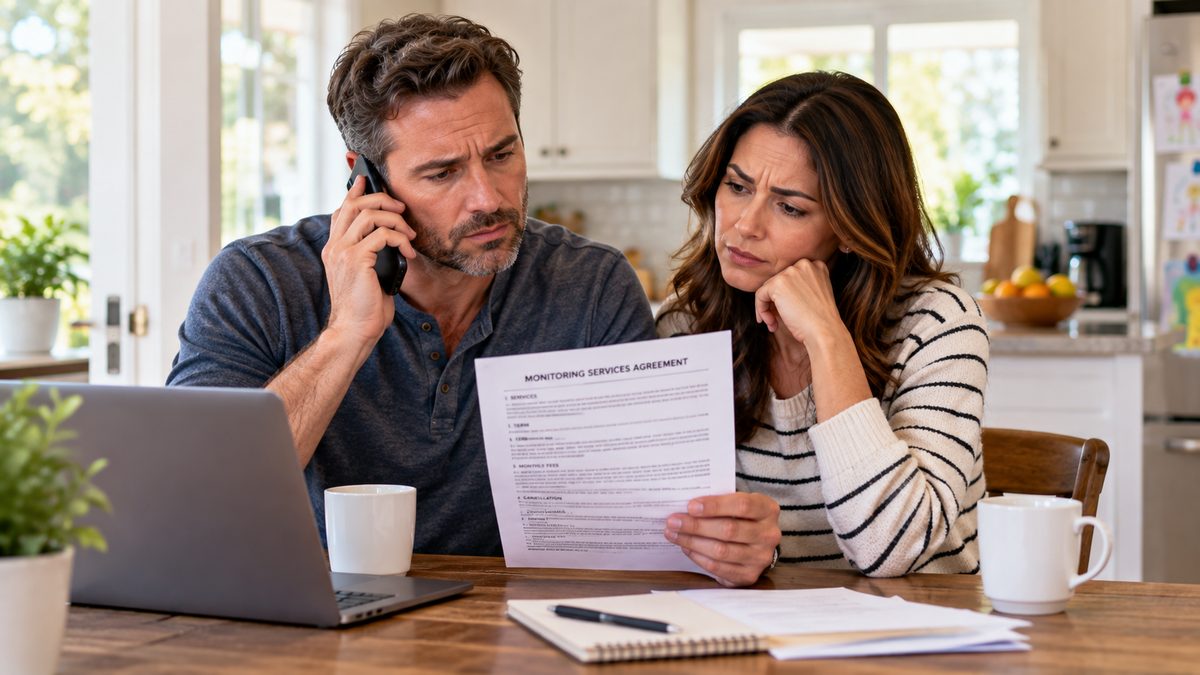
ADT does not offer online cancellation. To cancel, call ADT at 1-800-238-2727, have your account number ready, and clearly state you want to cancel.
The cancellation (early-termination) fee: ADT contracts typically run 36 months. If you cancel early, you can owe up to 75% of your remaining monthly charges. The formula is:
Early-termination fee = months remaining × monthly rate × 0.75
So 10 months left at $50/mo ≈ 10 × $50 × 0.75 = $375. Always ask the agent to calculate your exact figure and request written confirmation.
When you can cancel without the fee:
- Within the first 3 business days of signing (federal cooling-off rule, most states)
- Your contract has expired and converted to month-to-month
- You're moving outside ADT's service area (ask in writing before you move)
- ADT can't maintain service and fails to fix documented issues
ADT's retention team will usually offer a discount to keep you - be polite but firm. Asking for a break on the termination fee costs nothing.
Want the full picture? Our complete guide to canceling ADT covers the fee formula with examples, all six no-penalty exits, the retention call, and what to do with your equipment.
Leaving ADT and need a replacement? We'll help you compare no-contract and pro-monitored alternatives before you cancel - call ☎ (888) 207-7106 or get a free assessment.
ADT panel black screen, trouble light & keypad problems
Stuck after these steps? Independent help (not ADT): ☎ (888) 207-7106
A few other common ADT panel issues, and what usually fixes them:
- ADT panel black screen (touchscreen/Command panel won't wake): first check power - make sure the panel's AC adapter is plugged in and the outlet works, then hold the power button or press the screen to wake it. If it stays dark with power connected, the backup battery may be fully drained (leave it plugged in to charge for a few hours) or the screen/panel needs service. A black screen after a power outage almost always resolves once it recharges.
- ADT trouble light or "trouble" message: a lit trouble indicator means the panel has detected a condition that needs clearing - most often a low battery, cellular/communication failure, a sensor that's open or has a dead battery, or a tamper. Check the panel's message to identify which, fix the cause, then enter your code + [OFF] to clear it.
- ADT keypad not working or needs replacement: try replacing the keypad's batteries (wireless keypads) or reseating its connection (wired keypads) and rebooting the panel. If the keys are unresponsive or the display is dead after that, the keypad needs replacing - ADT can supply a compatible replacement, or an ADT-compatible keypad can be installed for your panel model.
- ADT Safewatch Pro / older panels beeping: the same low-battery and trouble rules apply - silence with [OFF]/[#], then address the battery or trouble condition.
- Test mode from the app: on newer systems you can place the system on test from the ADT / ADT+ app or MyADT.com under System Test, so you can replace sensor batteries or test sensors without triggering a dispatch.
- Replacing a door or window sensor: put the system on test, remove the old sensor, mount the new compatible sensor in the same spot with the magnet aligned, and enroll it via MyADT/the app or by calling ADT so the panel recognizes it.
Panel or keypad past its prime? Before paying for ADT replacement hardware, see what a current system would cost - call ☎ (888) 207-7106 or request a free assessment.
How to pay your ADT bill (online, by phone, or one-time)
Paying your ADT bill is one of the most-searched ADT tasks. Your options:
- Pay online (MyADT): log into MyADT.com or the ADT app, go to Billing/Payments, and make a one-time payment or set up autopay. You can also update your card or bank account under "change payment method."
- Pay by phone: call ADT at 1-800-238-2727 and use the automated billing option to pay without signing in online - have your account number handy.
- One-time payment without a full login: ADT's "Express Pay" / one-time payment option lets you pay with just your account number and ZIP code in many cases, without setting up or signing into a MyADT account.
- By mail: send a check to the payment address printed on your ADT statement.
Tip: if your bill has been creeping up, that's normal after the first year of many ADT contracts - see our ADT cost breakdown to check what you should be paying. And note that ADT's Quality Service Plan (QSP) is an optional add-on that covers service calls and repairs - worth reviewing on your statement if you never use it.
Bill higher than you expected? Find out what comparable monitoring costs elsewhere - call ☎ (888) 207-7106 or get a free assessment.
Fed up with ADT? Your options
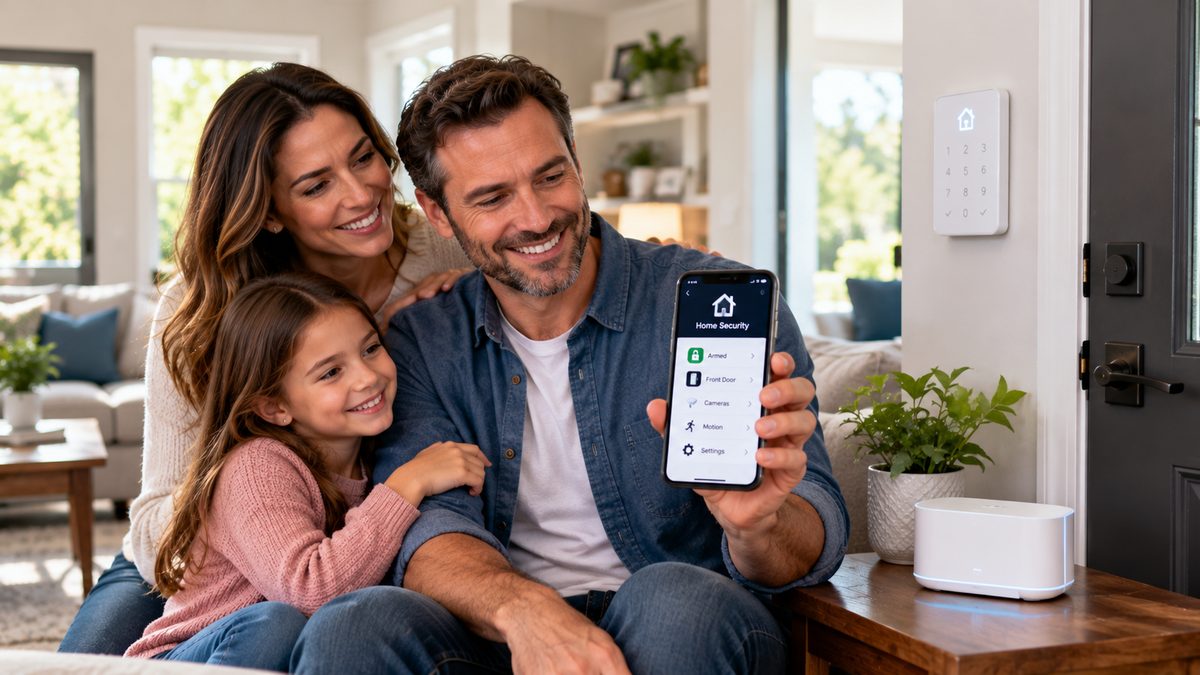
Constant beeping, cellular failures, battery costs, long contracts, and rate hikes are exactly why a lot of people start looking elsewhere. If you've decided ADT isn't worth it, the good news is today's leading systems are wireless, no-contract, and often cheaper - and you own the equipment.
Before you cancel, it's worth knowing what you'd switch to and what it would cost. We compare the honest alternatives in our best home security systems and best wireless security systems guides, and break down pricing in our ADT cost breakdown and SimpliSafe vs ADT comparison.
Want a straight recommendation for your home - no contract, no pressure? Take the free 60-second assessment or call a specialist at ☎ (888) 207-7106. We'll match you with a system that fits, and we'll never push gear you can't take with you.
Frequently asked questions
Why is my ADT alarm beeping after a power outage?
The panel ran on its backup battery during the outage and is reporting AC loss and a low battery. Enter your code + 1 (OFF) twice to silence it, make sure the transformer's outlet has power, and give the battery 24 hours to recharge.
Why does my ADT alarm keep beeping?
Almost always a low backup battery - usually after a power outage, or because the battery is old and can't hold a charge. Press [OFF] or [#] to silence it. If it beeps for more than 48 hours after power is restored (or you never lost power), replace the backup battery.
What does cellular failure mean on ADT?
It means your panel lost its cellular connection to ADT's monitoring center, so it may not be able to call for help. It's usually a weak signal, a SIM/antenna issue, or a local outage. Silence it, restart the hub, move it near a window away from metal, and if it doesn't clear, call ADT at 1-800-238-2727.
How do I put my ADT system in test mode to change the battery?
Log into MyADT.com and select "System Test," or call 1-800-ADT-ASAP and ask them to place your system on test. This stops a real alarm or dispatch while you swap the battery. Take it off test when you're done.
How do I reset my ADT alarm panel?
On most panels, enter your code and press [OFF] twice (some use code + [OFF] or [1] once). Steps vary by model - after a battery replacement, entering your code + [OFF] clears the trouble message. Without the code, you'll need the manual, a MyADT account, or ADT to reset it.
How do I change my ADT alarm code?
Common quick method: press [*], enter your current master code, enter [40], enter the new 4-digit code, then press [*]. Codes must be four digits. Check your panel's manual if the steps differ.
How much is the ADT cancellation fee?
Up to 75% of your remaining monthly charges: months remaining × monthly rate × 0.75. You can avoid it if you cancel within 3 business days of signing, your contract has expired, you're moving out of ADT's service area, or ADT can't maintain service. Call 1-800-238-2727 to cancel and get the exact figure in writing.
How long is an ADT contract?
ADT contracts are typically 36 months (some are 24). Once the term ends, it usually converts to month-to-month, which you can cancel without an early-termination fee.
Can you use ADT cameras without service?
Generally not for the full feature set. ADT's cameras are tied to the ADT/ADT+ app and a monitoring or video plan - without an active plan you typically lose remote viewing, recording and alerts. If you cancel ADT, the cameras may still power on but stop being useful, which is why many people switch to a no-contract system where they own the cameras outright.
Why is my ADT siren going off or not working?
A siren that sounds unexpectedly is usually a tripped sensor, a tamper, or a low-battery/trouble condition escalating - disarm with your code and check the panel message. An outdoor or indoor siren that won't sound during a test is often a dead siren battery or a loose connection; put the system on test and have ADT verify it.
What is the ADT Quality Service Plan (QSP)?
QSP is ADT's optional monthly add-on that covers the cost of service calls, repairs and some equipment replacement. If you rarely need service, it's worth reviewing on your bill - you can usually remove it by calling ADT, though a repair visit without it may then carry a fee.
This is independent guidance to help you troubleshoot and understand your options - CompareYourSecurity is not affiliated with ADT. Steps vary by panel model; always confirm with your ADT manual or MyADT account, and confirm any cancellation terms with ADT in writing. In an emergency, call 911.
Still have questions about your options? Our independent specialists are at ☎ (888) 207-7106, or start with the free assessment. For ADT account or service issues, contact ADT directly at 1-800-238-2727.