


The short answer
To reset an ADT alarm after a power outage, enter your code + OFF twice and let the backup battery recharge for 24 hours; the low-battery warning should clear by itself. If it doesn't, independent help is at (888) 207-7106.
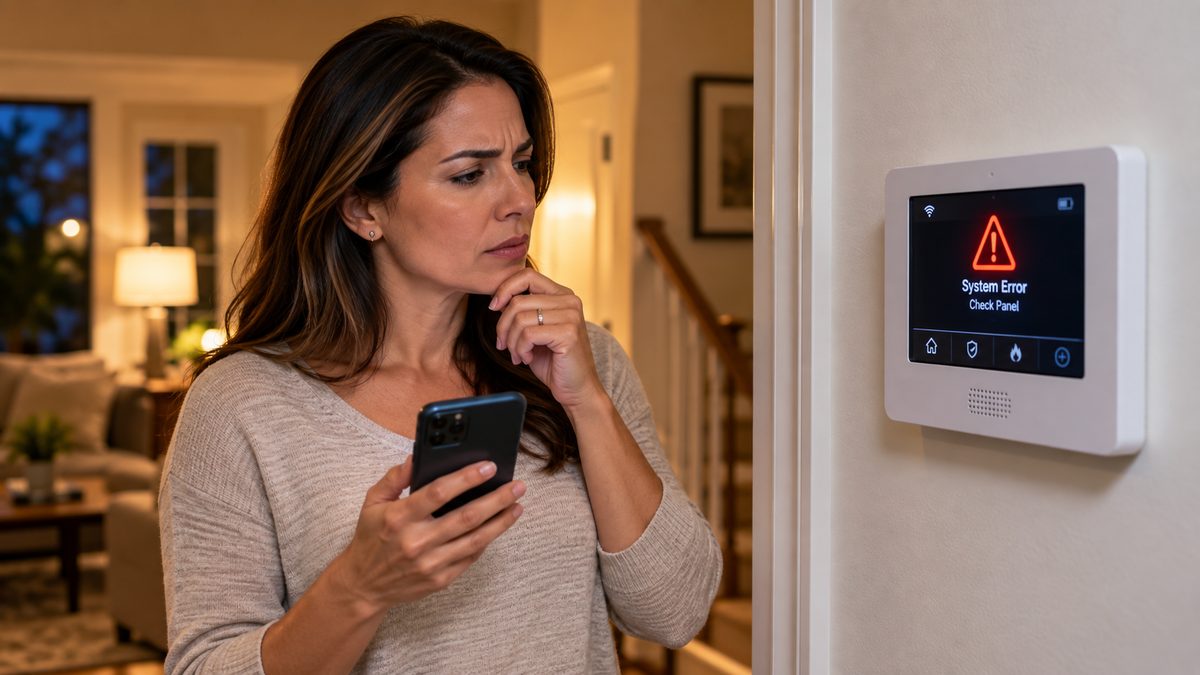
An ADT alarm beeping after a power outage is almost always normal. The panel ran on its backup battery while the power was out, and now it's telling you two things: the AC was lost (AC LOSS / No AC / AC Power Failure), and the battery is low (LOW BATT / System Low Battery) because it just did its job. Silence it with your code, make sure the panel's outlet actually has power, and give the battery 24 hours. If it's still complaining after that, the battery is finished - that's a $25 part, not a service contract.
Who to call - two different numbers for two different jobs
ADT Customer Service: 1-800-238-2727 (1-800-ADT-ASAP), 24/7
ADT new-customer sales: 855-756-3163
These are ADT's own lines. We are not ADT and cannot access your ADT account. If the siren went off and you want to cancel a dispatch, call ADT - not us.
CompareYourSecurity specialists: ☎ (888) 207-7106
Free, no-obligation second opinion on repair vs. replace, and quotes from other providers. We don't repair ADT systems or sell ADT.
This guide covers every ADT panel in service - Safewatch Pro 3000 / Vista (grey box in a closet, white keypads), ADT Pulse (Vista with a touchscreen Tuxedo keypad), ADT Command (the 7-inch touchscreen, 2019 onward), ADT Lynx / Lyric all-in-ones, and the DSC Impassa / PowerSeries panels ADT installed in some regions. Where the steps differ, each is called out.
This is an independent guide - we're not ADT. For account, dispatch or warranty issues, call ADT (1-800-238-2727). If you want an unbiased read on whether an older system is worth fixing, call ☎ (888) 207-7106 or get a free assessment.
What the ADT panel is actually doing after an outage
Stuck after these steps? Independent help (not ADT): ☎ (888) 207-7106

A power outage triggers a fixed sequence inside every ADT panel, and knowing it stops the guessing:
- AC drops. The panel switches to its backup battery instantly - you won't notice. After a short delay (a few minutes on most panels, so brief flickers are ignored) it logs AC LOSS and reports it to ADT's monitoring centre as a trouble, not an alarm. Some panels beep once a minute from this point; many are programmed to stay quiet on AC loss alone.
- The battery drains. A healthy 12 V battery runs a Vista panel for 4-24 hours depending on its age and how many powered sensors it feeds. ADT Command and Lynx/Lyric batteries last roughly 4-6 hours. When the battery gets low the panel logs LOW BATT and starts beeping - this is the beep most people notice, because it often starts hours into the outage.
- The battery dies (long outages only). The panel shuts down completely. Nothing is monitored. The keypad goes dark.
- Power returns. If the panel never fully died, it clears AC LOSS and starts recharging - LOW BATT stays on the display for up to 24 hours while it charges, and the trouble beep continues until you acknowledge it. If the panel did die, it reboots from scratch: keypads show Busy-Standby or the ADT logo for 1-2 minutes, every zone is re-checked, and the communicator re-registers with ADT.
Everything in that list is by design. The only genuine fault is when the battery can't recover - covered in the battery section. The other thing worth knowing: during the outage, ADT's monitoring centre received an "AC loss" signal from your panel and, on long outages, a "low battery" signal. Nobody is dispatched for those - they're logged as troubles. If your neighbourhood lost power, ADT's centre saw hundreds of them.
Not sure which system you need?
Answer a few quick questions and we'll match you with a top-rated provider for a free, no-obligation quote — or compare our top picks yourself.
How to reset an ADT alarm after a power outage (every panel type)
Stuck after these steps? Independent help (not ADT): ☎ (888) 207-7106

Two minutes, in this order. Don't skip step 2 - it's the one people miss.
Step 1 - Silence and acknowledge the trouble.
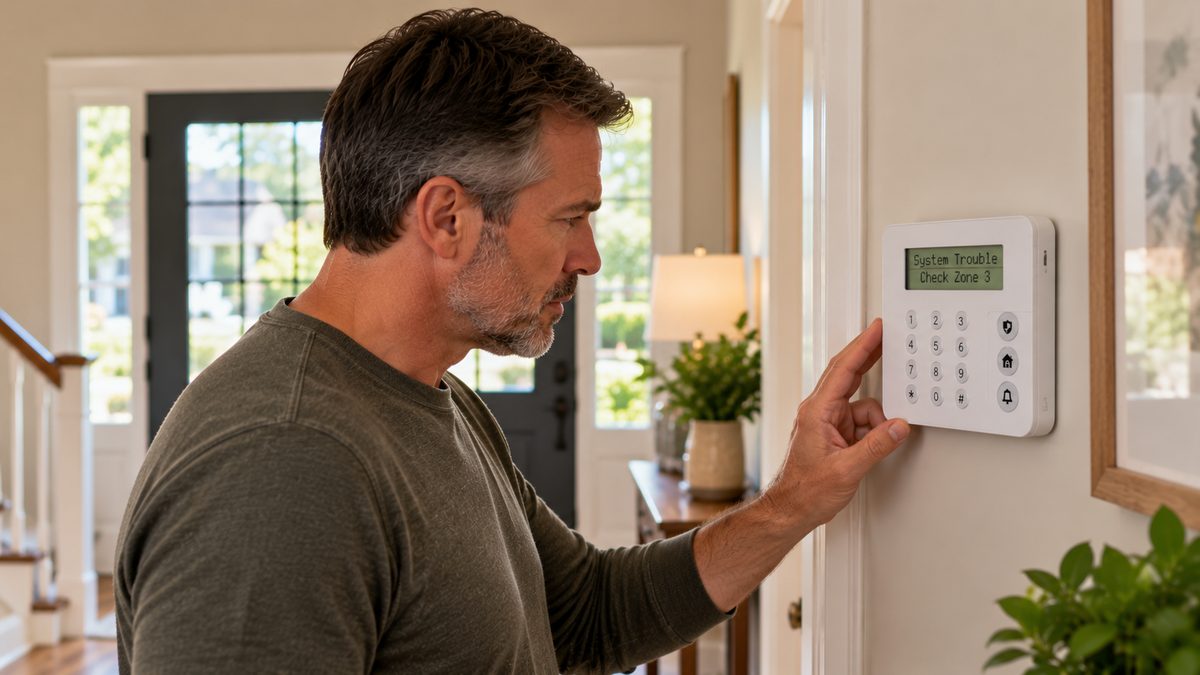
- Safewatch Pro 3000 / Vista (6150, 6160 keypads): 4-digit code + [1] (OFF), twice. The first press silences, the second clears the trouble memory so it doesn't restart in four hours.
- ADT Pulse (Tuxedo touchscreen): tap Security, enter your code, tap OFF twice; or Security → Status and acknowledge the trouble.
- ADT Command (7-inch touchscreen): tap the yellow/orange banner at the top (AC Loss or Low Battery), tap Acknowledge or Clear, enter your code.
- Lynx Touch / Lyric: tap the trouble banner → Clear, enter your code.
- DSC Impassa / PowerSeries (ADT-branded): press [*][2] to view the trouble, then [#] to exit; code to disarm if needed. The trouble light stays on until the condition clears.
Step 2 - Confirm the panel is actually getting power again. The panel's transformer is a plug-in block on an outlet near the control box (closet, basement, utility room, garage) - not near the keypad. Outages trip breakers and GFCIs, and a panel on a tripped circuit will sit on its dying battery beeping for hours after the rest of the house is lit. Find the outlet, check the GFCI reset button, check the breaker. On a Vista, the keypad's green READY light and the absence of AC LOSS tells you power is back; on Command, the banner clears.
Step 3 - Give the battery 24 hours. LOW BATT is expected while it recharges. Acknowledge the beep (step 1) and leave it. Most panels re-test the battery every few hours and clear the message on their own.
Step 4 (only if the keypad is frozen, blank, or stuck on Busy-Standby for more than 2 minutes) - power cycle. Unplug the transformer, open the panel and disconnect the battery (red lead first), wait 60 seconds, reconnect battery then transformer. Programming and codes survive. If it's monitored, call ADT first so the offline/restore signals don't trigger a welfare call.
A keypad that stays blank after a power cycle is a failed transformer (common after a surge - $15-$25) or a failed panel. Independent read on which - call ☎ (888) 207-7106 or get a free assessment.
ADT alarm going off after a power outage (the siren, not just a beep)
Stuck after these steps? Independent help (not ADT): ☎ (888) 207-7106
A full siren when the power comes back is rarer, and it has four known causes:
- The panel was armed when power died, and a zone was open when it rebooted. If the battery ran flat with the system in Away, some panels restore to the armed state on reboot and immediately see an open door or a motion in a room someone walked into. Disarm with your code, press [*] (Vista) or check Zones (Command) to see which one tripped, and close it. ADT will have received an alarm signal - call them to confirm it was a false alarm before they dispatch.
- Surge damage to a sensor or the siren driver. A lightning-related outage can fry a glass-break sensor, a motion, or the panel's bell output, which then alarms or sounds on its own. Disarm; if the siren keeps running with the system disarmed, disconnect the battery and transformer and call for service - that's a hardware fault.
- Smoke detectors. System smoke detectors (Honeywell 5806/5808, DSC WS4916) can go into alarm on power restore if they lost supervision during the outage, and hardwired interconnected smokes chirp or alarm when their own backup battery is low. The panel shows FIRE + zone. Disarm with code + OFF, then code + OFF again to clear; replace the detector's 9 V battery if it keeps chirping.
- Low-battery "alarm" on old DSC panels. Some ADT-installed DSC PowerSeries panels sound a short siren burst on low battery rather than a keypad beep. Replacing the battery ends it.
If ADT dispatched police on a false alarm: call 1-800-238-2727 right away with your verbal passcode. Many cities fine for repeated false alarms; a power-restore false alarm is usually waived once if you report it.
Siren won't stop and you've tried everything? Pull the battery and transformer (see step 4 above) to kill it, then decide whether to repair or replace - call ☎ (888) 207-7106 or get a free assessment.
ADT app shows "system offline", cameras down, or Wi-Fi fault after the outage
Stuck after these steps? Independent help (not ADT): ☎ (888) 207-7106
The panel, your router, your modem and each camera all reboot on their own schedule when power returns, so the app lags behind the keypad by 5-15 minutes. Work from the wall outward:
- Modem and router first. If the app still says offline after 10 minutes, power-cycle the router (30 seconds unplugged), wait five minutes.
- Then the panel's connection. ADT Command: Settings → Wi-Fi - re-join the network if it shows disconnected. Pulse / Vista with a communicator: the module re-registers over cellular on its own; if the keypad shows FC / Comm Failure an hour later, clear it (code + 1 twice) and see the cellular failure guide.
- Cameras and video doorbell last. They rejoin Wi-Fi 5-10 minutes after the router. One that stays offline: unplug it for 30 seconds (doorbells: flip the doorbell breaker).
- Smart locks, thermostats, lights (Z-Wave): they re-pair with the panel automatically; give it 15 minutes before touching anything.
"Wi-Fi fault" that won't clear on ADT Command: the panel sometimes caches the old DHCP lease. Forget the network in Settings → Wi-Fi, reboot the panel from Settings → Reboot, and re-join.
App still offline a day later with everything else working? That points at the panel's communicator or ADT's provisioning, not your Wi-Fi - call ADT for the first, or ☎ (888) 207-7106 for an independent view on whether an older system is worth the service call.
When the low-battery warning is real (and how to fix it for $25)
Stuck after these steps? Independent help (not ADT): ☎ (888) 207-7106
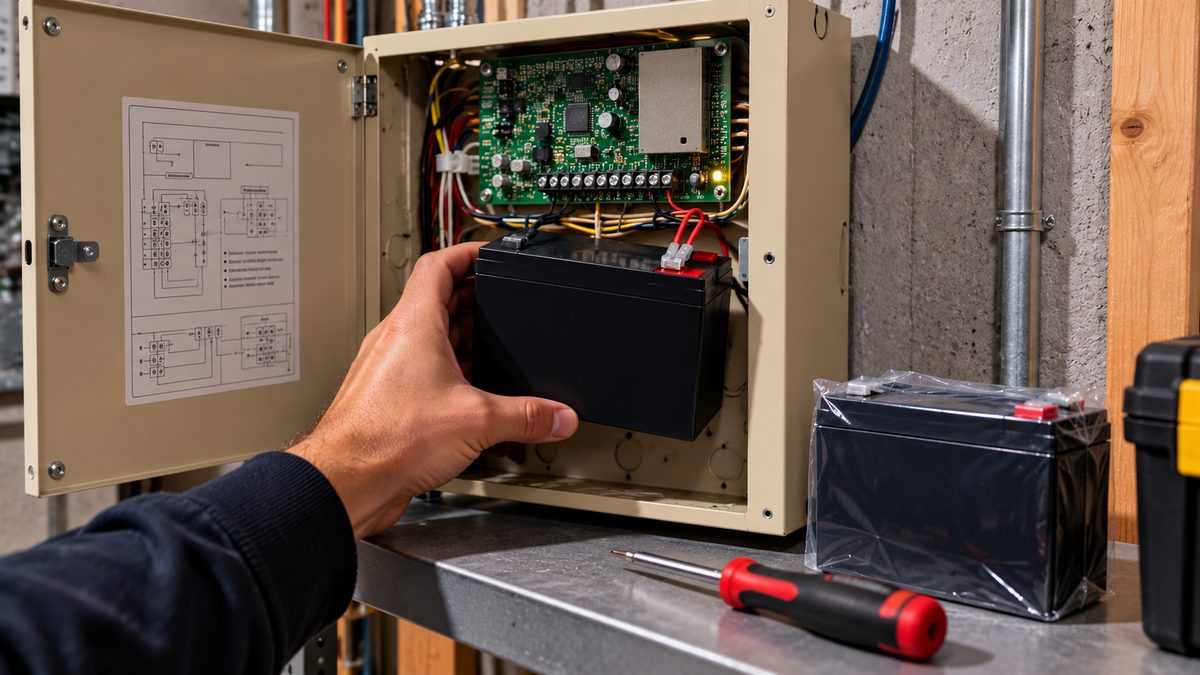
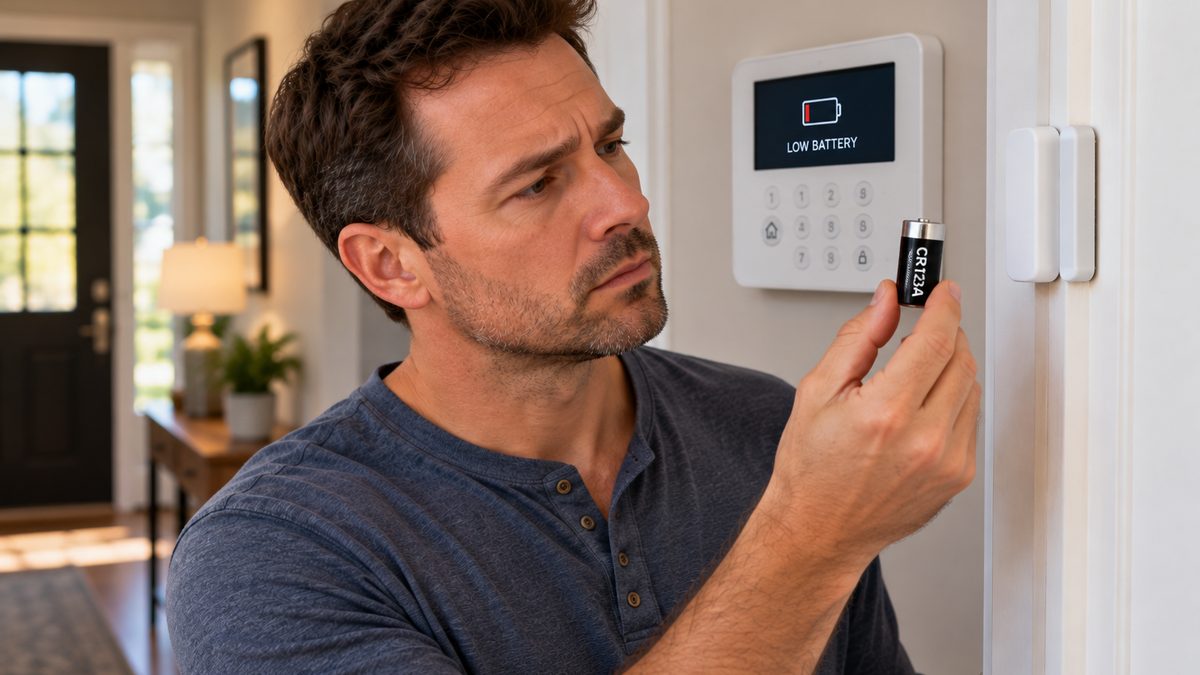
The rule: LOW BATT for less than 24 hours after power returns = normal. LOW BATT after 48 hours = the battery is done. Backup batteries are sealed lead-acid (Vista, DSC) or NiMH packs (Command, Lynx, Lyric) and they last 3-5 years - a long outage is usually just the moment an old battery finally shows its age.
Which battery:
- Safewatch Pro 3000 / Vista / DSC PowerSeries: 12 V 4-7 Ah sealed lead-acid (PS-1240 / PS-1270 / UB1270), $18-$35 at any hardware store.
- ADT Command: a rechargeable pack behind the panel's back cover (ADT part; $30-$50).
- Lynx Touch / Lyric: 7.2 V NiMH pack (LYNXRCHKIT-SC / -SHA / LCP500-4B), $25-$50.
- DSC Impassa: 7.2 V NiMH pack, $25-$40.
Full swap procedure with photos for every panel: ADT battery replacement guide. The short version for a Vista: put the system on test with ADT, open the grey box, red off then black off, swap, black on then red on, close. ADT will do it for you on a service visit, typically $50-$150 depending on your plan - the part is $25.
New battery, still LOW BATT after two days? The transformer isn't charging it. Surges that cause outages also kill transformers; a Vista needs ~16.5 VAC at the panel terminals, Command and Lynx take a 9 VAC adapter. $15-$25 and ten minutes. Buy the transformer before buying a third battery.
Battery went flat in under 2 hours during the outage? It was already dying - the outage just told you. Replace it now rather than discovering it during the next one.
Not sure it's worth another battery? A 15-year-old Safewatch panel with a dead 3G radio, or a Command panel out of warranty, is a different conversation - call ☎ (888) 207-7106 or get a free assessment.
Before the next outage: five things that stop the 2 a.m. beeping
- Replace the backup battery every 3-4 years - don't wait for the warning. Write the date on it.
- Put the panel's transformer on a surge protector (not a power strip - a protector with a joule rating). It's the cheapest insurance against a fried transformer or panel.
- Know where the transformer is plugged in. If it's on a GFCI or a circuit that trips, move it to a dedicated outlet or have an electrician add one.
- Keep the router on a small UPS. $60-$100. Your panel reports over cellular without it, but cameras and the app come back minutes faster, and Command panels on Wi-Fi-only stay connected.
- Confirm your panel has cellular backup. If it reports only over your internet, an outage that takes down the router also takes down monitoring. ADT can add an LTE communicator; see the cellular section of the ADT troubleshooting hub.
Generator or whole-house battery owners: the panel is fine on generator power, but the transformer should still be on a surge protector - generator transfer switches produce brief spikes.
Frequently asked questions
Why is my ADT alarm beeping after a power outage?
The panel is reporting AC loss and a low backup battery - both normal after running on battery. Silence it with your code + OFF (twice on Vista panels), make sure the panel's outlet has power, and allow 24 hours for the battery to recharge. Still stuck after that? Independent help (not the alarm company) is at (888) 207-7106.
How do I reset my ADT alarm after a power outage?
Enter your code + OFF twice (Vista / Safewatch), or tap the trouble banner and Acknowledge with your code (Command, Lynx, Lyric). If the keypad is frozen, unplug the transformer, disconnect the battery for 60 seconds, and reconnect battery then transformer. Still stuck after that? Independent help (not the alarm company) is at (888) 207-7106.
How long does an ADT alarm battery last during a power outage?
A healthy Vista / Safewatch battery lasts 4-24 hours; ADT Command, Lynx and Lyric batteries last about 4-6 hours. A battery that lasts under 2 hours needs replacing.
Why did my ADT alarm go off when the power came back?
Usually the system was armed when the battery died and found an open zone on reboot, or a sensor was damaged by a surge. Disarm, check which zone tripped, and call ADT to cancel any dispatch.
Does ADT still work during a power outage?
Yes, on the backup battery - for 4-24 hours depending on the panel. Monitoring continues if the panel has cellular backup; if it reports only over your internet, monitoring stops when the router loses power.
Why does my ADT panel still say low battery after the power is back?
It takes up to 24 hours to recharge. If the message is still there after 48 hours, replace the battery (12 V 4-7 Ah on Vista panels, about $25). If a new battery doesn't clear it, the transformer isn't charging it.
Why does the ADT app say "system offline" after a power outage?
The router, modem and panel reboot at different speeds. Power-cycle the router, wait five minutes, then re-join Wi-Fi on the panel if needed.
Will ADT send the police if my alarm goes off after a power outage?
If a burglary or fire signal was sent, the monitoring centre will call you first; if they can't reach you they may dispatch. Call 1-800-238-2727 with your verbal passcode as soon as you've disarmed to cancel it.
Can I just unplug an old ADT alarm that keeps beeping after an outage?
If it's no longer monitored and you don't use it, yes - unplug the transformer and disconnect the backup battery. If you still want it as a local siren, replace the battery instead.
How do you reset an alarm system after a power outage?
Disarm (code + OFF, twice on Honeywell/ADT keypads; tap the alert and Acknowledge on touchscreens), wait up to 24 hours for the backup battery to recharge, and the AC-loss and low-battery troubles clear themselves. If "low battery" is still showing after a day, the battery needs replacing.
How do I reset the alarm system if the keypad won't respond?
Power-cycle it: unplug the transformer, disconnect the backup battery for 60 seconds, reconnect battery then transformer. Programming and codes are kept. If the keypad is still dark, the keypad, its wiring or the panel board has failed.
How do I power down an alarm system completely?
Unplug the plug-in transformer and disconnect the panel's backup battery (red lead first). The siren stops within seconds. Reconnect in reverse order to bring it back exactly as it was.
How long does an alarm system backup battery last in a power outage?
A healthy 12 V 4-7 Ah panel battery runs a basic system for 4-24 hours; touchscreen panels with cellular radios run 4-8 hours. After five years a battery may last under an hour, which is why the low-battery beep starts during short outages.
How do I reset an ADT alarm after a power outage?
Enter your 4-digit code and press OFF (1) twice on a keypad panel, or tap the alert and Acknowledge on a touchscreen. Then leave the panel on AC power for 24 hours so the backup battery recharges; the AC-loss and low-battery messages clear themselves. Still showing after a day - the battery needs replacing.
CompareYourSecurity.com is an independent reviews site and is not affiliated with ADT, Honeywell, Resideo or DSC. Key sequences are for standard panel firmware; dealer programming can change them. Put a monitored system on test before working on it. In an emergency, call 911.
Still stuck? Our independent specialists are at ☎ (888) 207-7106, or start with the free assessment.