
The short answer
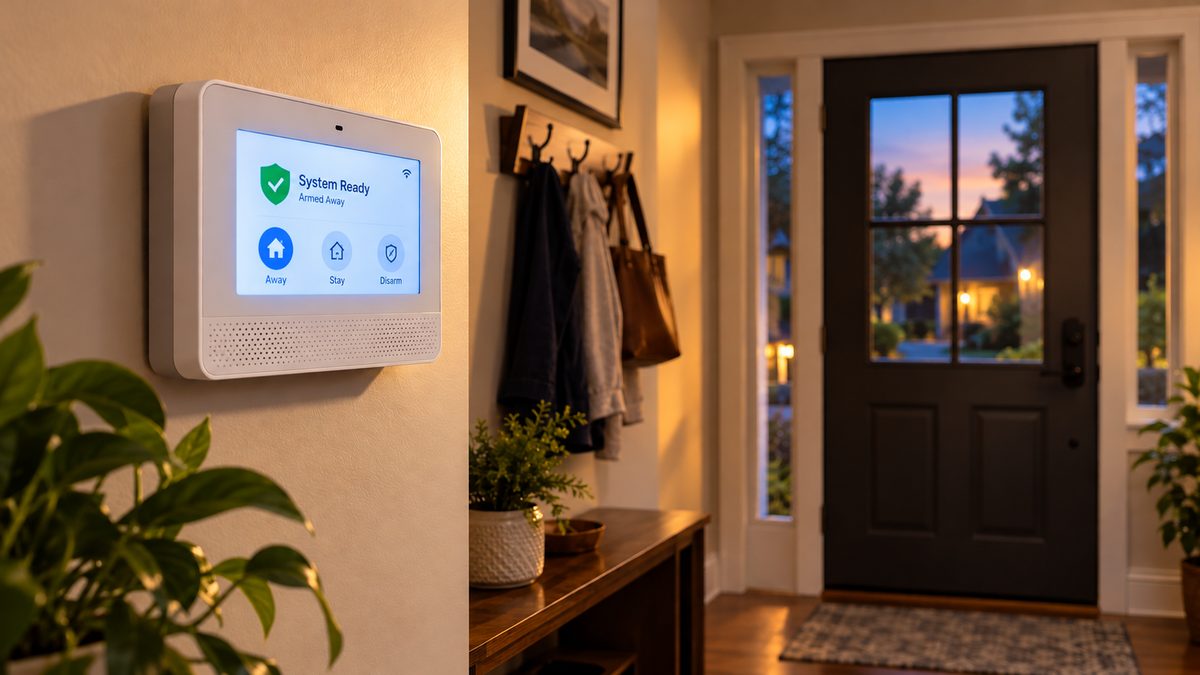
If your alarm keypad says Honeywell, Ademco, or nothing at all but was installed by ADT, Brinks, Monitronics or a local dealer between 2000 and 2020, it is almost certainly a Honeywell panel - a Vista control box in a closet, a Lynx or Lyric all-in-one on the wall, or (in the UK) a Galaxy or Accenta. Honeywell sold the home-security line to Resideo in 2018, but the panels, codes and fixes haven't changed. This is the owner's version of the manual: silence it, reset it, change the battery, change the codes, and know when "comm failure" means the radio is dead.
Who to call - two different numbers for two different jobs
ADT Customer Service: 1-800-238-2727 (1-800-ADT-ASAP), 24/7
ADT new-customer sales: 855-756-3163
These are ADT's own lines. We are not ADT and cannot access your ADT account. Not with ADT? Call the company on the sticker on your panel.
CompareYourSecurity specialists: ☎ (888) 207-7106
Free, no-obligation second opinion on repair vs. replace, and quotes from other providers. We don't repair or sell Honeywell or ADT systems.
Which Honeywell panel do you have? It changes a few of the steps below, so check first:
- Vista (Vista-20P, 15P, 21iP, 10P, 128) - a grey metal box in a closet or basement, with white 6150 / 6160 keypads by the doors. ADT sells it as Safewatch Pro 3000. Full guide: Vista-20P owner's guide.
- Lynx (Lynx Plus L3000, Lynx Touch L5100, L5200, L5210, L7000) - a single white box on the wall that is the keypad, siren and panel. L5xxx/L7000 have a colour touchscreen; L3000 has buttons.
- Lyric (LCP500) - the 2016-onward touchscreen with the rounded case; Wi-Fi built in.
- Galaxy / Accenta / Optima (UK and Ireland "intruder alarms") - a small keypad with an LED strip or two-line display and a separate bell box outside.
This is an independent guide - we're not Honeywell, Resideo, Ademco or ADT. For warranty or monitoring-account issues, call your alarm company. If your panel is at the "replace it" stage and you want an unbiased read on your options, call ☎ (888) 207-7106 or get a free assessment.
How to turn off a Honeywell alarm system (silence it now)
Stuck after these steps? Independent help (not ADT or Honeywell): ☎ (888) 207-7106
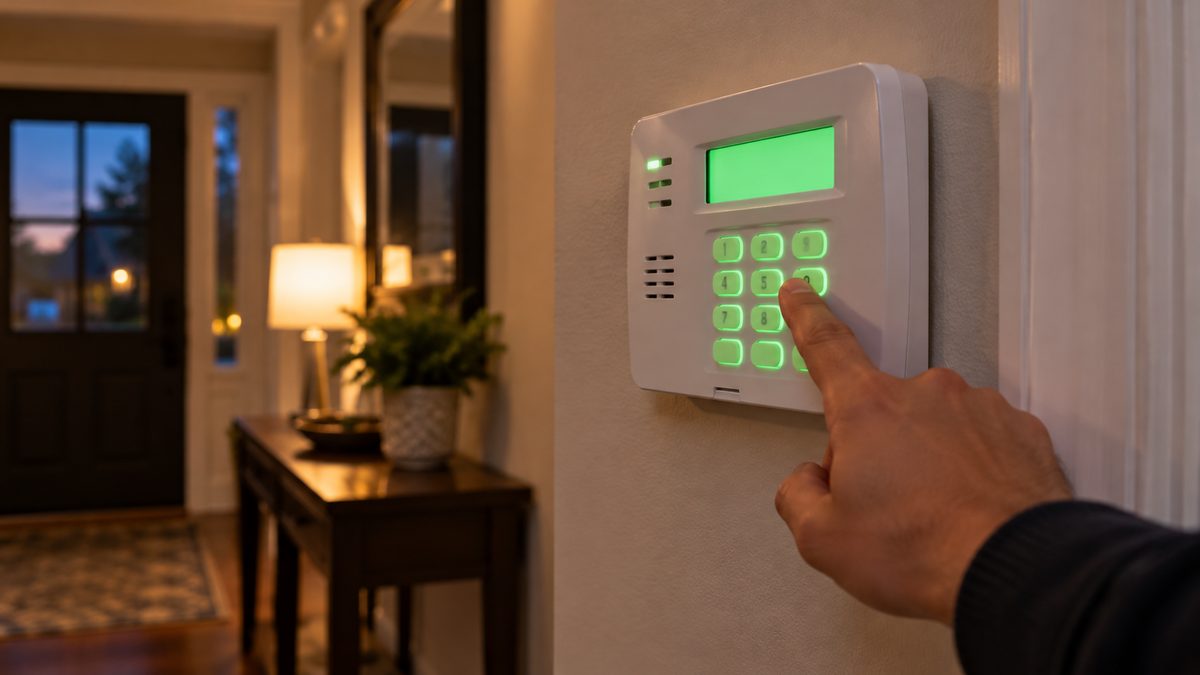
Whatever it's doing - full alarm, chirping every minute, or a steady trouble beep - the first move is the same:
- Vista / keypad panels: enter your 4-digit code + [1] (OFF). Press it twice: the first press silences, the second clears the trouble memory so it doesn't restart.
- Lynx Touch / Lyric: tap Security → Disarm (or the padlock), enter your code. For a trouble beep, tap the trouble/warning banner on the home screen, then Clear or Acknowledge, enter your code.
- Lynx Plus L3000: code + OFF, twice.
- Galaxy / Accenta (UK): enter your code (Accenta: code then nothing; Galaxy: code + ent). Then code + ent again (or 0 on Accenta) to reset the bell-box strobe.
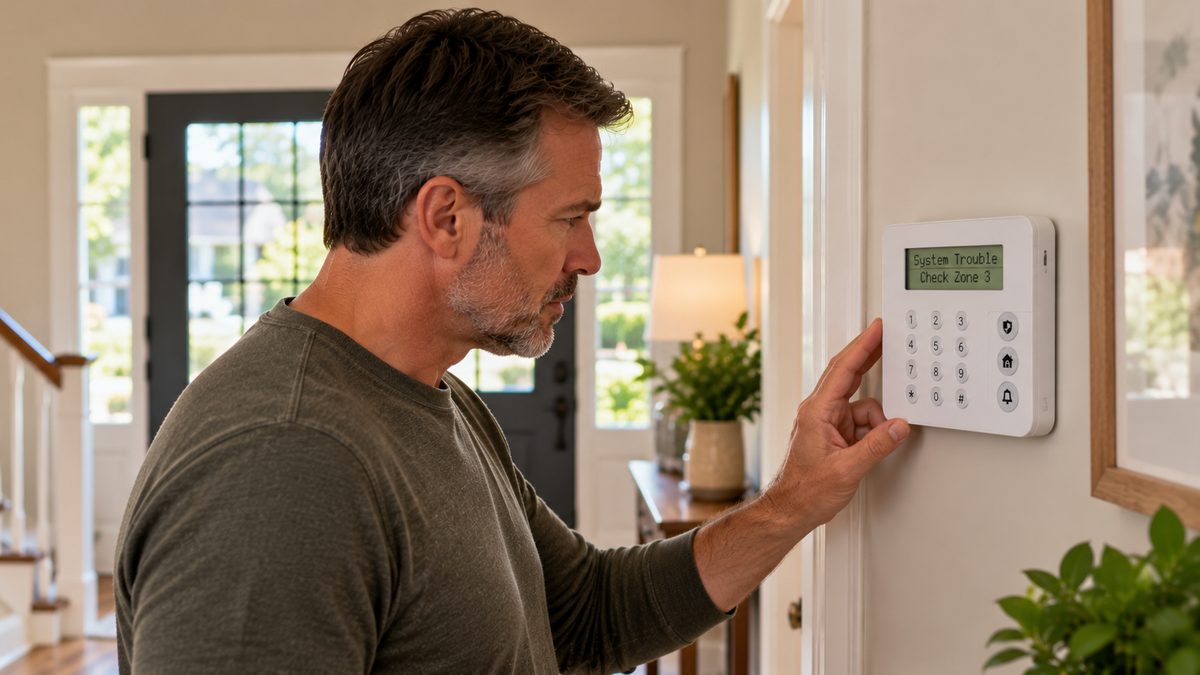
Still beeping once a minute after you disarm? That's a trouble, not an alarm, and the keypad is telling you why: BAT / Low Battery, AC LOSS / No AC, CHECK + a zone, FC / Comm Failure. Each has a section below. Clearing the beep without fixing the cause buys you about four hours before it starts again.
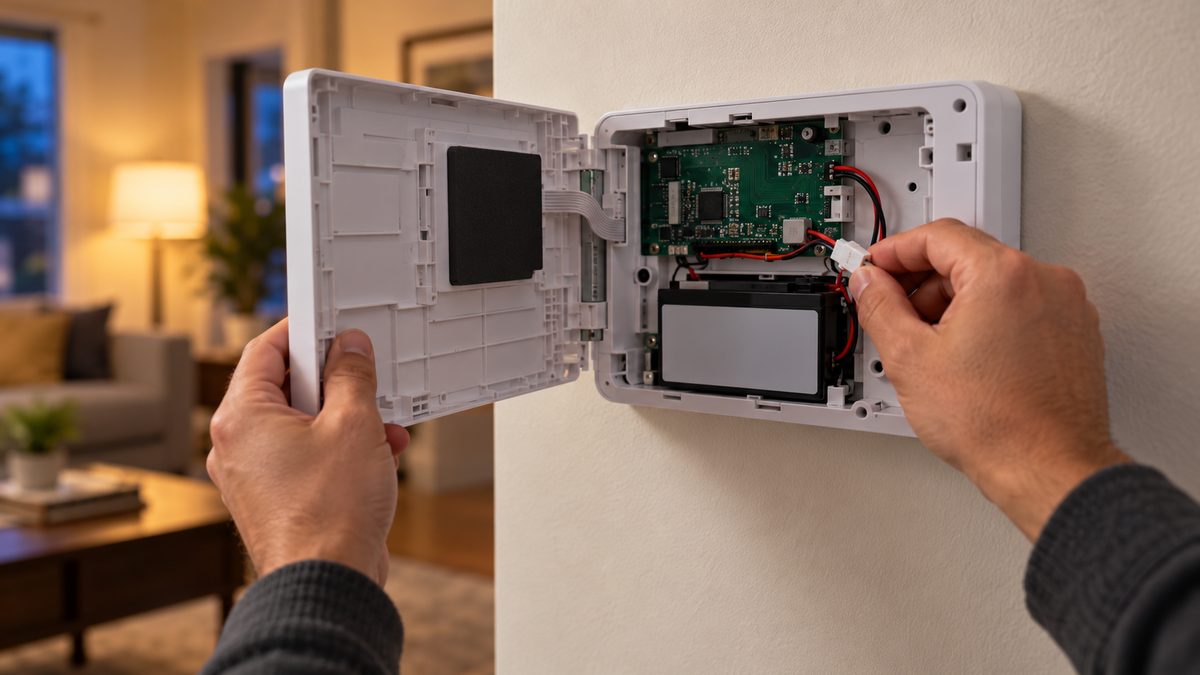
Turn it off without a code (you don't know it, or the keypad is dead): the only way is to remove power. Unplug the plug-in transformer (a small block in an outlet, sometimes screwed in), then open the panel and unclip the backup battery - red lead first. The siren stops within a few seconds. On a Lynx or Lyric the battery is behind the back/bottom cover. Doing this does not erase codes or programming; it just powers the system down until you reconnect it. If the system is monitored, your alarm company will get a "panel offline" signal - call them.
Turn it off permanently: if nobody monitors it and you don't use it, leave the transformer unplugged and the battery disconnected (take the battery to a recycling drop-off - it's lead-acid or NiMH). Leaving it connected means it will beep again every time the battery sags. If you do use it as a local siren, fix the fault instead - usually a $25 battery.
Alarm going off and you can't silence it from the keypad at all? Keypad showing nothing, or ignoring your code - that's a keypad or panel failure, and the decision becomes repair vs. replace. Independent read on which - call ☎ (888) 207-7106 or get a free assessment.
Not sure which system you need?
Answer a few quick questions and we'll match you with a top-rated provider for a free, no-obligation quote — or compare our top picks yourself.
How to reset a Honeywell alarm system (soft reset, power cycle, factory reset)
Stuck after these steps? Independent help (not ADT or Honeywell): ☎ (888) 207-7106
"Reset" means three different things, and the first one fixes 80% of problems:
1. Soft reset - clears a stuck trouble or alarm memory.
Vista / L3000: code + [1] twice, then hold [*] to confirm no zones are still faulted.
Lynx Touch / Lyric: disarm, tap the warning banner, Clear with your code; then Security → More → Zones to see anything still open.
Galaxy: code + ent; Accenta: code, then 0 to reset.
2. Power cycle (hard reset) - for a frozen keypad, Busy-Standby, a touchscreen that won't respond, or a comm failure that won't clear.
Unplug the transformer → disconnect the backup battery → wait 60 seconds → reconnect the battery first, then the transformer. Vista keypads show Busy-Standby for about a minute; Lynx/Lyric reboot with the Honeywell logo for 1-2 minutes. All codes, zones and programming survive - they're stored in non-volatile memory. If it's monitored, tell your alarm company first so they ignore the offline/restore signals.
3. Factory reset / default - wipes programming. Owners almost never need this.
It requires the installer code (not the master code) and it disconnects the panel from monitoring until a technician reprograms every zone and the reporting settings. Vista: installer code + 8 + 0 + 0, then [*][9][7] (defaults), [*][9][9] (exit). Lynx Touch / Lyric: Security → More → Tools → installer code → Program → Default Config (menu names vary slightly by firmware). Do not do this on a monitored system unless your company asks you to.
How to reprogram a Honeywell alarm: adding sensors, renaming zones, changing entry delays and reporting all live behind the installer code. If you've cancelled your old company and want to keep the system, a local alarm company can "take over" the panel - they default the installer code, reprogram it, and monitor it for $15-$30/month. See the how to find a local alarm company checklist.
Reset without any code? Not from the keypad, by design. Your routes are your alarm company (remote reset), a takeover company, or a new panel.
Resetting it every week? A panel that needs constant resets is failing somewhere - battery, transformer, keypad bus, or the board itself. Independent advice on repair vs. replace - call ☎ (888) 207-7106 or get a free assessment.
Honeywell alarm beeping or showing "low battery": what each message means
Stuck after these steps? Independent help (not ADT or Honeywell): ☎ (888) 207-7106
| Keypad / screen shows | Meaning | What to do |
|---|---|---|
| BAT (Vista) / System Low Battery (Lynx, Lyric) | The panel's backup battery is worn out or hasn't charged | Replace it (next section). Beeps once a minute until you do. |
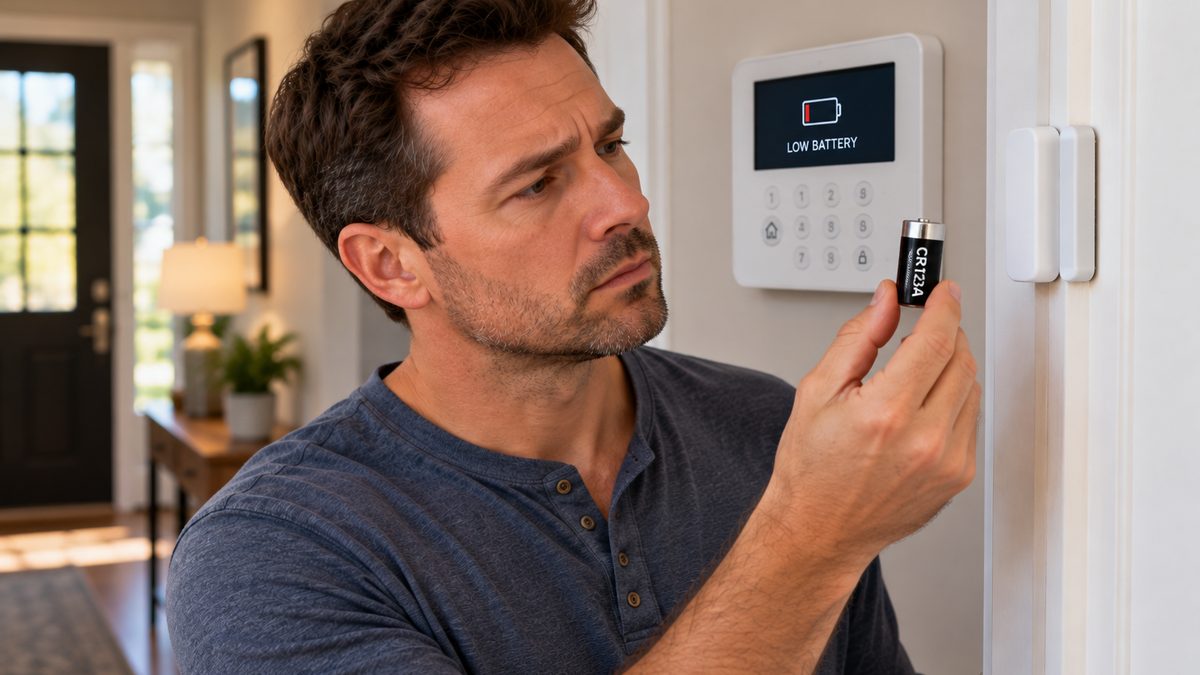
| BAT + zone number / Low Battery - Front Door | That wireless sensor's battery is low | Replace the CR123A / CR2032 / AA in that sensor - see the sensor battery table |
| AC LOSS / No AC / AC Power Loss | The transformer has no power - outage, tripped breaker, GFCI, or someone unplugged it | Check the outlet; the beep stops when power returns. Still showing with power on = dead transformer ($20) |
| CHECK + zone / Trouble - zone name | Sensor fault: tamper cover open, cut wire, or the panel lost contact (supervision) | Reseat the cover or battery, then code + 1 twice / Clear |
| NOT READY / Not Ready to Arm | A door, window or motion zone is open | Close it, or bypass it (code + 6 + zone / Bypass button) |
| FC / Comm Failure / Communication Failure | The panel couldn't reach the monitoring centre - phone line, internet or cellular | Clear it; if it comes back, see comm failure |
| bF / Check 103 LngRng Radio / Cell Trouble | The cellular communicator is faulty or on a shut-down 3G network | Almost always a communicator replacement - details |
| Busy-Standby / blank screen with a logo | Panel is rebooting or the keypad lost the panel | Wait a minute; if stuck, power-cycle |
| dl / Downloading | Your alarm company is programming it remotely | Leave it alone for a few minutes |
| Three short beeps on arming, or a single beep every 40-60 s | Exit-delay reminder / trouble reminder | Normal; the trouble reminder stops when the fault is cleared |
Beeping with no message at all? On a Vista with a 6150 fixed-word keypad the "message" is a one- or two-character code at the left of the display - bF, FC, CA, Ac, OC. The Vista message table decodes every one. On a Lynx Touch, pull down the top banner. If it's a smoke detector chirping rather than the panel, that's the detector's own battery - it's separate from the alarm system.
Low battery on a system nobody services any more? You can change it yourself in ten minutes (below). If you'd rather know whether the whole system is worth keeping first - call ☎ (888) 207-7106 or get a free assessment.
Honeywell alarm battery change: which battery each panel takes and how to swap it
Stuck after these steps? Independent help (not ADT or Honeywell): ☎ (888) 207-7106
| Panel | Battery | Cost / life |
|---|---|---|
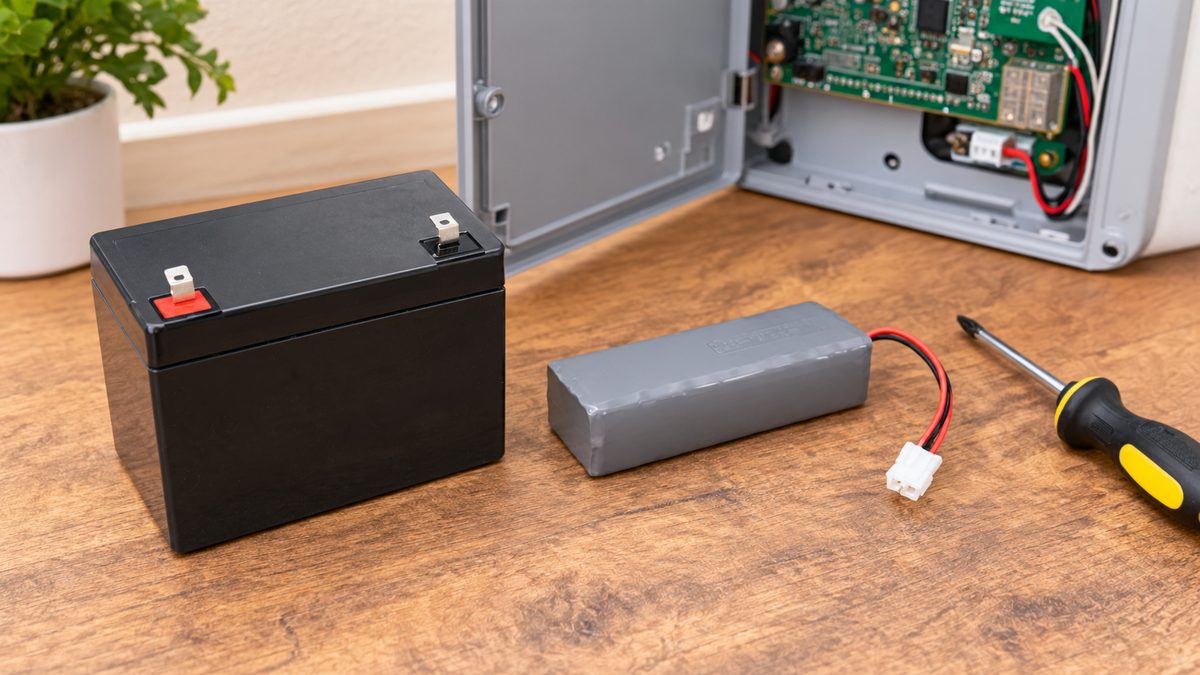
| Vista-20P, 15P, 21iP, 128 (ADT Safewatch Pro) | 12 V 4-7 Ah sealed lead-acid (PS-1240 / PS-1270 / UB1270), F1 tabs | $18-$35 · 3-5 years |
| Lynx Plus L3000 | 7.2 V NiMH pack, Honeywell LYNXRCHKIT-SC | $25-$40 · 3-4 years |
| Lynx Touch L5100, L5200, L5210, L7000 | 7.2 V NiMH pack - LYNXRCHKIT-SC (L5100/L5200) or the higher-capacity LYNXRCHKIT-SHA (L5210/L7000). Check the label on the old pack. | $25-$45 · 3-4 years |
| Lyric LCP500 | 7.2 V NiMH pack, LCP500-4B | $30-$50 · 3-5 years |
| Galaxy Flex / Accenta (UK) | 12 V 2.1-7 Ah sealed lead-acid | £15-£30 · 3-5 years |
| Wireless keypads (5828, 5828V) | 3 × AA (or plug-in adapter) | $5 · 1-2 years |
| Wireless sensors (5816 door, 5800PIR motion, 5800MINI, 5806 smoke) | CR123A (door/motion), CR2032 (mini), 3 × AA (older smokes) | $2-$5 · 3-5 years |
Changing the Vista panel battery: put the system on test with your monitoring company (or disarm it). Open the grey box - leave the transformer plugged in so programming is untouched. Unclip red (+) then black (-), lift the old battery out, seat the new one, connect black first, then red. BAT can stay on for up to 24 hours while it charges; code + 1 twice silences it meanwhile. Step-by-step with photos: Vista battery replacement.
Changing a Lynx Touch / Lyric battery: disarm, then open the panel - L5xxx/L7000 hinge open from the bottom (one screw or a latch); Lyric's back plate releases with a screw at the base. Unplug the small white connector from the board, lift the pack out of its slot, fit the new one, plug in, close. The screen may show Low Battery for a few hours while it charges. Your company may see a tamper signal when the case opens - tell them first.
Changing the battery in a Honeywell alarm keypad: hardwired 6150/6160 keypads have no battery - they run off the panel. If a wired keypad is dead, the panel or its wiring is the problem. Wireless 5828 keypads take AAs behind the back cover.
Low battery came back within weeks? The battery isn't charging. Nine times out of ten it's the transformer (16.5 VAC for Vista, 9 VAC for Lynx/Lyric - $15-$25) or a loose lead, not another bad battery. Replace the transformer before buying a third battery.
Replaced the battery and it's still beeping? Something upstream is failing - we'll help you decide between a transformer, a tech visit, or retiring the panel - call ☎ (888) 207-7106 or get a free assessment.
Comm failure on a Honeywell alarm (FC, Check 103, bF, "Cell Trouble")
Stuck after these steps? Independent help (not ADT or Honeywell): ☎ (888) 207-7106
Comm failure means your siren still works but nobody is being called. The panel tried to report to the monitoring centre and couldn't. Three causes, in order of likelihood in 2026:
- Dead 3G cellular communicator. Carriers shut down 3G/CDMA in 2022. Any Honeywell GSM/CDMA radio (GSMV4G, GSMX, LTE-less Vista modules, early Lynx Touch cellular modules) installed before ~2017 stopped working and reports Check 103 / bF / Cell Trouble permanently. Fix: an LTE communicator ($150-$250 installed) - or a new panel if the company won't do radio-only.
- Phone line or internet down. Older Vista panels dial out over a landline; Lyric and newer Lynx use Wi-Fi. Check the line/router, then clear the trouble.
- Account cancelled or lapsed. If you stopped paying, the communicator was deactivated and the panel keeps trying. Clear it, or have a takeover company re-activate it.
To clear: code + 1 twice (Vista), or tap the banner → Clear (Lynx/Lyric). If it returns within an hour, it's not going to clear on its own. The Check 103 section of the Vista guide walks through the communicator diagnosis and the ADT-specific "radio upgrade vs. new 36-month contract" conversation.
Been told the only fix is a new panel and a new contract? Sometimes true, often not - a $200 LTE radio keeps a working Vista or Lynx going for years. Independent second opinion: call ☎ (888) 207-7106 or get a free assessment.
Honeywell alarm codes: defaults, changing the master code, adding users
Stuck after these steps? Independent help (not ADT or Honeywell): ☎ (888) 207-7106
Every Honeywell residential panel ships with the same two defaults: installer code 4112 and master code 1234. Dealers change the installer code (ADT commonly used 6321 or a branch-specific code) and should change the master - many never did. If your master code is still 1234, change it today.
Vista / Lynx Plus (keypad):
Change master: master code + [8] + [0][2] + new code + new code.
Add user: master code + [8] + user number (03-49) + new code.
Delete user: master code + [8] + user number + [#][0].
Lynx Touch / Lyric (touchscreen): Security → More → Tools → master code → Users. Tap Master to change it, or Add New for a user; you can name users and set a code for each. Lyric also supports a duress code that disarms and silently sends a panic.
Galaxy (UK): manager code + ent → 42 = Codes → choose user → enter new code. Accenta: enter programming with the master (default 0123 on many Accenta Mini / Optima units) - the user guide for your exact model lists the sequence.
"Keys 0-9 locked" / keypad ignoring you: Accenta and Optima lock the keypad for about 90 seconds after several wrong codes - wait, then try again. On a Vista, a keypad that lights up but accepts nothing usually has lost its address or its data wire; on a Lynx, a frozen screen wants a power cycle.
Lost the master code and your installer is gone? There's no owner-level reset without a code - that's the point. Your alarm company can reset it remotely in a minute; a takeover company can default and reprogram the panel. Compare that service-call price with a modern no-contract system before you pay - call ☎ (888) 207-7106 or get a free assessment.
Honeywell alarm system manuals: finding the right one for your panel
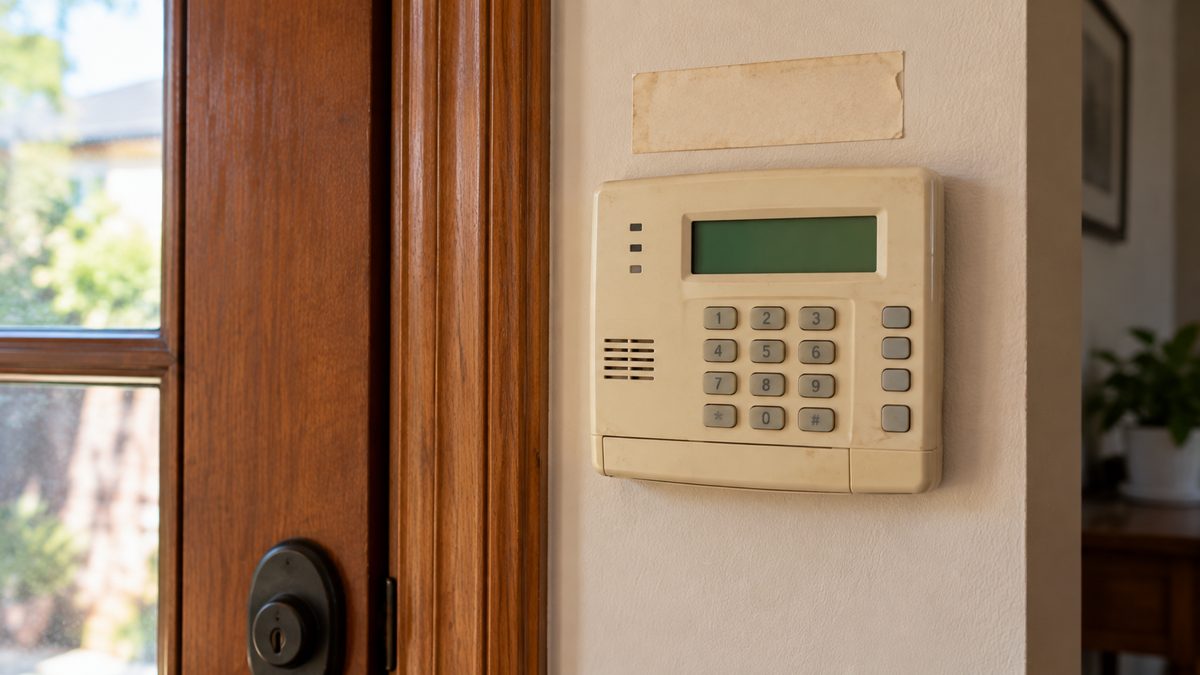
The installer kept the installation manual; the one you want is the user guide, and Resideo still hosts every one as a free PDF. Find your model on the keypad label, the inside of the panel door, or the sticker on the back of a Lynx/Lyric, then search the model number plus "user guide" - it will be the first result on resideo.com or Honeywell's technical library. The ones that cover almost every ADT or dealer install in North America:
- Vista-20P / 15P user guide (also covers Safewatch Pro 3000 / 2000 and the 6150 / 6160 keypads) - the plain-English version is here
- Vista-21iP user guide - same as 20P plus the Ethernet section
- Lynx Plus L3000 user guide
- Lynx Touch L5100 / L5200 / L5210 / L7000 user guides - the L5210 and L7000 manuals are nearly identical
- Lyric Controller user guide (LCP500)
- 6150 / 6160 keypad user guides - mostly the same arming/disarming sequences as the panel guide
- UK: Galaxy Flex / Galaxy 2 user guide; Accenta Mini / Optima Compact user guide
"Old Honeywell alarm keypad" with no model number anywhere? Beige 6128 / 6137 keypads and the grey Ademco 4110 / 4120 panels date from the 1990s. They still work as local alarms, but no LTE communicator will fit them, so they can't be monitored any more. If yours is one of these, the honest answer is replacement - the repair-or-replace guide has the numbers.
Not sure if your panel is worth the trouble? Describe what's on the keypad and we'll tell you - call ☎ (888) 207-7106 or get a free assessment.
Keep, upgrade or replace an old Honeywell alarm in 2026?
- Keep and repair if the only fault is a battery, transformer or one sensor, and the communicator is LTE (or you don't need monitoring). $20-$150.
- Upgrade the communicator only if it's a 3G sunset case and the panel and sensors are fine. $150-$250 plus $15-$30/month with a takeover-friendly company. Vista, Lynx Touch and Lyric all have LTE modules available.
- Add app control - a Vista with an LTE communicator and a Tuxedo keypad, or any Lynx Touch / Lyric with an LTE/Wi-Fi module, works with Total Connect 2.0 for arming from your phone.
- Replace if the board itself has failed, several hardwired zones are faulting, it's a pre-2000 Ademco with no upgrade path, or keeping it monitored means a new 36-month contract. Honeywell 5800-series wireless sensors can usually be re-used on a new Resideo ProSeries or Qolsys panel, so you don't start from zero.
Not sure which bucket you're in? Take the free 60-second assessment or call a specialist at ☎ (888) 207-7106 - independent, no contract pushed.
Frequently asked questions
How do I turn off a Honeywell alarm system?
Enter your 4-digit code and press OFF (1) - twice to clear the trouble memory. On a Lynx Touch or Lyric, tap Disarm and enter your code. With no code, remove power: unplug the transformer and disconnect the backup battery.
How do I reset a Honeywell alarm system?
Soft reset: code + OFF twice. Hard reset: unplug the transformer, disconnect the battery, wait 60 seconds, reconnect battery then transformer - programming is kept. A factory reset needs the installer code and wipes programming; owners rarely need it.
Why is my Honeywell alarm beeping?
Once a minute means a trouble condition - usually a low panel battery (BAT / System Low Battery), AC power loss, a sensor fault (CHECK + zone), or a communication failure (FC). The keypad message tells you which; clear it with code + OFF twice after fixing the cause.
How do I change the battery in a Honeywell alarm?
Vista panels use a 12 V 4-7 Ah sealed lead-acid battery in the metal box: disconnect red then black, connect black then red. Lynx Touch and Lyric use a 7.2 V NiMH pack behind the panel cover with a plug-in connector. Low Battery can show for up to 24 hours while the new one charges.
What does "low battery" mean on a Honeywell alarm?
With no zone name, the panel's backup battery is worn out. With a zone name, that wireless sensor's battery (usually a CR123A) is low.
What is the default code for a Honeywell alarm?
Master code 1234, installer code 4112. Dealers normally change the installer code; many ADT systems used 6321. Change the master code if it's still 1234.
What does comm failure mean on a Honeywell alarm?
The panel couldn't reach the monitoring centre. On systems older than 2017 it's usually a 3G cellular communicator that no longer has a network; the fix is an LTE communicator or a new panel.
Is my ADT alarm a Honeywell system?
Most ADT systems installed before 2020 are: Safewatch Pro 3000 is a Vista-20P, Safewatch Pro 2000 is a Vista-20SE, and many ADT Pulse installs used Vista panels with Tuxedo keypads. ADT Command (2019 onward) is not Honeywell.
Can I use a Honeywell alarm without a monitoring company?
Yes - it works as a local siren. Change the master code, keep the battery fresh, and expect a comm-failure trouble if the panel is still programmed to report; a takeover company can remove that or monitor it for $15-$30/month.
Where do I get a Honeywell alarm manual?
Resideo hosts free user-guide PDFs for every Vista, Lynx, Lyric and Galaxy model. Search your model number plus "user guide".
CompareYourSecurity.com is an independent reviews site and is not affiliated with Honeywell, Resideo, Ademco or ADT. Key sequences are for standard firmware; dealer programming can change them. Put a monitored system on test before working on it. In an emergency, call 911 (999 in the UK).
Still stuck? Our independent specialists are at ☎ (888) 207-7106, or start with the free assessment.