


The short answer
Cycle Delay on a Vivint thermostat is a normal 5-minute compressor pause; if it lasts longer than 15 minutes, change the batteries, re-pair it to the panel and check the furnace has power. Still stuck? Independent help at (888) 207-7106.
"Cycle Delay" means the thermostat is deliberately waiting before it turns your air conditioner or heat pump back on. Compressors can be damaged if they restart within a few minutes of stopping, so every modern thermostat - Vivint's included - enforces a pause of about five minutes. You'll see it after a power blip, after changing the set temperature back and forth, after switching between heat and cool, or after new batteries. If the message clears within five to ten minutes and the system runs, nothing is wrong.
It's a problem when it stays for 15 minutes or longer, keeps coming back, or appears while the house is getting uncomfortable. Then it is almost always one of three things: weak batteries or a missing C-wire so the thermostat keeps browning out and restarting; a lost Z-Wave connection to the Vivint panel so the thermostat is cycling on its own schedule; or the HVAC isn't responding to the call and the thermostat keeps retrying. The sections below go through them in order.
Who to call - two different numbers for two different jobs
Vivint Customer Care: 1-800-216-5232
Vivint's own line. We are not Vivint and cannot access your account. Under the equipment warranty they can replace a faulty thermostat; a service visit may carry a fee.
CompareYourSecurity specialists: ☎ (888) 207-7106
Free second opinion on whether the thermostat, the panel or the HVAC is the fault, and what your options are if you leave Vivint.
This is an independent guide - we are not Vivint, Radio Thermostat or any HVAC company, and we don't repair Vivint equipment. If you'd rather talk it through, call ☎ (888) 207-7106 or take the free 60-second assessment.
Which Vivint thermostat do you have?
Stuck after these steps? Independent help (not Vivint): ☎ (888) 207-7106
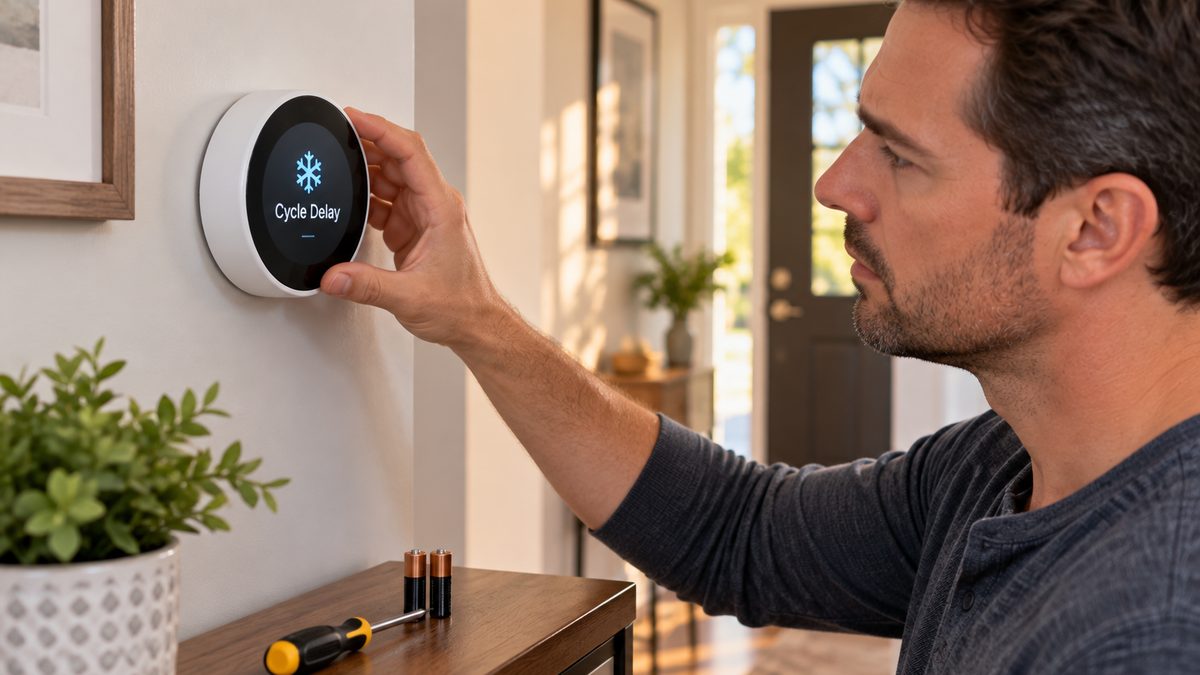
Vivint has installed two very different thermostats, and the fixes differ:
- Vivint Element (2016 onward) - the round, white, glass-fronted one with a dial ring. Designed by Vivint, controlled from the Smart Hub panel and the app. Powered by the C-wire from the furnace, with backup batteries behind the faceplate on most installs.
- Vivint CT100 / CT200 / CT30 (2010-2016, Sky Control era) - the rectangular one with a touchscreen and a Radio Thermostat or 2GIG logo on the back. Runs on 4 × AA batteries if no C-wire is connected - and most of these were installed without one, which is the single biggest cause of cycle-delay complaints.
Pull the thermostat gently off its wall plate (it clips on; no tools) and look at the back for the model and whether there's a wire in the terminal marked C. If there isn't, the thermostat lives on batteries, and everything below about batteries applies doubly.
Not sure which system you need?
Answer a few quick questions and we'll match you with a top-rated provider for a free, no-obligation quote — or compare our top picks yourself.
Cycle Delay stuck for more than 15 minutes: fix it in order
Stuck after these steps? Independent help (not Vivint): ☎ (888) 207-7106
- Wait the full five minutes without touching it. (Cycle delay on a Vivint thermostat is a five-minute compressor-protection pause; the countdown isn't shown.) Every time you change the temperature, switch modes or press the screen, some models restart the countdown. Set the temperature once, then leave it for 10 minutes.
- Change the batteries - even if the screen looks fine. CT100/CT200: pull the thermostat off the plate, 4 × AA, use lithium or fresh alkaline, not rechargeables. Element: lift the faceplate; most have 2 × AA or a small lithium pack as backup (check the label). A thermostat with weak batteries browns out every time the relay clicks, restarts, and goes straight back into cycle delay - which is exactly the loop people describe as "stuck".
- Check the thermostat is actually talking to the panel. On the Vivint panel tap the thermostat tile: if it shows a slash, a question mark or "Device Not Responding", the Z-Wave link is down. Walk to the panel, then go to Menu → Devices → (thermostat) → Repair Network (Smart Hub) or Settings → Z-Wave → Network Rediscovery (Sky Control). Thermostats on the far side of the house from the panel drop out often; a Z-Wave range extender or a plug-in Vivint smart plug halfway between fixes it permanently.
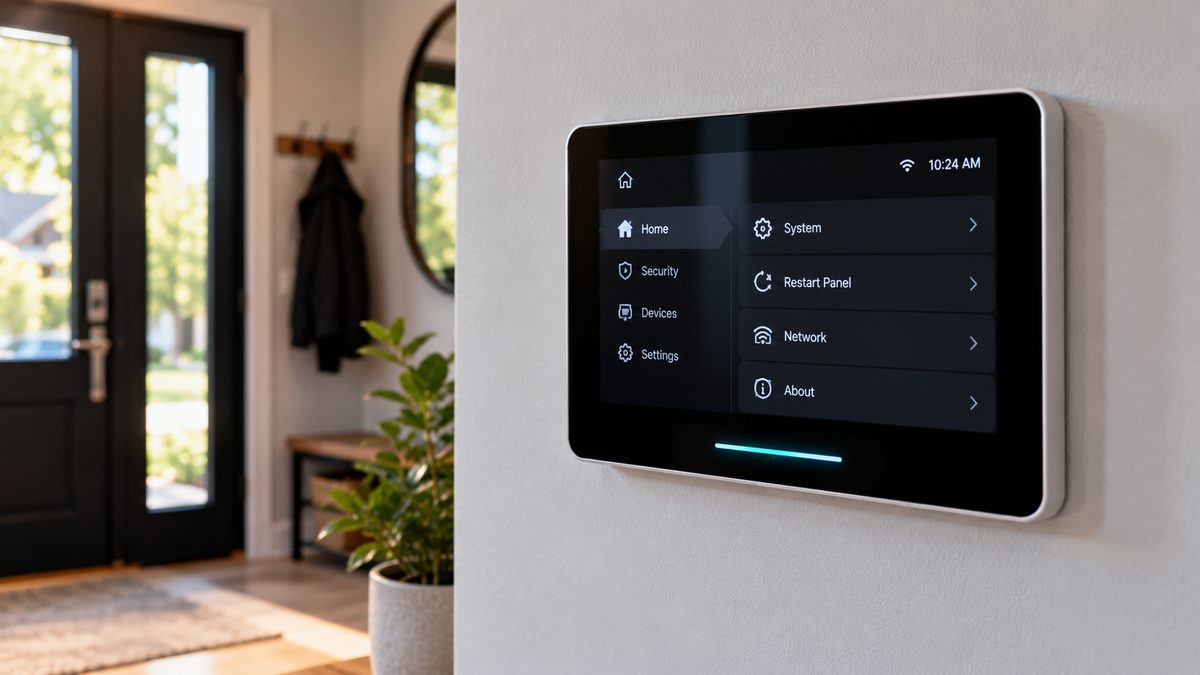
- Reboot the panel. The thermostat can be fine while the panel's Z-Wave radio has hung. Smart Hub: Menu → Settings → (PIN) → Reboot Panel. Sky Control: Menu → Settings → (PIN) → Tools → Reboot. Full steps in the Vivint panel reset guide.
- Reset the thermostat. CT100: pull off the plate for 30 seconds (that is a reboot). Element: hold the centre of the dial for 10 seconds until it restarts, or pull it off the plate. Neither erases the Z-Wave pairing.
- Make sure the HVAC can respond. Go to the furnace or air handler: is the power switch on, is the breaker tripped, is the filter so clogged the system went into high-limit? Is the outdoor unit's disconnect pulled? If the thermostat calls for cooling and nothing happens, it reports a cycle delay and retries. Switch the thermostat to Fan: On - if the blower doesn't start, the problem is HVAC-side, not Vivint.
- Check the wiring. With the thermostat off the plate, confirm every wire is seated: R (or Rc/Rh), Y, G, W, and C if present. A loose Y or R wire gives intermittent cycle delay. If you find no C wire and the problem keeps returning, adding one (an HVAC tech, $100-$200, or a 24 V adapter kit) ends the battery brown-outs for good.
Still cycling after all seven? Either the thermostat's relay has failed (common on 8-10-year-old CT100s) or the HVAC has a fault the thermostat is protecting against. Vivint will swap the thermostat under warranty if you're a current customer; otherwise any Z-Wave thermostat ($80-$150) pairs to a Vivint panel, or, if you're leaving Vivint, you don't need a Vivint thermostat at all. Independent read on which: ☎ (888) 207-7106.
Vivint thermostat offline or not responding in the app
Stuck after these steps? Independent help (not Vivint): ☎ (888) 207-7106
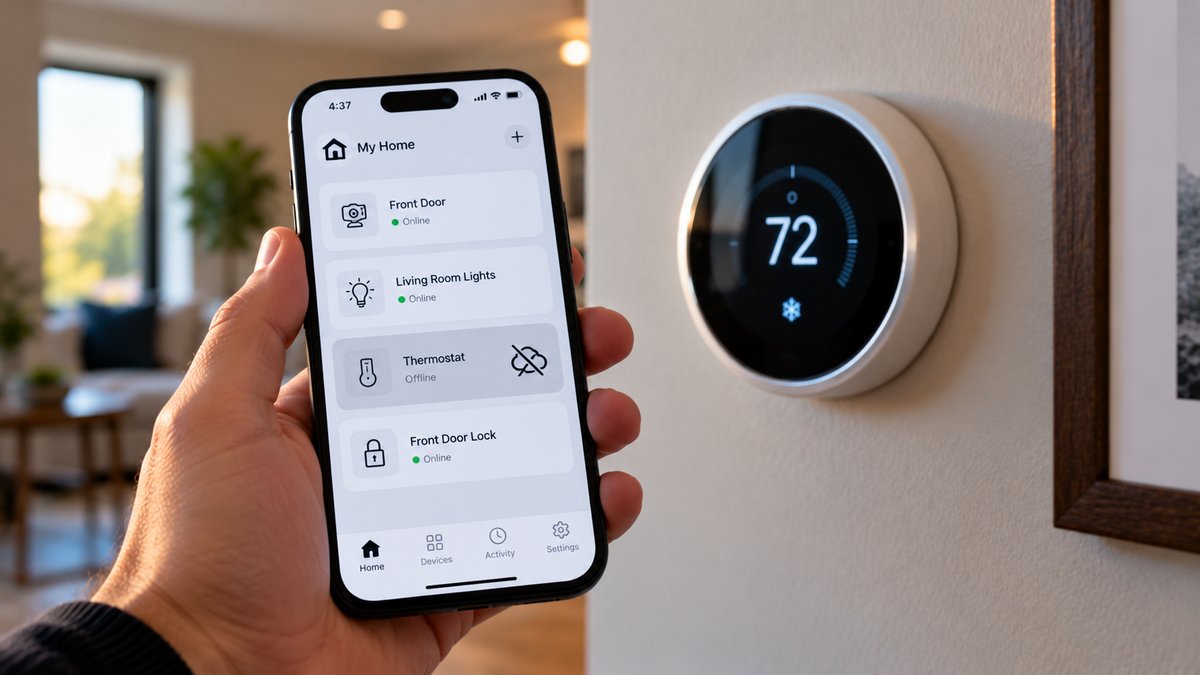
The app talks to the panel, and the panel talks to the thermostat over Z-Wave. "Offline" in the app can mean either link is down:
- Everything is offline in the app (cameras, locks, thermostat) - the panel has lost internet or cellular. Check your router, then reboot the panel. The thermostat itself is probably fine and still controlling the HVAC locally.
- Only the thermostat is offline - the Z-Wave link. Dead batteries are the first suspect (a CT100 on flat AAs drops off Z-Wave before the screen goes blank). Then range: stand at the panel and run the network repair described above. Then re-pair: Devices → thermostat → Remove, then Add Device and follow the on-screen pairing (Element: hold the dial; CT100: press the "Mate" or menu button on the back). Re-pairing wipes schedules, so note them first.
- It shows the wrong temperature or the set point snaps back - the panel's schedule or a "smart" rule (e.g. Vivint's away mode) is overriding you. Check Smart Assistant / Rules in the app and the thermostat's own schedule.
If the thermostat has been offline for days and the panel is in another room, don't keep re-pairing - add a Z-Wave repeater. If you're out of contract and the only reason you keep Vivint is the thermostat, know that it works as a plain thermostat without Vivint at all, and any Z-Wave or Wi-Fi thermostat replaces it. Honest options, no sales pitch: ☎ (888) 207-7106 or the free assessment.
Changing the battery in a Vivint thermostat (Element and CT100)
Stuck after these steps? Independent help (not Vivint): ☎ (888) 207-7106
CT100 / CT200 / CT30: grip the body and pull straight toward you - it unclips from the wall plate. The battery tray on the back holds 4 × AA. Replace all four, same brand, then press the thermostat back onto the plate until it clicks. It restarts, shows the Vivint or Radio Thermostat logo, and may show Cycle Delay for five minutes - that's normal. With a C-wire connected the batteries are backup only but still need changing yearly to stop the low-battery nag on the panel.
Element: pull the outer ring and faceplate gently off the base. Behind it, depending on revision, you'll find 2 × AA or a small lithium pack; the label beside it tells you which. Swap, click the faceplate back on. If your Element has no battery compartment, it's C-wire only and a "low battery" on the panel points at the panel's own battery, not the thermostat.
After changing: the panel's low-battery warning for the thermostat may take up to an hour to clear. If it doesn't clear overnight, the batteries aren't making contact (check the springs) or the thermostat's power circuit is failing.
How often: yearly on a thermostat without a C-wire; every two years with one. Vivint panels warn at about 20% - don't wait for it to go blank, because a thermostat that dies in January leaves the heat off.
Frequently asked questions
What does cycle delay mean on a Vivint thermostat?
The thermostat is waiting about five minutes before restarting the compressor to protect it from short-cycling. It appears after power interruptions, mode changes or temperature changes and should clear on its own within 5-10 minutes. Still stuck after that? Independent help (not the alarm company) is at (888) 207-7106.
How long does cycle delay last on a Vivint thermostat?
Normally 5 minutes, occasionally up to 10. Longer than 15 minutes, or repeating constantly, means weak batteries, a lost connection to the panel, or an HVAC system that isn't responding. Still stuck after that? Independent help (not the alarm company) is at (888) 207-7106.
How do I reset cycle delay on a Vivint thermostat?
You can't skip it, but you can clear a stuck one: pull the thermostat off its wall plate for 30 seconds (CT100) or hold the dial for 10 seconds (Element), put in fresh batteries, and reboot the Vivint panel if the thermostat shows as not responding.
Why does my Vivint thermostat keep saying cycle delay?
Most often because it's running on weak AA batteries without a C-wire and restarts every time the relay clicks. Change the batteries first; if it continues, check the Z-Wave link to the panel and whether the furnace or AC is actually turning on.
Why is my Vivint thermostat offline?
If everything in the app is offline, the panel has lost internet - reboot it. If only the thermostat is offline, it has dropped off Z-Wave: change the batteries, run a network repair from the panel, and re-pair it if needed.
What batteries does a Vivint thermostat use?
The CT100/CT200 uses four AA. The Element uses two AA or a small lithium pack as backup, depending on revision; some Element units are C-wire only with no batteries.
Can I use my Vivint thermostat without Vivint service?
Yes. It keeps working as a normal thermostat from its own screen. You lose app control and schedules run from the panel; any standard Z-Wave or Wi-Fi thermostat can replace it.
Will Vivint replace my thermostat?
For current customers, faulty equipment is covered under Vivint's warranty; a technician visit may carry a service fee depending on your plan. Call Vivint at 1-800-216-5232.
Where is the Vivint Element thermostat manual?
Vivint publishes Element thermostat guides in its online support centre and in the app under the device's help section. The older CT100 manual is published by Radio Thermostat under the CT100 model number; the Vivint-branded version is identical.
How do I change Vivint thermostat settings?
From the Vivint app: Devices → Thermostat → settings gear for schedules, mode, fan and eco settings. On the Element itself, press the centre of the dial for the on-device menu; on the CT100 use the Menu button on the touchscreen. Panel schedules override the thermostat's own.
What is the Vivint thermostat wiring diagram?
Standard 24 V HVAC colours: R or Rc/Rh (red, power), Y (yellow, cooling), G (green, fan), W (white, heat), C (blue or black, common). Heat pumps add O/B. The CT100 and Element both label these terminals on the base plate; a missing C-wire is the usual cause of battery and cycle-delay problems.
What does cycle delay mean on my thermostat?
Cycle delay is a built-in pause, usually five minutes, that stops the air-conditioning compressor restarting too soon after it switches off. It appears after power blips, mode changes or new batteries on Vivint, Honeywell, Nest and most other thermostats. It's a fault only when it stays longer than 15 minutes.
CompareYourSecurity.com is an independent reviews site and is not affiliated with Vivint, Radio Thermostat or 2GIG. Menu paths vary by panel firmware. Turn off power at the furnace before touching thermostat wiring. In an emergency, call 911.
Still stuck? Our independent specialists are at ☎ (888) 207-7106, or start with the free assessment.