
The short answer
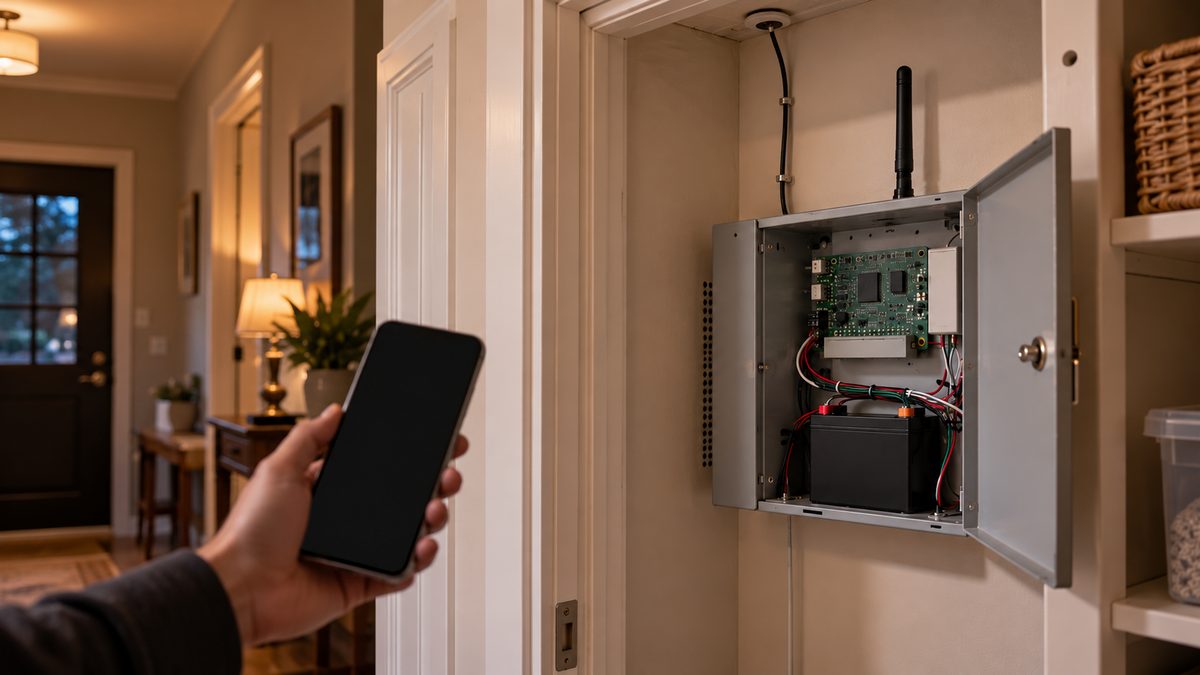
ADT cellular failure means the panel can't reach the monitoring centre; silence it with code + OFF twice, then check power, antenna and whether the radio is 3G. A dead 3G radio can't be reset - talk to an independent specialist at (888) 207-7106.
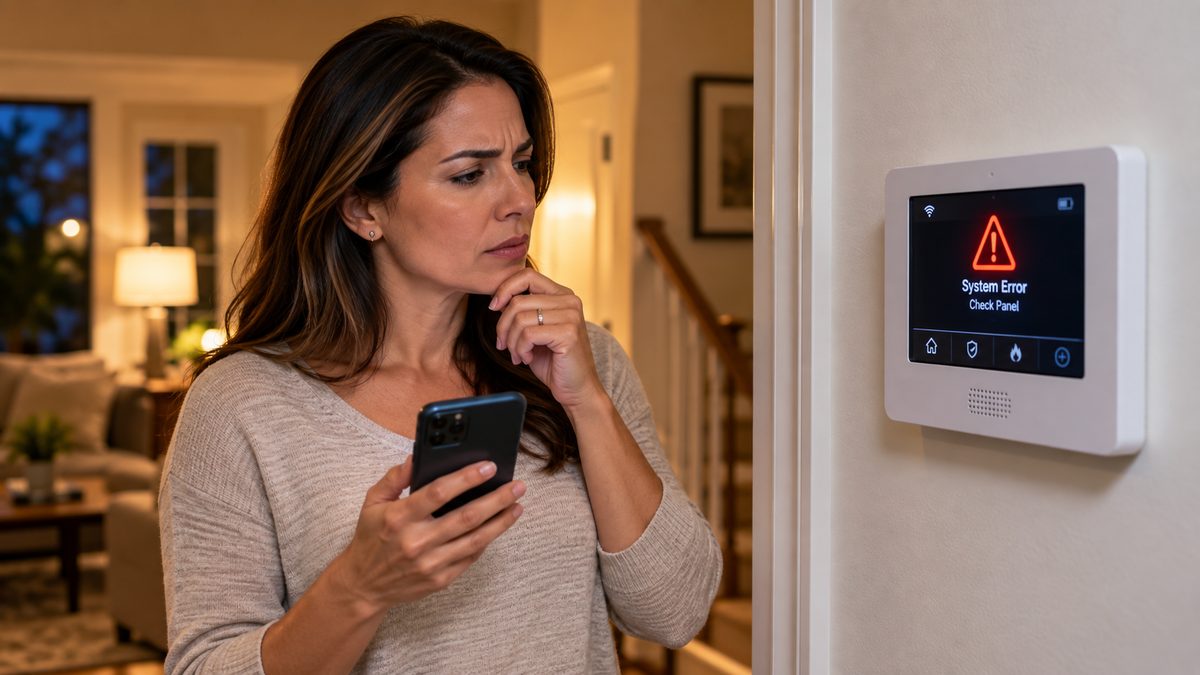
"Cellular Failure", "Comm Failure", "FC", "bF" or "103 Check LngRng Radio" all mean the same thing: your ADT panel tried to send a signal to the monitoring centre and nothing answered. The sensors still work and the siren will still sound, but if someone breaks in right now, nobody gets the alert. On a system installed before about 2017 the most common cause is not a bad night for the cell network - it is a 3G or CDMA radio that lost its network for good when AT&T and Verizon shut those networks down in 2022. That radio cannot be fixed; it has to be swapped for an LTE one or the panel replaced.
Who to call - two different numbers for two different jobs
ADT Customer Service: 1-800-238-2727 (1-800-ADT-ASAP), 24/7
This is ADT's own line. We are not ADT and cannot see your account. Ask them to run a communicator test and tell you the radio model and network.
CompareYourSecurity specialists: ☎ (888) 207-7106
Free second opinion on whether the radio can be replaced for $150-$250, which companies will take over your existing panel, and what a new system should really cost.
Before anything else, two quick checks that cost nothing: look at whether your other devices have cell signal in the house right now, and ask yourself whether the message started right after a power outage, a storm, or work on the house. A failure that started on a specific day and never cleared is a dead radio. One that comes and goes is signal or power.
This is an independent guide. We are not ADT, Honeywell or any alarm manufacturer, and we don't repair ADT equipment. If you want a straight answer on fix-versus-replace, call ☎ (888) 207-7106 or take the free 60-second assessment.
What each message means on your ADT keypad
Stuck after these steps? Independent help (not ADT): ☎ (888) 207-7106
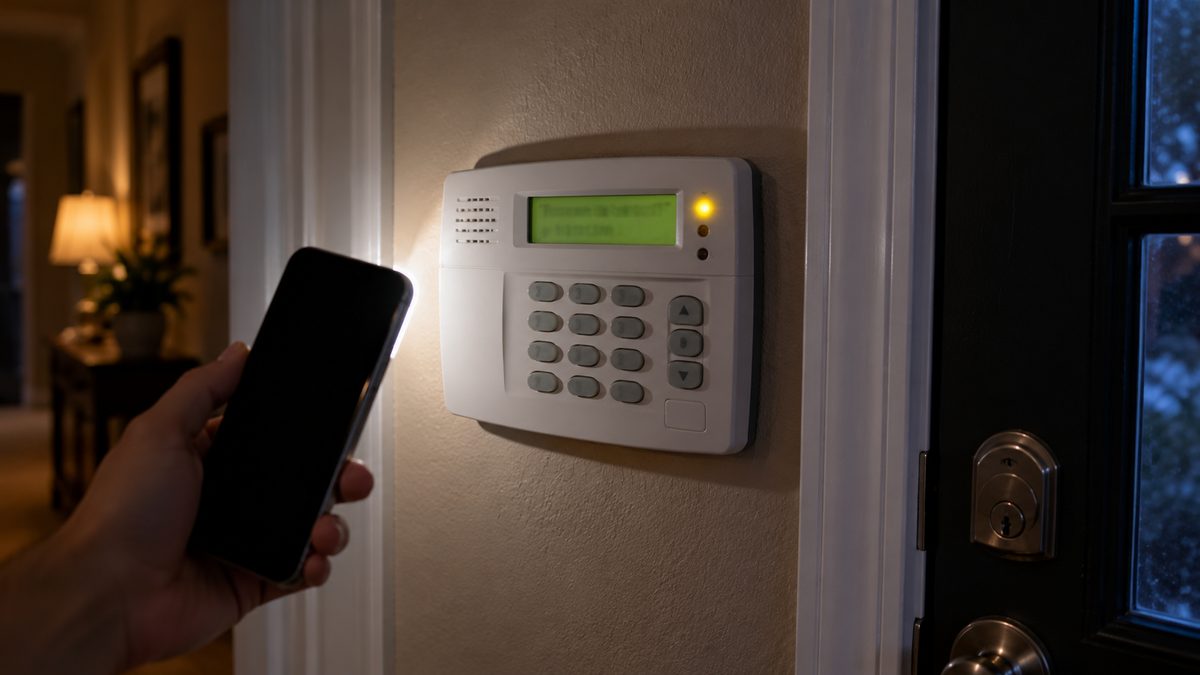
ADT has sold panels from several manufacturers, so the same problem shows up with different words. Find yours:
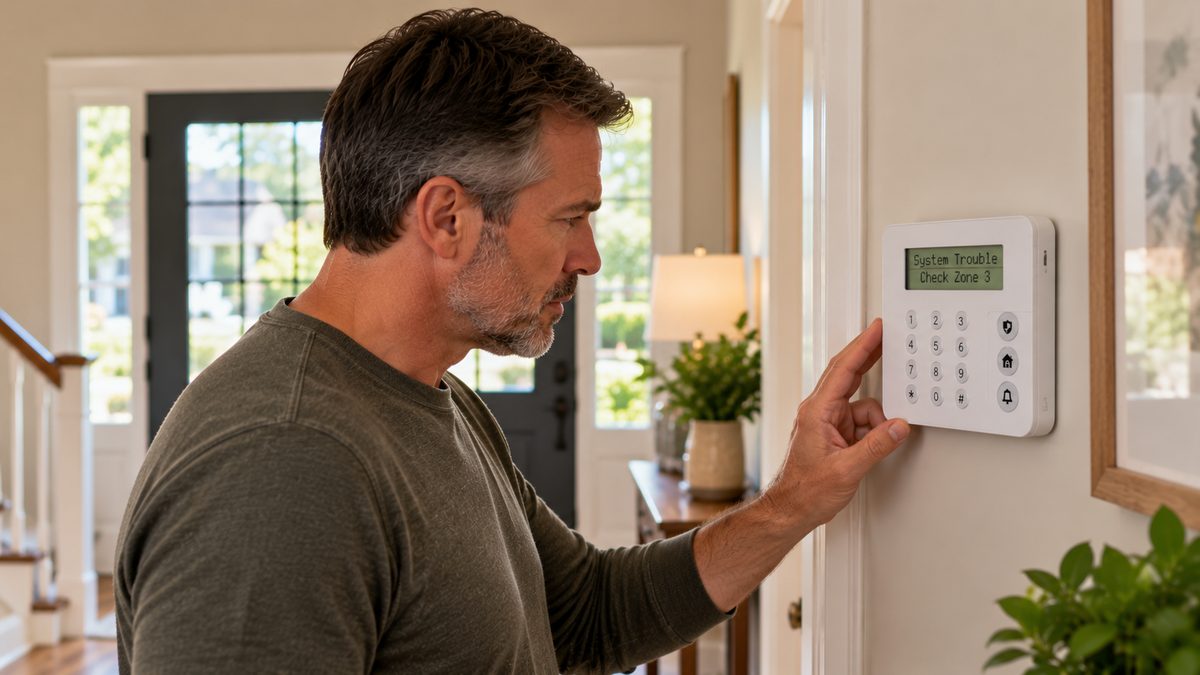
- "103 Check LngRng Radio" / "Check 103" / "LRR trouble" - Honeywell Vista panel (ADT Safewatch Pro 3000, Safewatch Pro 2000, most ADT Pulse installs). Zone 103 is reserved for the Long Range Radio, which is the cellular communicator. The panel polls the radio and the radio isn't answering, or the radio reports it has no network.
- "FC" on a Vista fixed-display keypad (6150, Safewatch keypads) - Failure to Communicate. The panel tried every path it has (phone line and/or radio) and gave up after its retry count. Clears when a signal gets through.
- "bF" (often read as "6F") on a Vista - backup failure: the backup communication path (the radio) failed while the primary (phone line) is still there. Common on older houses that still have a landline wired to the panel.
- "Comm Failure" / "Communication Failure" - Honeywell Lynx Touch or Lyric all-in-one panels, and some ADT Pulse touchscreens. Same meaning as FC.
- "Cellular Failure" / "Cell Trouble" / "Radio Not Responding" - ADT Command (2019 onward) and ADT Pulse touchscreen panels, and DSC-based ADT systems. The cellular module has lost the network or the panel has lost the module.
- "Trouble" light with a steady beep every few hours and no text - older DSC or Napco keypads ADT used in the 1990s and 2000s. Press *2 on a DSC keypad to read the trouble: light 4 is "failure to communicate".
Whatever the wording, three things are true: the beep is a trouble, not an alarm; the panel will keep reminding you (usually every four hours, often at 2 a.m.) until the condition clears; and silencing it does not fix it.
Not sure which system you need?
Answer a few quick questions and we'll match you with a top-rated provider for a free, no-obligation quote — or compare our top picks yourself.
How to stop the beeping right now
Stuck after these steps? Independent help (not ADT): ☎ (888) 207-7106
- Vista / Safewatch (keypad with buttons): enter your 4-digit code + [1] (OFF), then do it again. The first clears the sounder, the second clears the trouble memory. "Check 103" will come back on the display as long as the radio is down, but the beeping stops for the next cycle.
- Lynx Touch / Lyric / ADT Pulse touchscreen: tap the yellow or red trouble banner, then Clear or Acknowledge, and enter your code.
- ADT Command: tap the warning triangle at the top, read the trouble, tap Acknowledge. In the ADT Control app the same trouble appears under System → Issues.
- DSC (ADT's older wireless systems): press # to silence, or *2 then # after reading the trouble.
If you want it quiet until someone can look at it, most panels let you silence the trouble chime permanently in user settings (on Vista that's an installer setting, so ADT has to do it). Do not disconnect the backup battery to stop the noise - the panel will add a low-battery trouble on top and you'll lose the siren if the power fails. Not sure whether the radio can be saved? Independent help (not ADT) at (888) 207-7106.
Alarm actually going off, not beeping? That's different - see the ADT troubleshooting hub. Still can't get it to stop? Independent help at ☎ (888) 207-7106.
The five causes, from most to least likely on an old system
Stuck after these steps? Independent help (not ADT): ☎ (888) 207-7106

1. The radio is 3G or CDMA and its network no longer exists. AT&T switched off 3G in February 2022; Verizon shut CDMA at the end of 2022; T-Mobile and Sprint's older networks went the same year. Every alarm communicator built on those networks - Honeywell GSMV, GSMX, GSMVLP, iGSMV; Telguard TG-1 Express 3G; DSC GS3060, TL260GS; Alarm.com 3G modules in ADT Pulse - went permanently silent. ADT ran a replacement programme, but it relied on customers responding to letters and calls, and plenty of panels in spare rooms and rental properties were missed. If your system is from 2017 or earlier and the trouble started in 2022 and never cleared, this is it. No reset will fix a radio whose network is gone.
2. Power interruption. After a power cut the radio takes a few minutes to re-register on the network, and some Vista panels log a 103 trouble in the meantime. If the message appeared after an outage, wait 30 minutes, then clear it with code + OFF twice. If it comes back within a day, move on to the next causes. (Full guide: ADT alarm after a power outage.)
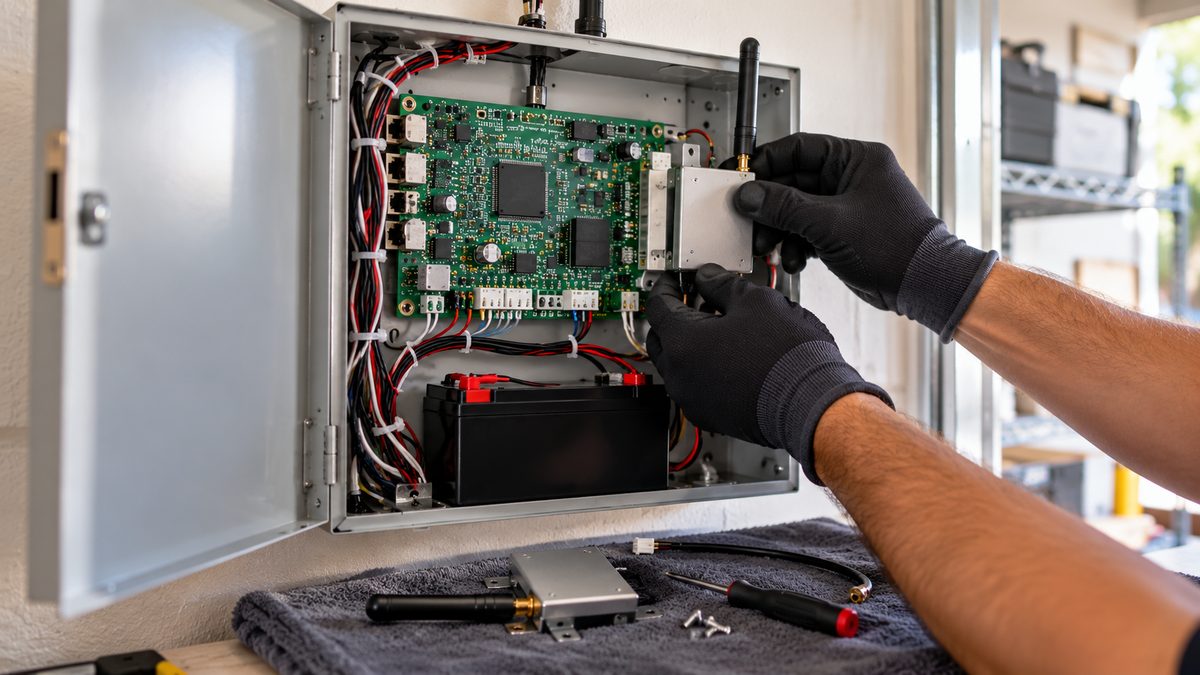
3. Antenna or cable. The radio in a Vista box has a small antenna, sometimes on a lead to the top of the closet or the attic. Renovation, a new water heater, or a cable installer leaning on it can unplug or crush it. Open the box (put the system on test first - see below) and check that the antenna connector is screwed on and the cable isn't pinched. On a Lynx or Lyric the antenna is internal, so skip this.
4. Weak signal in the panel's location. Panels live in closets, basements and garages - the worst places for cell reception, and reception that was fine in 2010 can fade as carriers move towers and frequencies. The fix is an external antenna kit ($30-$60) or moving the communicator, not a new system.
5. The radio or panel board has failed. Capacitors and backup batteries age; a Vista board from 2005 that has been through a hundred power cuts can lose the serial connection to its radio. If ADT (or an independent tech) confirms the radio is LTE and has signal but the panel still shows 103, the board is suspect.
How to find out which radio you have: the model is printed on a label on the module itself inside the panel box, or on the bottom of a Lynx / Lyric. Anything with "3G", "GSM", "CDMA", "HSPA" or a model ending in "V", "X", "VLP" or "GS" is an old network. LTE radios say "LTE", "LTE-XA", "LTEM", "LTEIA" or "CAT-M". If you don't want to open the box, ADT can read it from their end: ask them which network your communicator is on.
How to test whether your ADT system is actually communicating
Stuck after these steps? Independent help (not ADT): ☎ (888) 207-7106
Don't guess. A ten-minute test tells you whether the monitoring centre is receiving anything at all.
- Put the system on test. Call ADT (1-800-238-2727) or use MyADT.com → My Alarm → System Test, and put the account on test for one hour. This stops a police dispatch while you work.
- Trip a signal. Arm the system, wait for the exit delay to finish, open a door, let it go into alarm for 30 seconds, then disarm. On a Vista you can instead enter code + [5] (TEST) to walk-test, but a real alarm signal is a better test of the radio.
- Check receipt. Ask the ADT agent whether the alarm and the restore both arrived, and by which path (cell or phone line). On MyADT the Alarm History page shows received signals within a few minutes.
- Read the result. Signals received: the radio works and your "failure" was a temporary condition - watch for it to recur. Nothing received: the communicator is dead or has no network, and the system is not protecting you until that's fixed.
If you are no longer an ADT customer and the panel is still programmed to call ADT, it will keep failing forever, because ADT's receiver ignores closed accounts. The options are a takeover company that re-points the radio to their centre, or disabling reporting so the panel works as a local siren without the trouble. Independent read on which makes sense for you: ☎ (888) 207-7106.
The fixes and what they cost (ADT, independent, or do nothing)
Stuck after these steps? Independent help (not ADT): ☎ (888) 207-7106
| Situation | Fix | Typical cost |
|---|---|---|
| ADT customer, radio is 3G/CDMA | ADT installs an LTE communicator. Many customers got this free during the sunset; ask - if they quote a fee, ask for it to be waived as a retention offer. | $0-$150 + possible contract extension |
| ADT customer, radio is LTE, signal weak | External antenna or relocation by an ADT tech | Service call $59-$99 unless you have the QSP plan |
| Out of contract, Vista / Lynx / Lyric / 2GIG panel | Independent alarm company adds an LTE communicator and monitors the existing system | $150-$250 equipment, $15-$30/month, often no contract |
| Out of contract, ADT Pulse or Command panel | Pulse and Command are locked to ADT's platform; a takeover company replaces the panel but re-uses most sensors | $200-$500 new panel; sensors re-used |
| Don't want monitoring at all | Have a tech disable reporting (or do it yourself with the installer code) so the siren works locally without the trouble | $0-$99 |
| Panel board itself has failed | Replace the panel; most Honeywell 5800-series and DSC wireless sensors can be re-learned to a new Qolsys or Resideo panel | $300-$700 installed |
The trap to avoid: a "free" new system from any company that comes with a 36- or 60-month monitoring contract at $45-$60 a month. Over the term that's $1,600-$3,600 for what is often a $200 radio swap. Get the radio price on its own first, then decide.
Want someone who doesn't sell either option to tell you which bucket you're in? Call ☎ (888) 207-7106 - independent, free, no system pushed - or start with the free assessment. Thinking about leaving ADT entirely? Read how to cancel ADT without paying the fee first.
Frequently asked questions
What does cellular failure mean on an ADT alarm?
The panel's cellular communicator could not reach ADT's monitoring centre. The system still arms and the siren still sounds, but alarms are not being reported until the trouble clears. Still stuck after that? Independent help (not the alarm company) is at (888) 207-7106.
What does "103 Check LngRng Radio" mean?
On Honeywell Vista panels (ADT Safewatch Pro), zone 103 is the long range radio - the cellular module. "Check 103" means the panel has lost contact with the radio or the radio reports no network. On systems older than 2017 it usually means a 3G radio whose network has been shut down. Still stuck after that? Independent help (not the alarm company) is at (888) 207-7106.
How do I stop my ADT alarm beeping for cellular failure?
Enter your code and press OFF (1) twice on a Vista keypad; tap the trouble banner and Acknowledge on a touchscreen; press # on a DSC keypad. The beep returns every few hours until the communication problem is fixed.
Can I fix ADT cellular failure myself?
You can rule out power (wait 30 minutes after an outage) and check the antenna connector inside the panel. A radio on a shut-down 3G or CDMA network cannot be fixed; it has to be replaced with an LTE communicator by ADT or an independent alarm company.
Why did my ADT system start showing comm failure in 2022?
AT&T shut its 3G network in February 2022 and Verizon ended CDMA in December 2022. Alarm radios built for those networks lost service permanently. If yours was never upgraded, the trouble has been showing since then.
Does ADT charge to replace a 3G communicator?
During the 2022 sunset ADT replaced most radios free for active customers. Today policies vary; some customers are quoted $100-$150 or asked to extend their contract. Ask for a waiver, and compare it with an independent LTE swap at $150-$250 with no long contract.
Will my old ADT system work without the cellular radio?
As a local alarm, yes - sensors, keypad and siren keep working. Nobody is notified, and the panel will show the communication trouble until reporting is disabled or a working radio is fitted.
Can another company monitor my ADT system?
If it's a Honeywell Vista, Lynx, Lyric, DSC or 2GIG panel, usually yes - a takeover company fits its own LTE communicator. ADT Pulse and ADT Command panels are locked to ADT, so those need a new panel, though most sensors can be re-used.
What does "long range radio trouble" mean on an ADT security panel?
Same as Check 103: the Vista panel's long range radio (the cellular communicator) isn't responding or reports no network. Silence with code + OFF twice; the fix is power, antenna, or an LTE radio swap if the module is 3G.
What does the FC code mean on an ADT alarm?
FC is "Failure to Communicate" on Honeywell/ADT fixed-display keypads: the panel tried all its reporting paths and nothing got through. It clears on its own once a signal is received, and keeps returning while the radio or phone line is down.
What does 6F mean on an ADT alarm?
It's almost always "bF" - backup failure - misread on the seven-segment display. The backup path (the cellular radio) failed while the primary path still works. Treat it exactly like Check 103 or cellular failure.
What is a cellular communicator for an alarm system?
A small radio module inside or beside the panel that sends alarm signals over the mobile network instead of a phone line. Modern ones are LTE; 3G and CDMA units stopped working in 2022. An alarm system cellular communicator costs $150-$250 installed by an independent company.
What is cellular failure on an ADT alarm?
Cellular failure means the panel's cellular communicator could not reach ADT's monitoring centre. Arming, disarming and the siren still work, but alarms aren't being reported. On panels installed before 2017 the usual cause is a 3G or CDMA radio whose network was shut down in 2022 and must be replaced with LTE.
What does "System code 103 Check Long Range Radio" mean on my ADT alarm?
On Honeywell Vista panels (ADT Safewatch Pro), zone 103 is the long range radio - the cellular module. The message means the panel can't talk to the radio or the radio has no network. Silence it with code + OFF twice; if it returns, the radio needs power, an antenna check, or an LTE replacement.
CompareYourSecurity.com is an independent reviews site and is not affiliated with ADT, Honeywell, Resideo, DSC or any alarm manufacturer. Key sequences are for standard firmware; dealer programming can change them. Put a monitored system on test before working on it. In an emergency, call 911.
Still stuck? Our independent specialists are at ☎ (888) 207-7106, or start with the free assessment.